Printing and sharing media files
E-mailing media files
141
E-mailing media files
You can share your photos and other media files with friends and family by
e-mail.
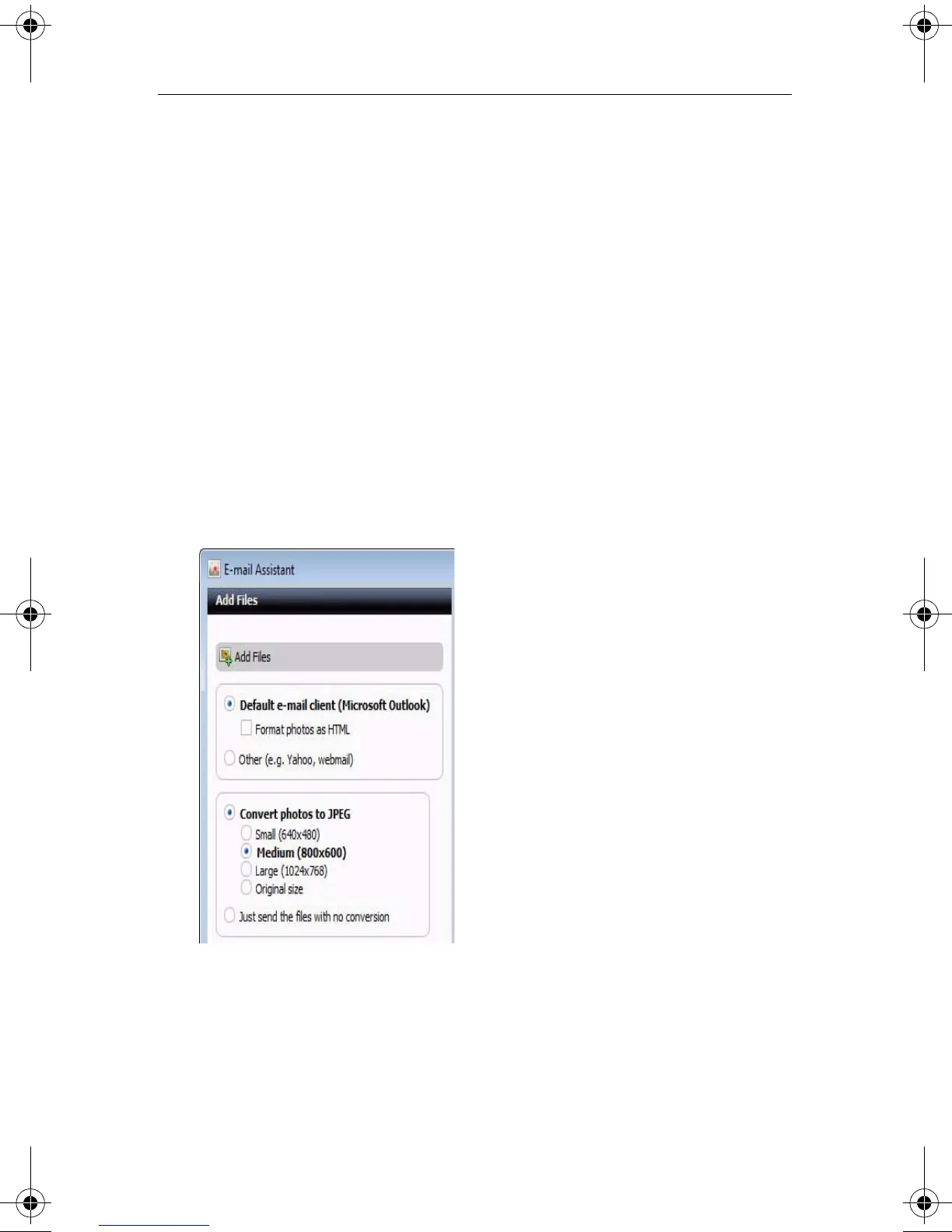
Using the E-mail Assistant, you can e-mail photos individually, either as an
attachment or in the body of an HTML-formatted e-mail message (if your
e-mail program supports HTML-formatted messages), or you can send
your photos packaged in a slideshow.
To e-mail your files:
1 From Roxio Home, select the Photo project tab and choose Email.
or
On the PhotoSuite or Media Manager tool bar, click E-mail.
2 To add media files to be e-mailed, follow these steps:
a Click Add Files.
The Add Files dialog box appears.
b Browse to and select the files to be added.
C12_UserGuide.book Page 141 Friday, July 31, 2009 9:21 AM



 To Next Page