Watching movies
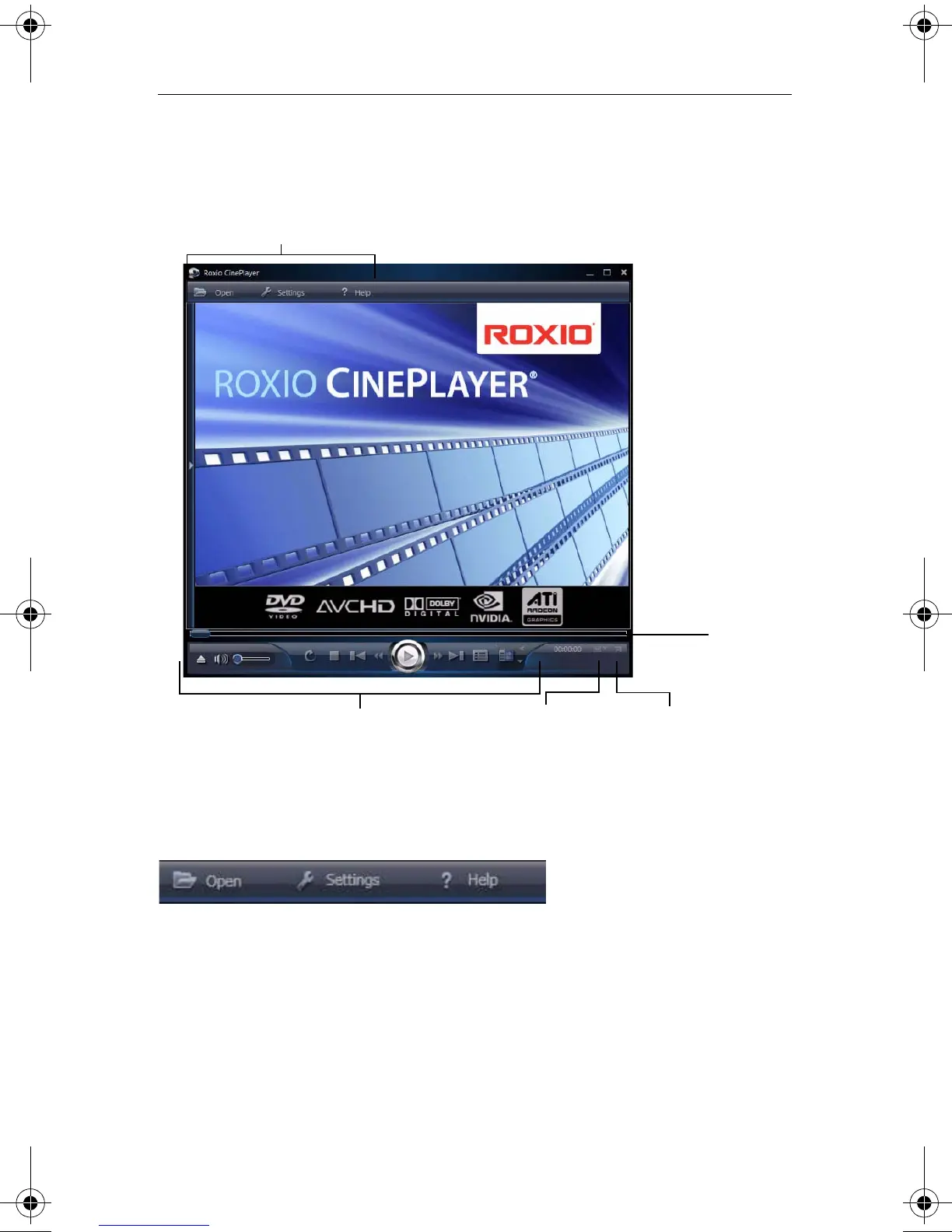
Getting to know CinePlayer
173
Getting to know CinePlayer
CinePlayer buttons
Use the following buttons to navigate through CinePlayer.
Open lets you browse to select video files or folders.
Click Settings to choose general applications options, video and disc
settings, as well as playback, language, and audio options. For more
information about the available settings, click Help or press F1 in the
settings dialog box.
Full-
screen
Eject Disc, Volume, playback controls,
Disc Menu, and disc settings buttons
CinePlayer buttons
Change video
scaling
Seek bar
C12_UserGuide.book Page 173 Friday, July 31, 2009 9:21 AM



 To Next Page