Importing media files
Starting Media Import
39
Starting Media Import
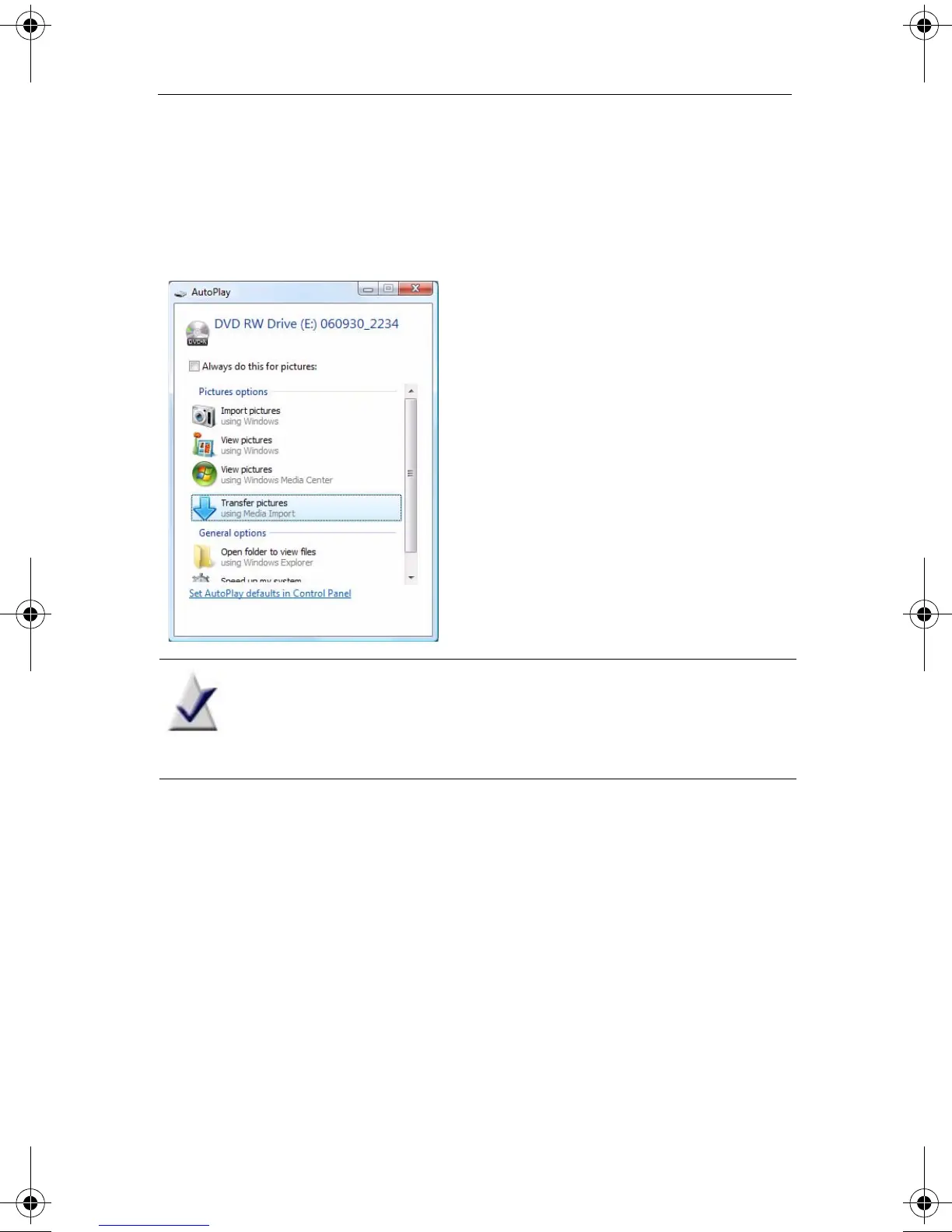
When you connect a device or insert a disc containing media files,
Microsoft Windows prompts you to select the application to use:
Note This dialog does not appear if you have already
selected an application to use with this device, and if
you selected Always do this... .
Tip: Media Import can also be opened from Roxio Home. To transfer
photos, click the Photo project category, then click Import Photos. To
capture video, click the Video - Movies project category, then click
Capture Video.
C12_UserGuide.book Page 39 Friday, July 31, 2009 9:21 AM



 To Next Page