11
BASIC OPERATIONS
POWER UP
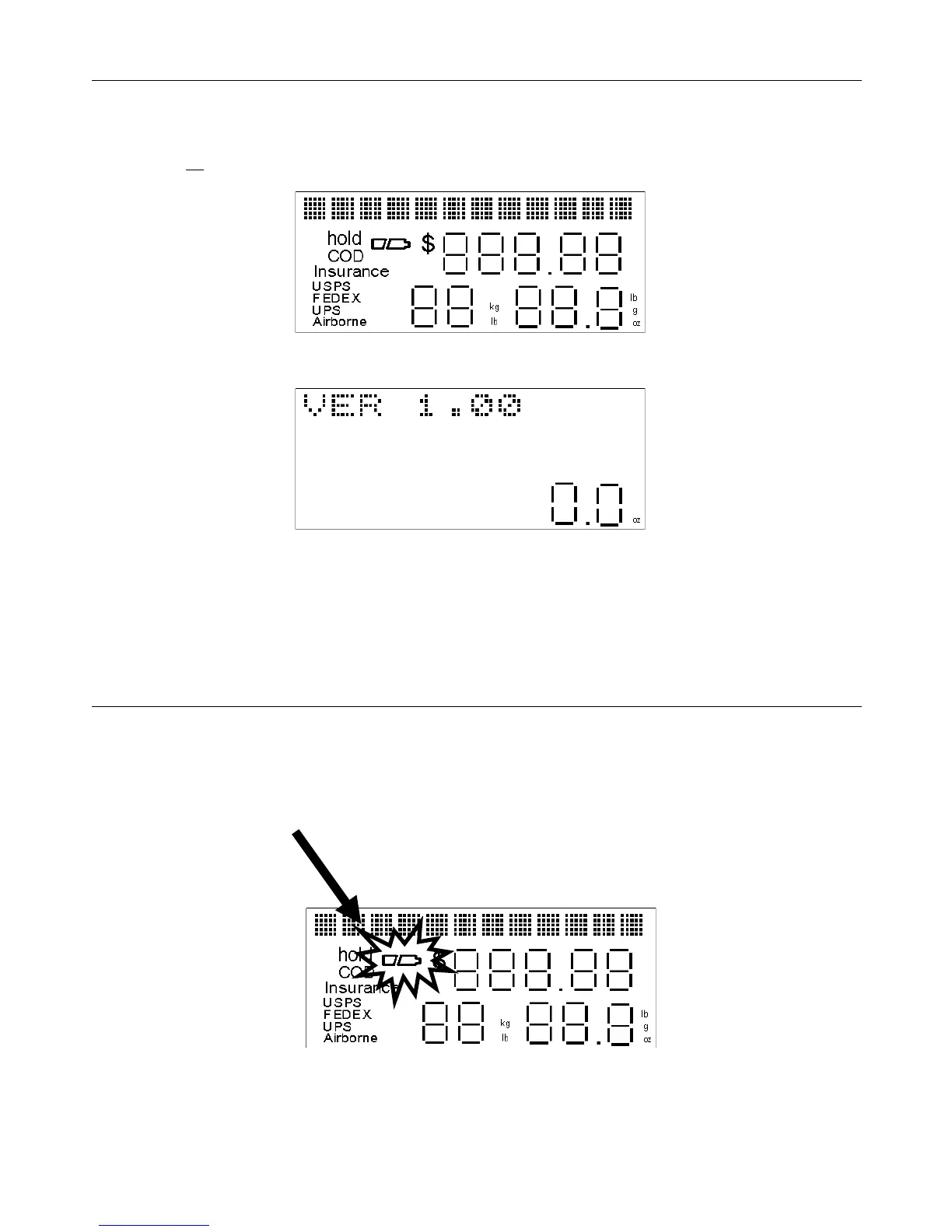
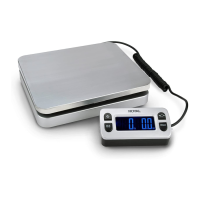
• Press the on key. All display segments will be displayed for 1 second.
The internal software version number will then be displayed for 2 seconds.
Do not place anything on the scale platform during this time.
LOW BATTERY WARNING
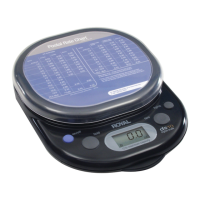
The “LOW BATTERY” icon will turn on when the battery power is low. Replace the two 9-volt batteries as soon as possible, or
switch to using the AC adapter. The scale will not lose any zip code, zone, rate or other carrier information from memory during
battery replacement or when switching from battery power to AC power and visa versa.


 To Next Page