12
UNIT OF MEASURE
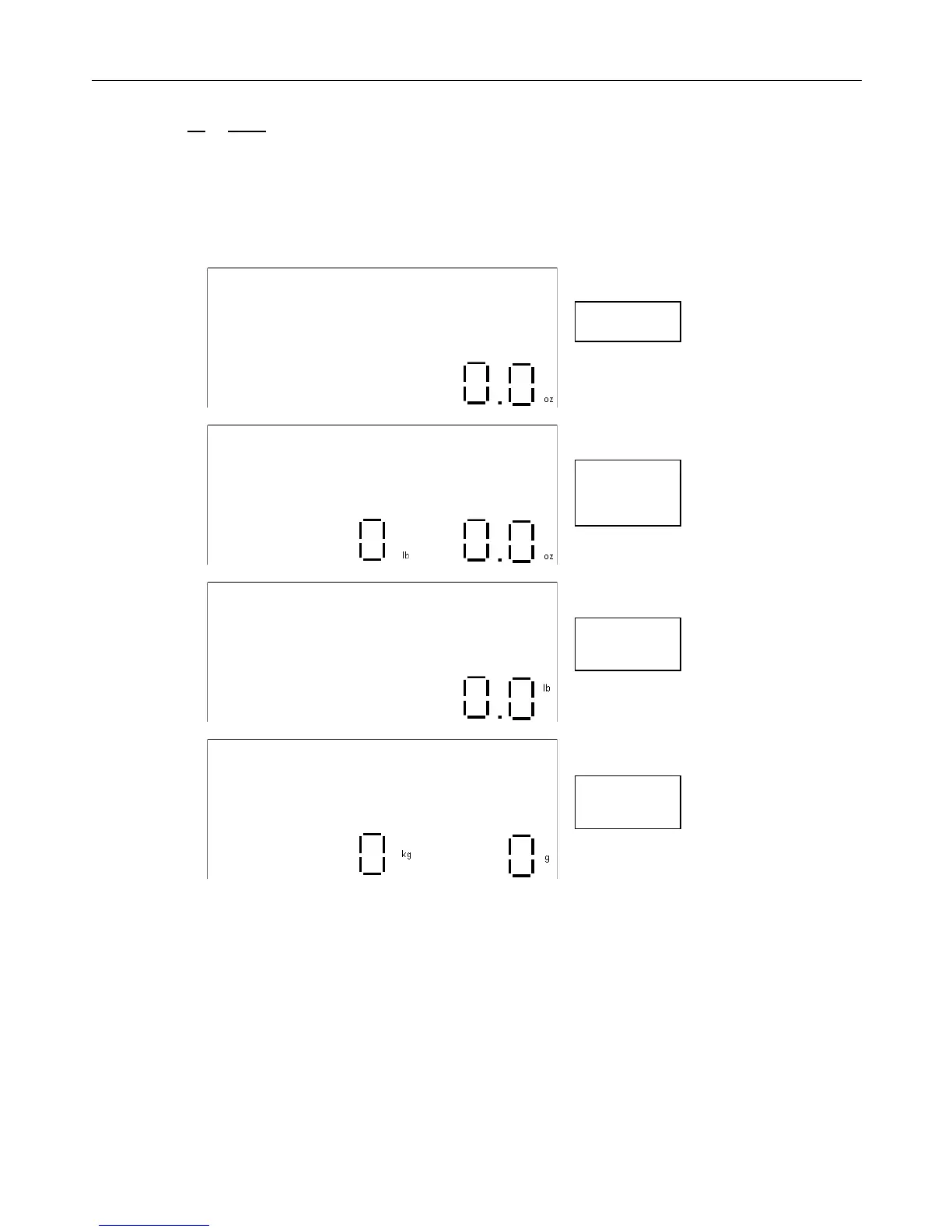
• Press the up or down arrow keys to scroll through the various units of measure. The scale can display a weight
in either pounds or metric: 0.0oz, 0lb 0.0oz, 0.0lb, or 0kg 0g.
The unit of measure can be changed at any time: while the display shows zero with nothing on the scale platform,
after an item has been placed on the platform and the weight is already displayed, or even after the “hold” function has
been activated.


 To Next Page