13
WEIGHING AN OBJECT
Once the scale reads zero, either after being first turned on or after removing a weight previously on the platform, an
item or weight may be placed on the scale platform and the stable weight value will show within 1.5 seconds.
The unit of measure can be changed at any time by pressing the up or down arrow keys (see UNIT OF MEASURE
section for more information).
TARE FUNCTION
• While the scale is stable, press the 0 / tare key to reset the scale to a weight of zero. The tare function works for
weight only.
The tare (zero) function allows the measurement of the net weight of an item using a container or box.
• To tare the weight of a container, place the container or box on the scale. Once the weight reading of the
container or box is stable, press the 0 / tare key to reset the scale to a weight reading of zero. Then add the item
to be weighed into the container or box. The scale will read the item’s weight, excluding the weight of the
container or box.
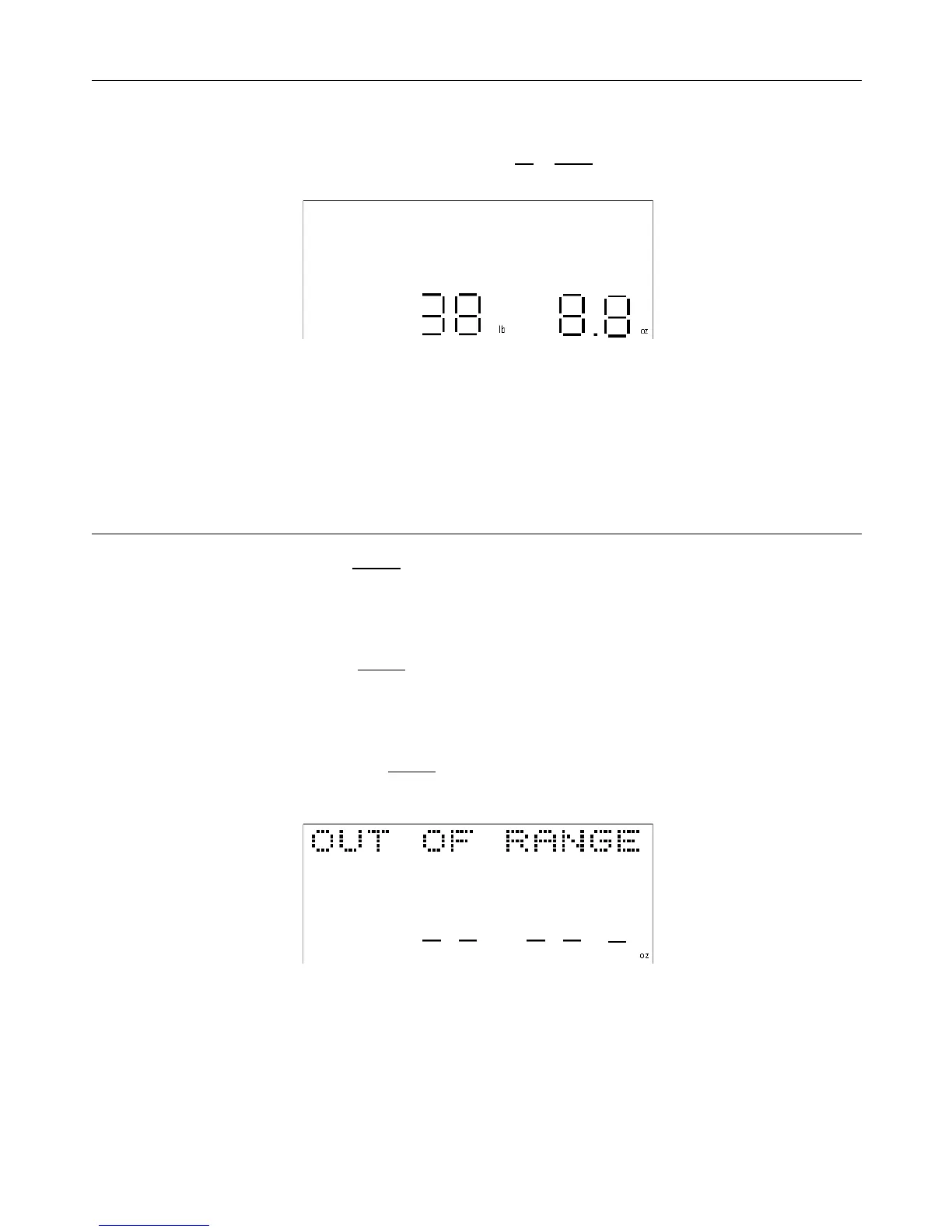
• If the “hold” function was not enabled, the scale should return to a default weight reading of zero once the item is
removed from the container or box. Removing the container or box itself (the tared weight) will result in the scale
displaying “OUT OF RANGE”. Press the 0 / tare key to reset the weight reading to zero.


 To Next Page