23
ADDING SERVICES
Once the shipping rate or price has been determined, then optional services may be added to determine the total price
of shipping the parcel, including such services.
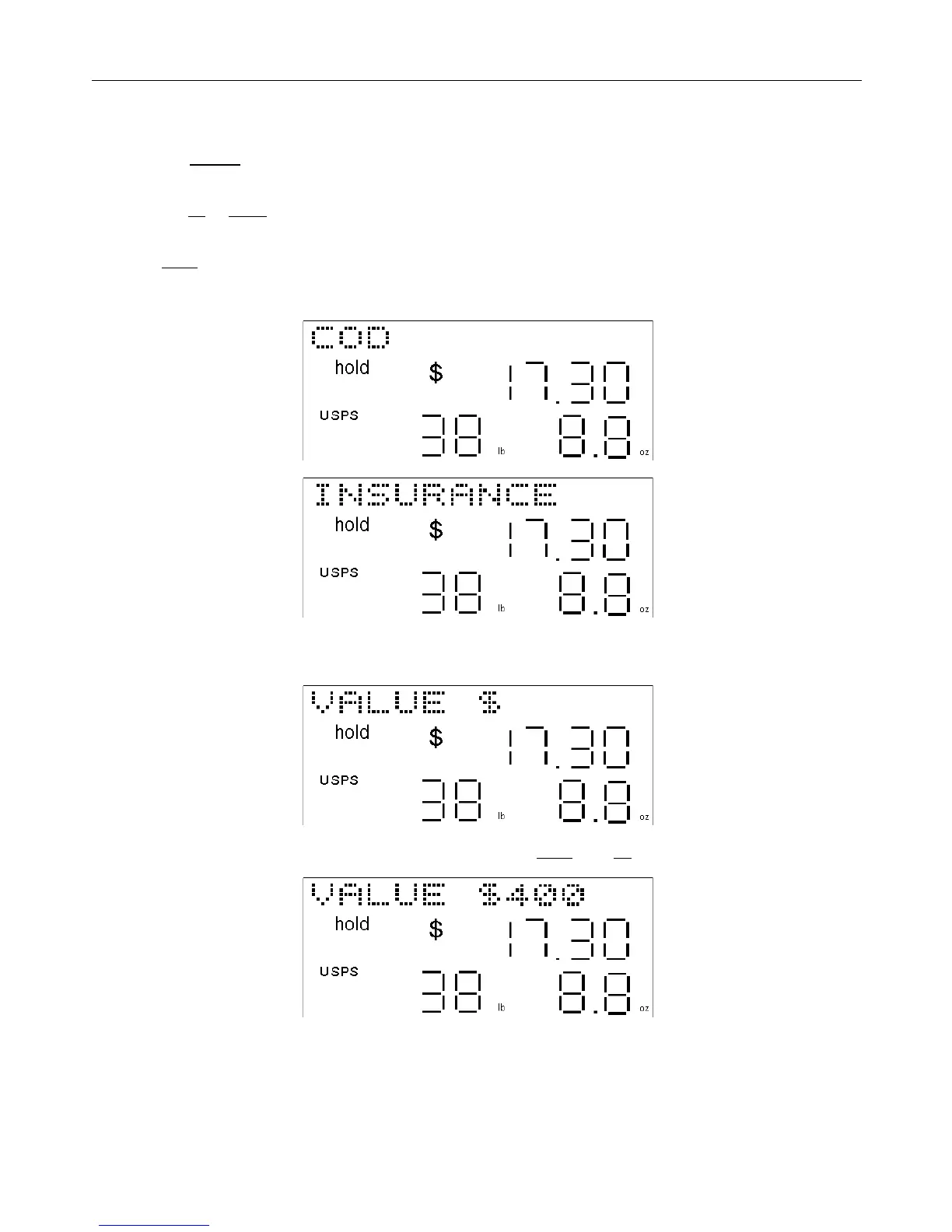
• Press the service key. If any additional services are available, one will be shown on the display, for example
“COD” or “INSURANCE”.
• Press the up or down arrow keys to scroll through the various additional services available from that carrier and
for that shipping method.
• Press enter when the desired service is displayed. If “COD” is selected, then the “COD” icon will be displayed, or
if “INSURANCE” is selected, then the “Insurance” icon will be displayed. The other services, if selected, do not
have a dedicated icon on the scale display.
If the fee is dependant on the value of the parcel being shipped, such as for insurance, then the scale will ask for the
value of the parcel.
• Enter the numeric value of the parcel in whole dollars and press enter. The up arrow key functions as backspace.
If the value entered is too large, it will display “VALUE ERROR” for one second then go back to the service selected.



 To Next Page