Page 41 07/2018
6.3 Run Mode (RUN)
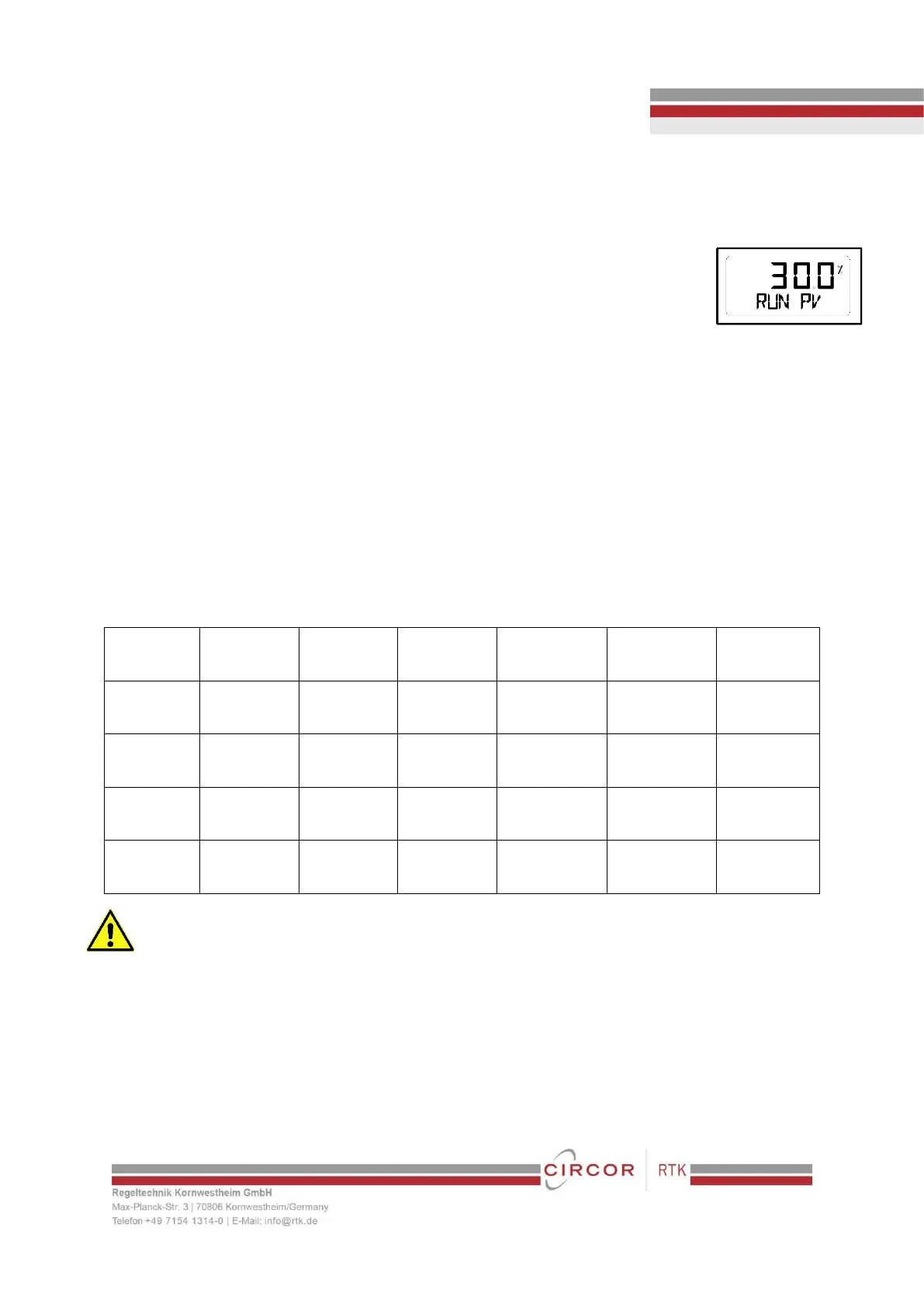
After power connection to the positioner, Run Mode will be appeared on positioner’s LCD
screen within 6 seconds. “RUN” indicates that the positioner adjusts the valve stroke
according to the receiving signal. There are six types of display message in “RUN” Mode.
9. Run PV: Process Value - valve stroke %
10. Run SV %: Set Value – input signal 0~100%
11. Run SV mA: Set Value – input signal 4~20mA
12. Run MV: Manipulate Valve – Motor Manipulate Value (digit)
13. Run Vel: Velocity – Current valve stem’s velocity (digit)
14. Run Err: Error – Difference between SV and PV (%)
To change display, push <ESC> + <UP> buttons at the same time. The display will change in the order indicated above. If
<ESC> + <DOWN> pushed, the order will be appeared in opposite order. By pressing <ESC>, the display will return to “RUN”
mode.
6.3.1 Auto Calibration (AUTO CAL)
Auto Calibration (AUTO CAL) automatically calibrates the positioner. “AUTO CAL” process takes about 2~3 minutes, and the
duration of the process varies upon the size of the actuator. There are 3 types of AUTO CAL.


 To Next Page