40 en | Basic Operation DBP Digital Beltpack
2021-06 | 01 | F.01U.380.825
Technical Manual
Bosch Security Systems, LLC
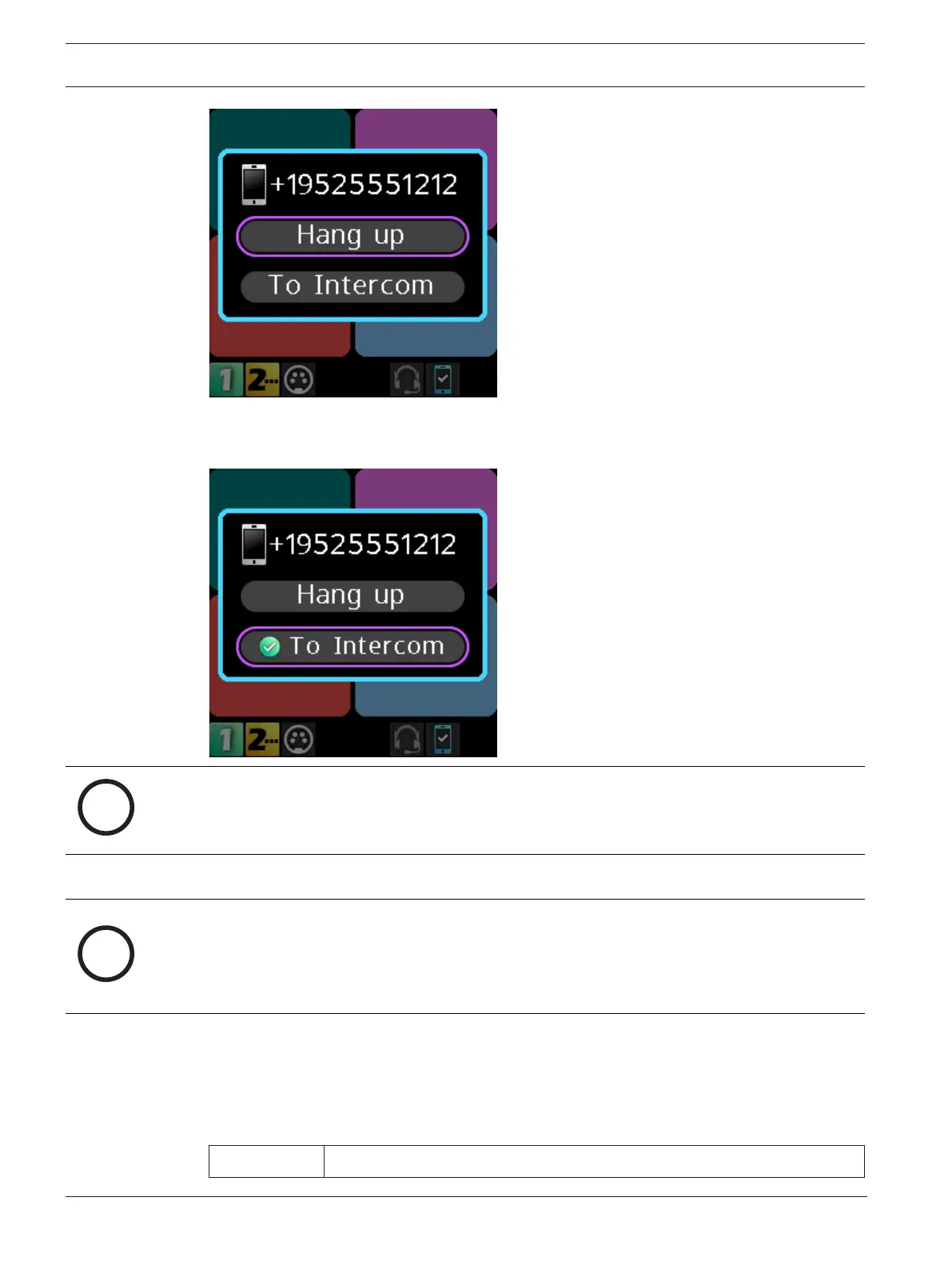
1. Rotate either shaft encoder to navigate to To Intercom.
2. Press the SEL/MENU.
The audio routes to the intercom.
Notice!
To Intercom is a toggled state. Turn it on and off by pressing the SEL/MENU button while on
this item.
Notice!
When you select To Intercom the mic audio and the phone audio go to the intercom; and,
anything heard from the intercom is heard on the phone. When you do not select To
Intercom, you only hear the Bluetooth phone audio in the headset, and any audio from the
microphone goes to the connected phone only.
8.10 Upgrade firmware
There are two ways to upgrade the DBP firmware; using the Firmware Upload Tool or using
AZedit.
ODIN 1.4.0 or later



 To Next Page