DBP Digital Beltpack Menu Structure | en 79
Bosch Security Systems, LLC
Technical Manual
2021-06 | 01 | F.01U.380.825
3. Rotate the A/C shaft encoder to scroll through the selections.
4. Rotate the B/D shaft encoder to select or deselect the item.
5. Press the SEL/MENU button to confirm the change, or press the CLR/BACK button to
abort changes.
9.13 Call Alerts
Use the Call Alerts menu to configure how the belt pack notifies the user of an incoming call
signal.
9.13.1 Call Beep
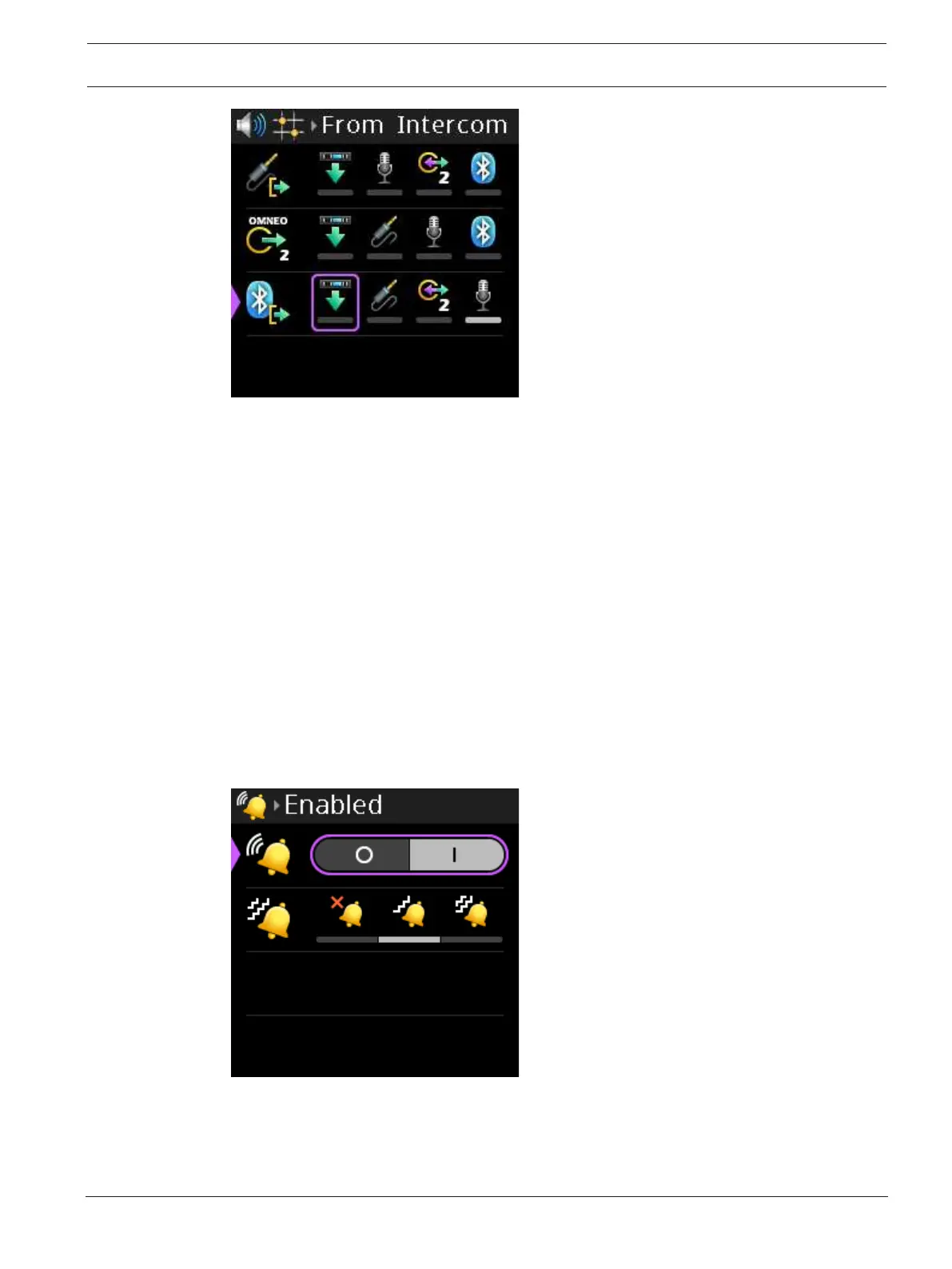
Use the Call Beep menu item to enable an audible alert to play when receiving a call signal.
The default setting is call beep enabled.
To enable call beep, do the following:
1. Navigate to the Call Beep menu item (Call Alerts | Call Beep).
2. Press the SEL/MENU button.
The field becomes active.
3. Rotate either shaft encoder to toggle the selections.
4. Press the SEL/MENU button to confirm the change, or press the CLR/BACK button to
abort changes.



 To Next Page