DBP Digital Beltpack Menu Structure | en 71
Bosch Security Systems, LLC
Technical Manual
2021-06 | 01 | F.01U.380.825
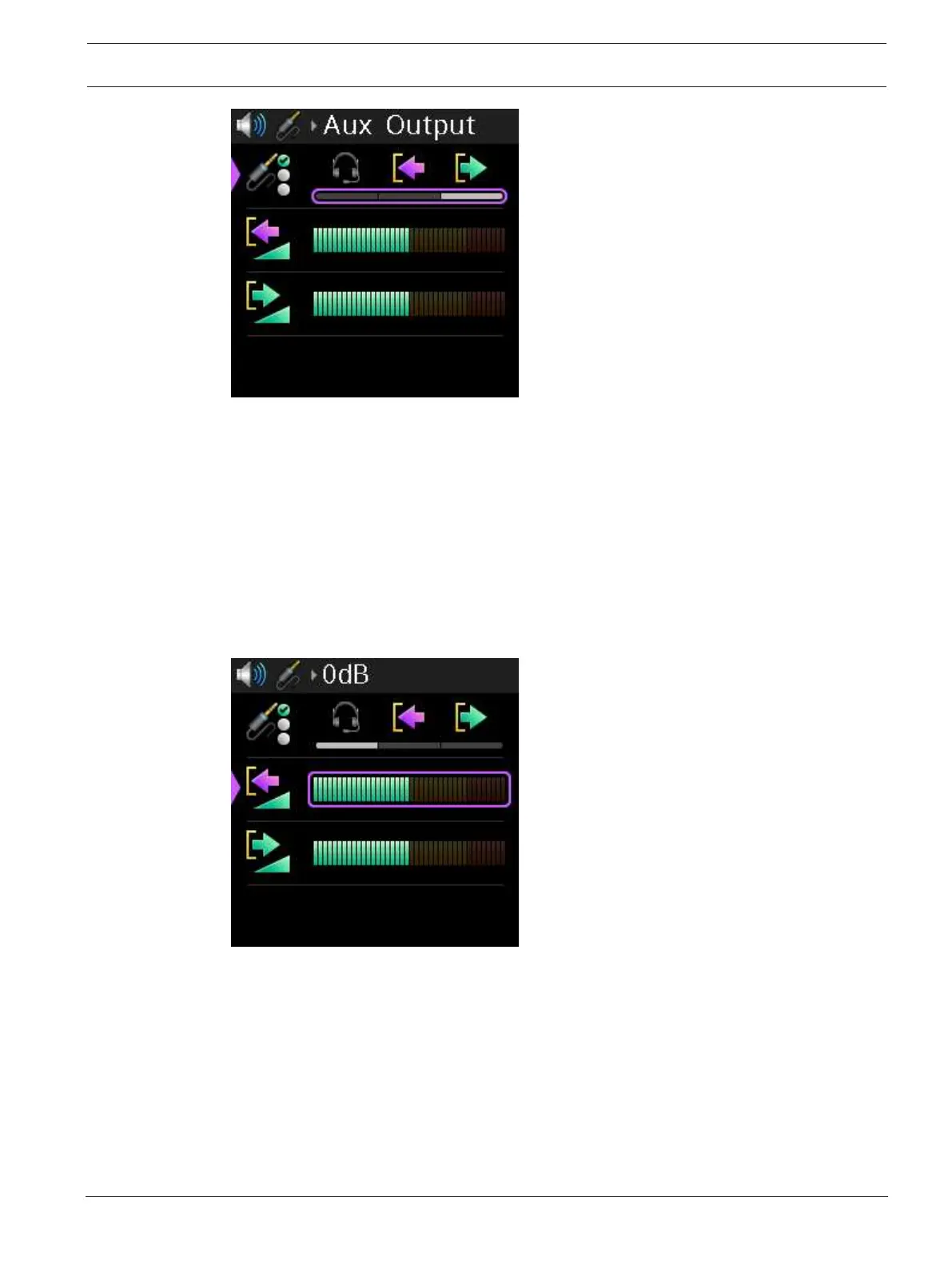
3. Rotate either shaft encoder to scroll through the selections.
4. Press the SEL/MENU button to confirm the change, or press the CLR/BACK button to
abort changes.
9.9.2 Input Gain
Use the Input Gain menu item to adjust the volume of the Aux Input.
To adjust the input gain, do the following:
1. Navigate to the Input Gain menu item (Audio | Aux Levels | Input Gain).
2. Press the SEL/MENU button.
The field becomes active.
3. Rotate either shaft encoder to adjust the level.
4. Press the SEL/MENU button to confirm the change, or press the CLR/BACK button to
abort changes.
9.9.3 Output Gain
Use the Output Gain menu item to adjust the Aux output volume.
To adjust the output gain, do the following:
1. Navigate to the Output Gain menu item (Audio | Aux Levels | Output Gain).
2. Press the SEL/MENU button.
The field becomes active.



 To Next Page