Ruijie RG-NBS3200 Series Switches Hardware Installation and Reference Guide Product Overview
19
Front Panel
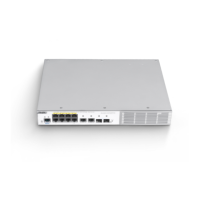
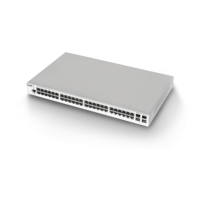
Figure 1-18 Front Panel of the RG-NBS3200-48GT4XS-P
1. PoE mode switch-over button
2. System status LED
3. Port mode LED
4. 10/100/1000 Base-T Ethernet port
5. Reset button
6. 10GE SFP+ port
7. Nameplate on the bottom of the device
The switch restarts after the reset button is pressed for less than 2 seconds.
The switch restores the default factory settings after the reset button is pressed for more than 5 seconds (until the
status LED blinks).
Press the PoE mode switchover button for over 3 seconds to switch the display mode between PoE mode and port
rate mode.
Back Panel
Figure 1-19 Back Panel of the RG-NBS3200-48GT4XS-P


 To Next Page
 Loading...