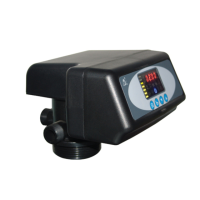
MODEL: N74A1-63510/N74A3-63610/N74B1-63510B/N74B3-63610B
31
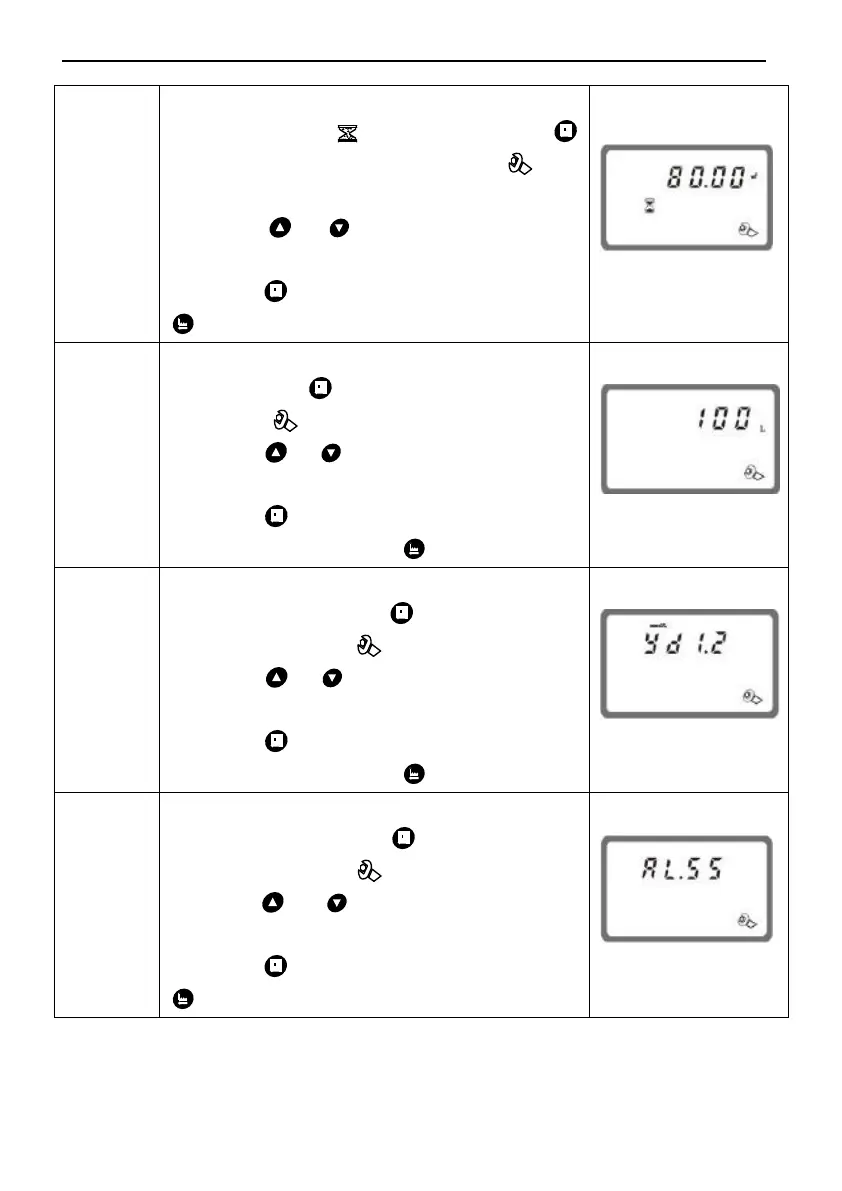
1. In water treatment capacity display
status, it shows and 80.00. Press
and enter into program set mode. and
80.00 flash;
2. Press or to adjust the water
treatment capacity value(m
3
);
3. Press then finish adjustment, press
to turn back.
1. In resin volume display status, it shows
100 L. Press and enters into program
set mode. and 50 value flash;
2. Press or to adjust the volume
value(L);
3. Press and hear a sound “Di”, then
finish adjustment, press to turn back.
1. In feed water hardness display status, it
shows yd1.2. Press and enter into
program set mode. and 1.2 value flash;
2. Press or to adjust the hardness
value(mmol/L);
3. Press and hear a sound “Di”, then
finish adjustment, press to turn back.
1. In exchange factor display status, it
shows AL.55. Press and enter into
program set mode. and 55 flash;
2. Press or to adjust the exchange
factor value;
3. Press then finish adjustment, press
to turn back.



 To Next Page