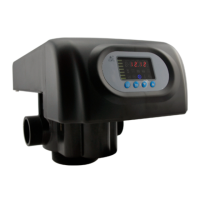
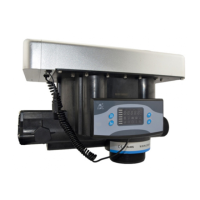
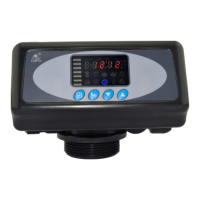
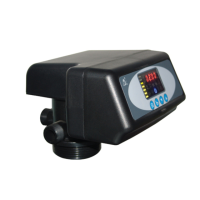
MODEL: N74A1-63510/N74A3-63610/N74B1-63510B/N74B3-63610B
33
Maximum
Interval
Regenerati
on Days
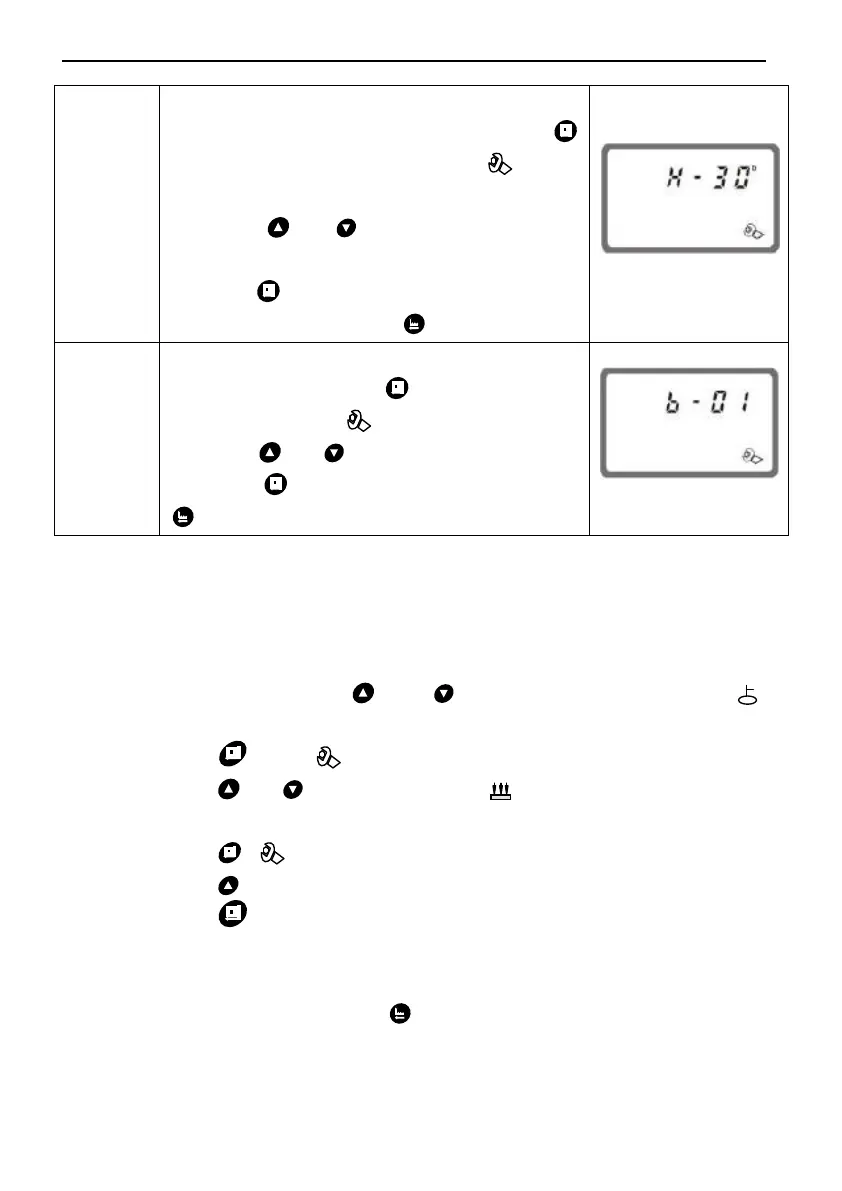
1. In maximum Interval regeneration days
display status, it shows H-30. Press
and enter into program set mode. and 30
flash;
2. Press or to adjust the Interval
regeneration days;
3. Press and hear a sound “Di”, then
finish adjustment, press to turn back.
1. In signal output mode display status, it
shows b-01. Press and enter into
program set mode. and 01flash;
2. Press or to adjust the b-02;
3. Press then finish adjustment, press
to turn back.
For example,the fast rinse time of a softener is 12 minutes. After
regenerating, the chloridion in the outlet water is always higher than normal,
indicating that there is not enough time for fast rinse. If you want the time to
set to 15 minutes, the modification steps as follows:
① Press and hold both and to lift the button lock status(
light off);
② Press ,and light on;
③ Press or continuously until light on. Then the digital
area shows: 5-12M;
④ Press , and 12 flash;
⑤ Press continuously until 12 changed to 15;
⑥ Press , there is a sound “Di” and the figure stop flashing; the
program back to enquiry status
⑦ If you want to adjust other parameters, you can repeat the steps
from ② to ⑤; If you don’t, press and quit from the enquiry stat, the
display will show the current service status.



 To Next Page