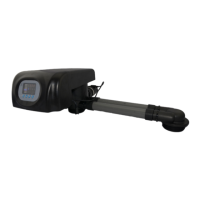
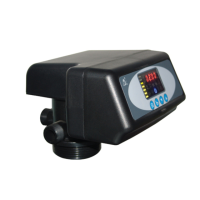
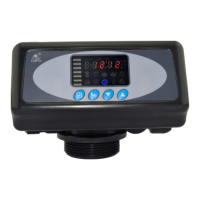
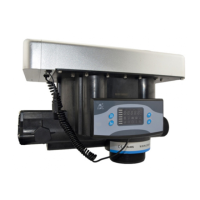
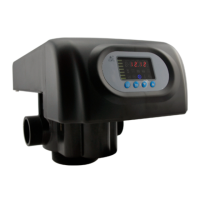
MODEL: N74A1-63510/N74A3-63610/N74B1-63510B/N74B3-63610B
30
3.5.2 Parameter Setting
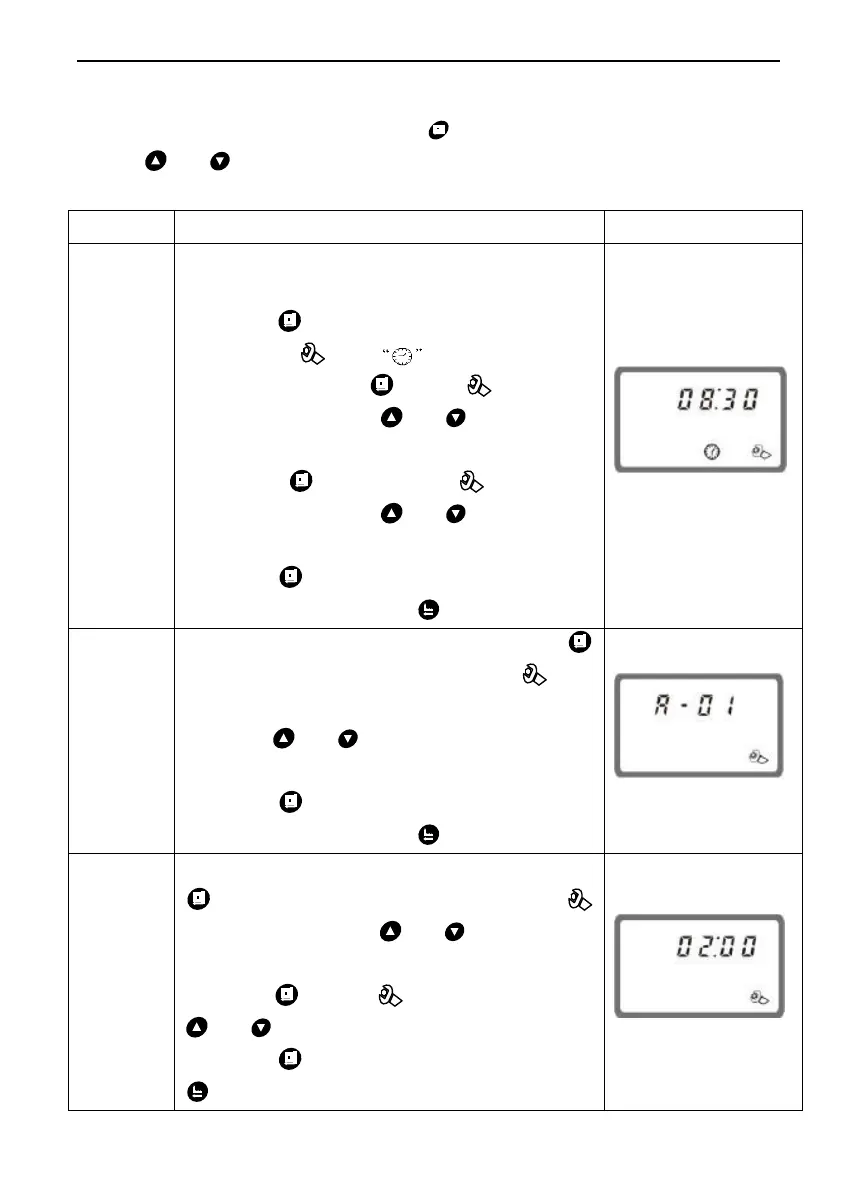
In program display mode, press and enter into program set mode.
Press or to adjust the value.
3.5.3 The Steps of Parameter Setting
When time of day “08:30” continuously
flash, it reminds to reset;
1. Press to enter into program display
mode; both and symbol light on,
“:” flash;Press , both and hour
value flash, through or to adjust the
hour value;
2. Press again, both and hour
value flash, through or to adjust the
minute value;
3. Press and hear a sound “Di”, then
finish adjustment, press to turn back.
1. In control mode display status, press
and enter into program set mode, and
01 value flash;
2. Press or ,set the value to beA-01,
A-02, A-03 or A-04 control mode;
3. Press and hear a sound “Di”, then
finish adjustment, press to turn back.
1. In regeneration time display status, press
and enter into program set mode.
and 02 flash. Press or to adjust the
hour value;
2. Press again, and 00 flash, press
or to adjust the minute value;
3. Press then finish adjustment, press
to turn back.



 To Next Page