EasyManua.ls Logo

Russound CA 6.4i - User Manual

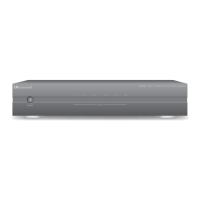
Russound CA 6.4i
16 pages
Print Icon
To Next Page IconTo Next Page
Loading...
4-Source Multi-Zone Central
Audio Controller/Amplifiers
CAi-Series
Instruction Manual
POWER
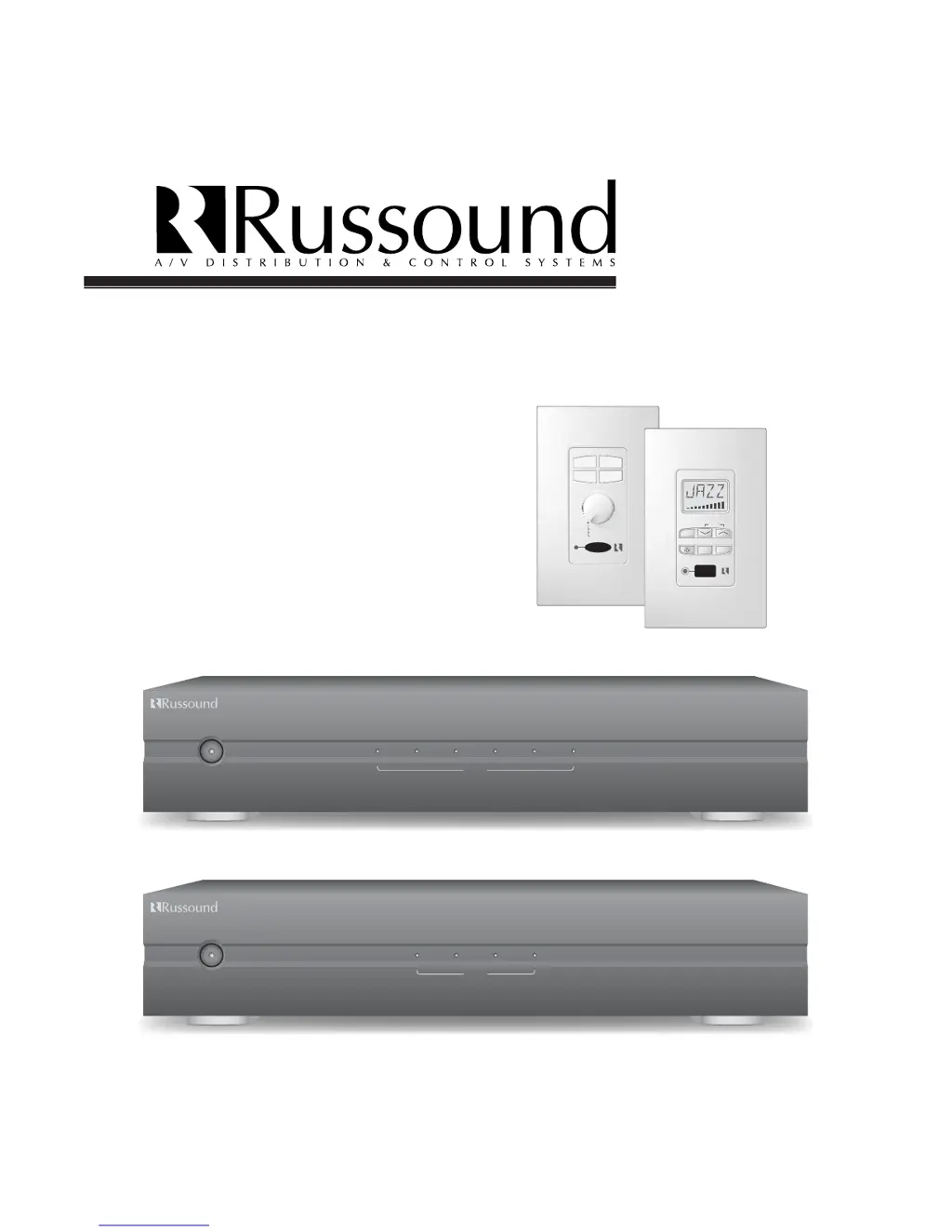
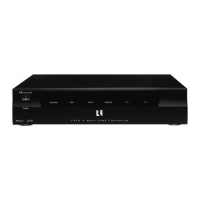
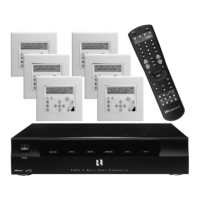
CA6.4i 6 Zone — 4 Source Central Controller/ Amplifier
123456
ZONE
REMOTE SENSOR
• ON / OFF
• VOLUME
• SOURCE
R&B
CHILDRENS
ROCK
JAZZ
REMOTE SENSOR
VOLU ME
SOURCE
STORE
POWER
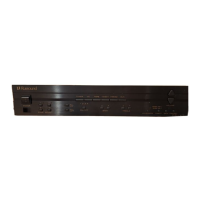
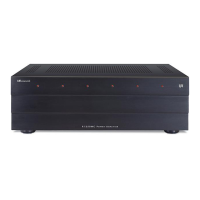
CA4.4i 4 Zone — 4 Source Central Controller/ Amplifier
P
OWER
1234
ZONE
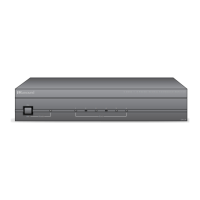
CA 6.4i 6-Zone, 4-Source Central Controller/Amplifier
CA-KP.2
CA-LCD.2
CA 4.4i 4-Zone, 4-Source Central Controller/Amplifier
Patented

Questions and Answers

Summary

Russound CAi-Series Multi-Zone Audio Controllers

CA 6.4 i 6-Zone, 4-Source Controller;Amplifier

Details the Russound CA 6.4i, a 6-zone, 4-source central controller and amplifier.

CA 4.4 i 4-Zone, 4-Source Controller;Amplifier

Details the Russound CA 4.4i, a 4-zone, 4-source central controller and amplifier.

CA-KP.2 Keypad

Introduces the CA-KP.2 keypad for controlling the CAi-Series system.

CA-LCD.2 Keypad

Introduces the CA-LCD.2 keypad with an LCD display for controlling the CAi-Series system.

Important Safety Safeguards

Electrical and Fire Hazard Warnings

Highlights warnings about electric shock, fire risks, and not opening the appliance.

General Operating Safety Instructions

Provides 11 essential safety instructions for operating the appliance safely.

Usage and Maintenance Precautions

Covers power cord, cleaning, non-use periods, and servicing precautions for safe operation.

Product Overview

System Configurations and Unpacking

Illustrates system configurations and provides instructions for unpacking the unit safely.

Getting Started

Tools and Materials Needed

Lists essential tools and materials required for a complete installation.

Planning and Connection Tips

Offers guidance on planning layout and important tips for making connections correctly.

Rear Panel Connections

Source Input and Speaker Connections

Details how to connect audio sources and speakers to the rear panel of the controller.

Zone Pre-Amp Outputs and Triggers

Explains connections for zone pre-amp outputs, mute, IR link, and 12V trigger.

Infrared Component and Trigger Outputs

Details connecting IR emitters for remote control and 12V trigger output for accessories.

Keypad Connections at Controller

Wiring at the Controller

Provides the CAT-5 wire color code for connecting keypads to the CAi controller.

Clean Installations with Wall Plates

Recommends using RJ-45 wall plates for neat keypad wiring installations.

Installing Keypads

Punchdown Terminals

Explains the use of punchdown terminals and tools for secure keypad connections.

Keypad Installation Steps

Guides on routing wire, connecting terminals, mounting keypads, and attaching faceplates.

Setting Keypad Brightness and Volume

Details how to adjust backlight brightness, volume, and balance for CA-LCD.2 and CA-KP.2.

Optional Source Control Keypads

Describes the DSC and DAN keypads that dock for direct source control.

Infrared Keypad Programmer IKP-1

Introduces the IKP-1 programmer for simplifying IR programming of DAN and DSC keypads.

Speaker Installation

SRM-2.1 Speaker Relay Module Option

Explains the SRM-2.1 module for automatic audio switching in zones with existing systems.

In-Wall Speaker Mounting and Polarity

Provides guidance on mounting in-wall speakers and connecting wires with correct polarity.

Operation

Operating the Main Unit

Describes the main unit's power indicator, zone indicators, and keypad control.

Operating the CA-KP.2 Keypad

Details how to use the CA-KP.2 keypad for power, volume, source selection, and IR control.

Operating the CA-LCD.2 Keypad

Explains the functions of the CA-LCD.2 keypad, including display, source, volume, and lamp.

CAi Remote Control Functions

Outlines the functions controllable via the CAi remote, such as lamp, volume, and power.

Specifications

CA6.4 i Specifications

Lists detailed technical specifications for the CA6.4i model.

CA4.4 i Specifications

Lists detailed technical specifications for the CA4.4i model.

Troubleshooting

Keypad Wiring Protection Circuit

Explains the short circuit protection for keypads and troubleshooting steps.

Elimination of Balance Line Issues

Describes using resistors to stabilize the balance line input for centering.

Combining Additional IR Receivers

Details how to integrate secondary IR systems with the CAi controller.

Warranty Information

Two-Year Limited Warranty

Covers defects for two years; requires installation according to instructions and service by Russound.

Summary

Russound CAi-Series Multi-Zone Audio Controllers

CA 6.4 i 6-Zone, 4-Source Controller;Amplifier

Details the Russound CA 6.4i, a 6-zone, 4-source central controller and amplifier.

CA 4.4 i 4-Zone, 4-Source Controller;Amplifier

Details the Russound CA 4.4i, a 4-zone, 4-source central controller and amplifier.

CA-KP.2 Keypad

Introduces the CA-KP.2 keypad for controlling the CAi-Series system.

CA-LCD.2 Keypad

Introduces the CA-LCD.2 keypad with an LCD display for controlling the CAi-Series system.

Important Safety Safeguards

Electrical and Fire Hazard Warnings

Highlights warnings about electric shock, fire risks, and not opening the appliance.

General Operating Safety Instructions

Provides 11 essential safety instructions for operating the appliance safely.

Usage and Maintenance Precautions

Covers power cord, cleaning, non-use periods, and servicing precautions for safe operation.

Product Overview

System Configurations and Unpacking

Illustrates system configurations and provides instructions for unpacking the unit safely.

Getting Started

Tools and Materials Needed

Lists essential tools and materials required for a complete installation.

Planning and Connection Tips

Offers guidance on planning layout and important tips for making connections correctly.

Rear Panel Connections

Source Input and Speaker Connections

Details how to connect audio sources and speakers to the rear panel of the controller.

Zone Pre-Amp Outputs and Triggers

Explains connections for zone pre-amp outputs, mute, IR link, and 12V trigger.

Infrared Component and Trigger Outputs

Details connecting IR emitters for remote control and 12V trigger output for accessories.

Keypad Connections at Controller

Wiring at the Controller

Provides the CAT-5 wire color code for connecting keypads to the CAi controller.

Clean Installations with Wall Plates

Recommends using RJ-45 wall plates for neat keypad wiring installations.

Installing Keypads

Punchdown Terminals

Explains the use of punchdown terminals and tools for secure keypad connections.

Keypad Installation Steps

Guides on routing wire, connecting terminals, mounting keypads, and attaching faceplates.

Setting Keypad Brightness and Volume

Details how to adjust backlight brightness, volume, and balance for CA-LCD.2 and CA-KP.2.

Optional Source Control Keypads

Describes the DSC and DAN keypads that dock for direct source control.

Infrared Keypad Programmer IKP-1

Introduces the IKP-1 programmer for simplifying IR programming of DAN and DSC keypads.

Speaker Installation

SRM-2.1 Speaker Relay Module Option

Explains the SRM-2.1 module for automatic audio switching in zones with existing systems.

In-Wall Speaker Mounting and Polarity

Provides guidance on mounting in-wall speakers and connecting wires with correct polarity.

Operation

Operating the Main Unit

Describes the main unit's power indicator, zone indicators, and keypad control.

Operating the CA-KP.2 Keypad

Details how to use the CA-KP.2 keypad for power, volume, source selection, and IR control.

Operating the CA-LCD.2 Keypad

Explains the functions of the CA-LCD.2 keypad, including display, source, volume, and lamp.

CAi Remote Control Functions

Outlines the functions controllable via the CAi remote, such as lamp, volume, and power.

Specifications

CA6.4 i Specifications

Lists detailed technical specifications for the CA6.4i model.

CA4.4 i Specifications

Lists detailed technical specifications for the CA4.4i model.

Troubleshooting

Keypad Wiring Protection Circuit

Explains the short circuit protection for keypads and troubleshooting steps.

Elimination of Balance Line Issues

Describes using resistors to stabilize the balance line input for centering.

Combining Additional IR Receivers

Details how to integrate secondary IR systems with the CAi controller.

Warranty Information

Two-Year Limited Warranty

Covers defects for two years; requires installation according to instructions and service by Russound.

Russound CA 6.4i Specifications

General IconGeneral
Number of Zones6
Input Sensitivity250mV
Source Inputs6
Frequency Response20Hz - 20kHz
Dimensions5.25"
Zone Output Impedance8 Ohms

Related product manuals