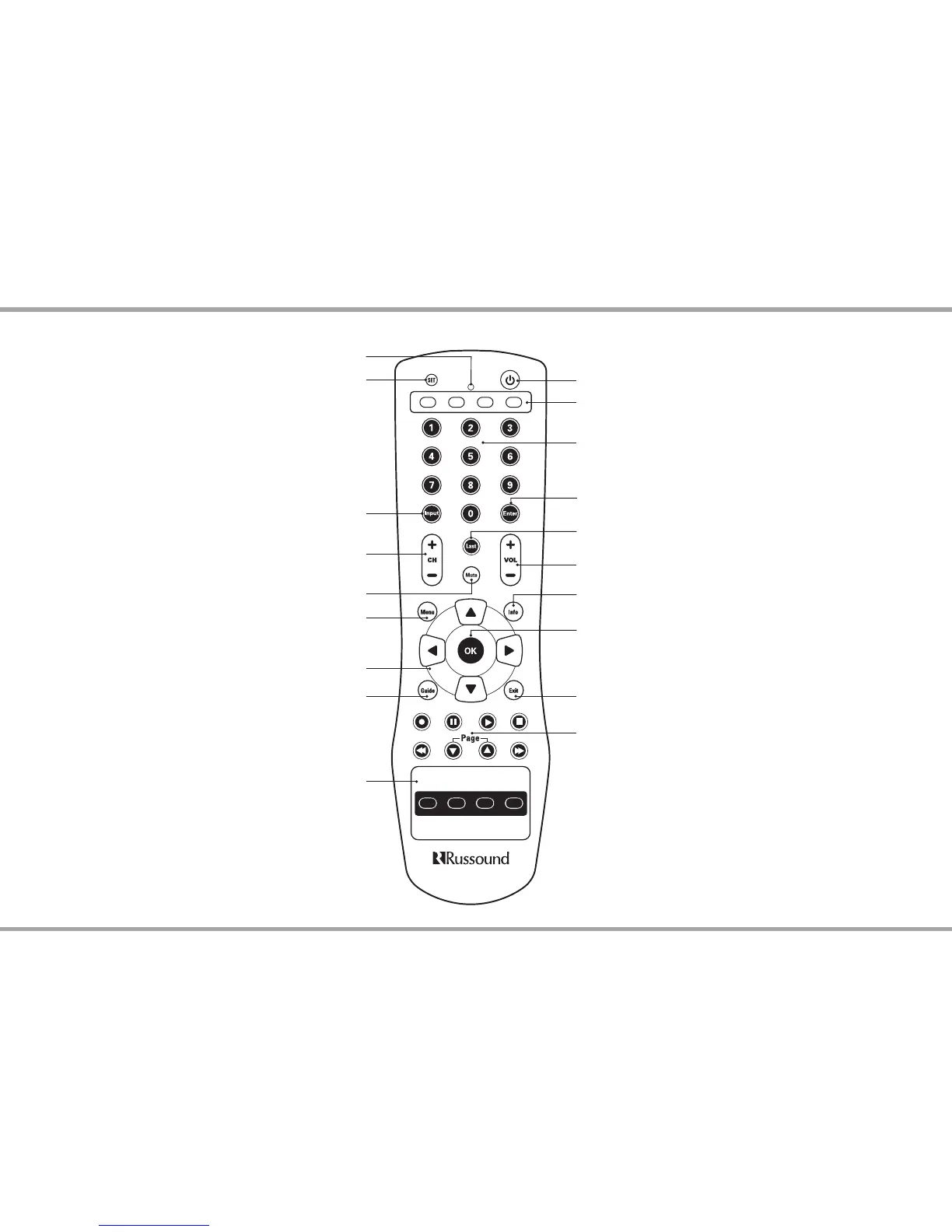
Source Keys - Use these keys to select specic sources on the
keypad and to set which source the remote will control.
Power - Turn the selected source on or o.
Menu - Display the menu for the selected device
Last - Press to recall the last-viewed channel.
Volume - Raise or lower the sound level of the zone being controlled.
Mute - Press to turn the sound o or on in the zone
Info - View the current channel and program information.
Exit - Exit the selected device’s menu, guide, or program
without making a menu selection.
Guide - Display the program guide for the selected device
Numeric Keys - Directly enter channels (e.g. 09 or 31).
Enter - Press to choose the highlighted menu option.
May perform “OK" function for devices.
OK - Press to choose the highlighted menu
option. May perform “Enter" function for devices.
Control Keys - Skip backward, rewind, fast
forward, skip forward, record, stop, pause, or play
tracks on source device.
Zone Control - Turns zones on/ o / all o
(DISC can be learned in as a source control feature.)
Cursor Keys - Move the cursor in the menu screens
Input - Switch the TV’s, VCR’s, SAT’s or DVD’s input to
view TV or video programs
Channel - Change channels sequentially - up or down
IR Indicator LED
Set - Program sequences
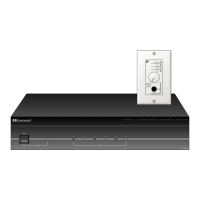
Note: All source setup and control is contained in the CA4-RC
remote control. The CA4 controller does not require programming
for the controller or for source setup. See Remote Control usage and
programming information later in this manual.


 To Next Page