USE AND MAINTENANCE MANUAL R68090150
ORIGINALE
RUTHMANN ITALIA S.r.l. Via Santa Maria del Piano di sotto,91/B – 47854 Montescudo-Monte Colombo (RN) - ITALIA
pag. 36
Telescope in / Lower jib boom
- Moves the telescope in.
- JIB boom down in combination with “Function key”
pressed
Telescope out / Raise jib boom
- Moves the telescope out.
- JIB boom up in combination with “Function key”
pressed
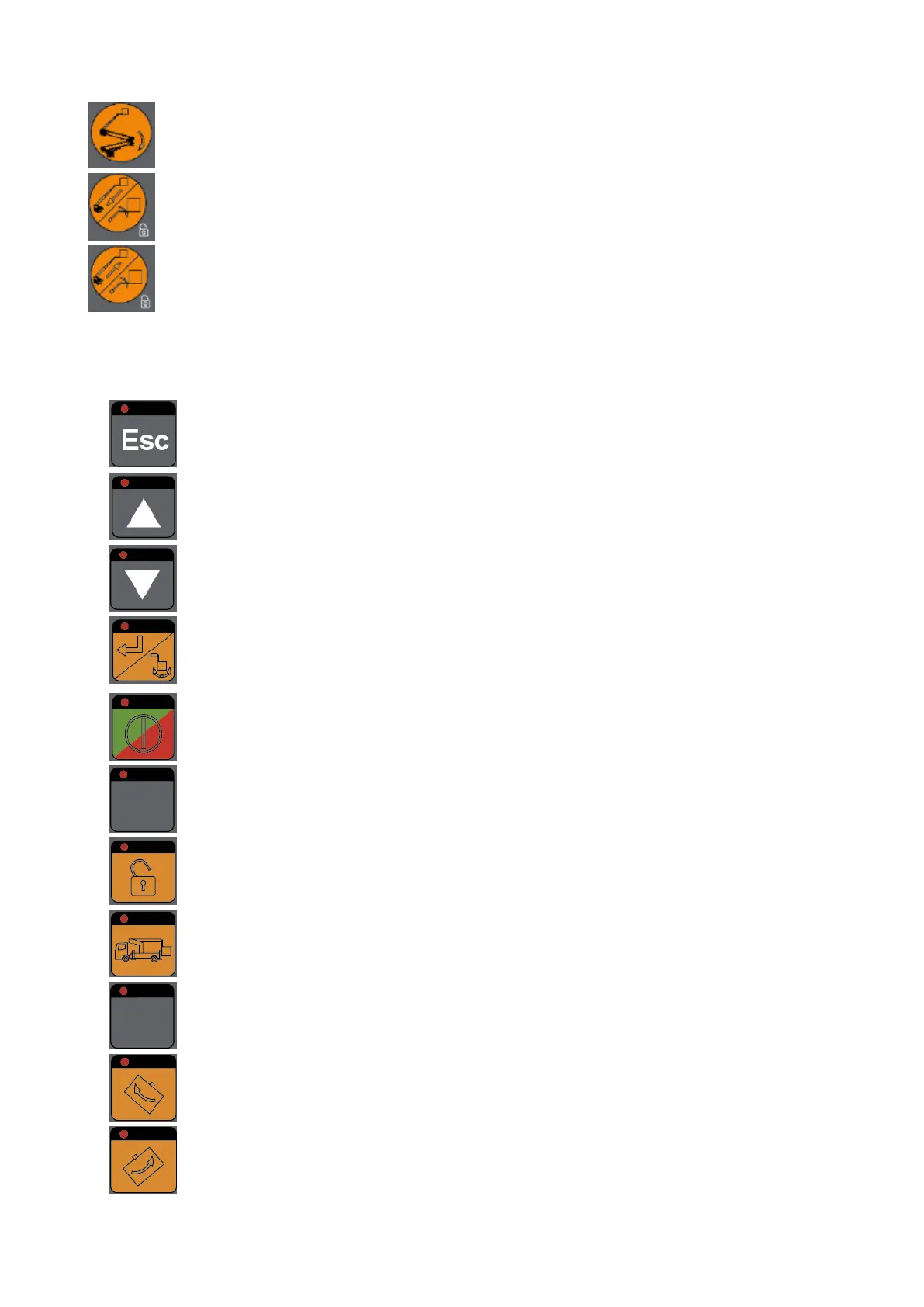
Coordination of function keys from left to right and from top to bottom:
Return to previous page of diagnostic menu (showed on display
in basket)
scrolling of plain text indication, the next “display page” will be
shown (display in basket)
Push button “Display
down”
scrolling of plain text indication, the previous “display page” will
be shown (display in basket)
Enter in the menu mode/Confirm the function
Push button “Motor
start/stop”
- starts the vehicle engine (only possible with switched-on
ignition)
- stops the vehicle engine
When the function key is pressed, the jib control is enabled
Luminous push button
“Go Home”
Push function (for 3 sec), move ECOLINE into the basic position
automatically.
Permanent light: boom in basic position.
Push button “Cage
rotation left”
Rotate working cage to the left
Blinking light: the cage rotation is not allowed.
Push button “Cage
rotation right”
Rotate working cage to the right
Blinking light: the cage rotation is not allowed.


 To Next Page