EasyManua.ls Logo

SAB F450 - User Manual

SAB F450
46 pages
Print Icon
To Next Page IconTo Next Page
Loading...
Operation manual
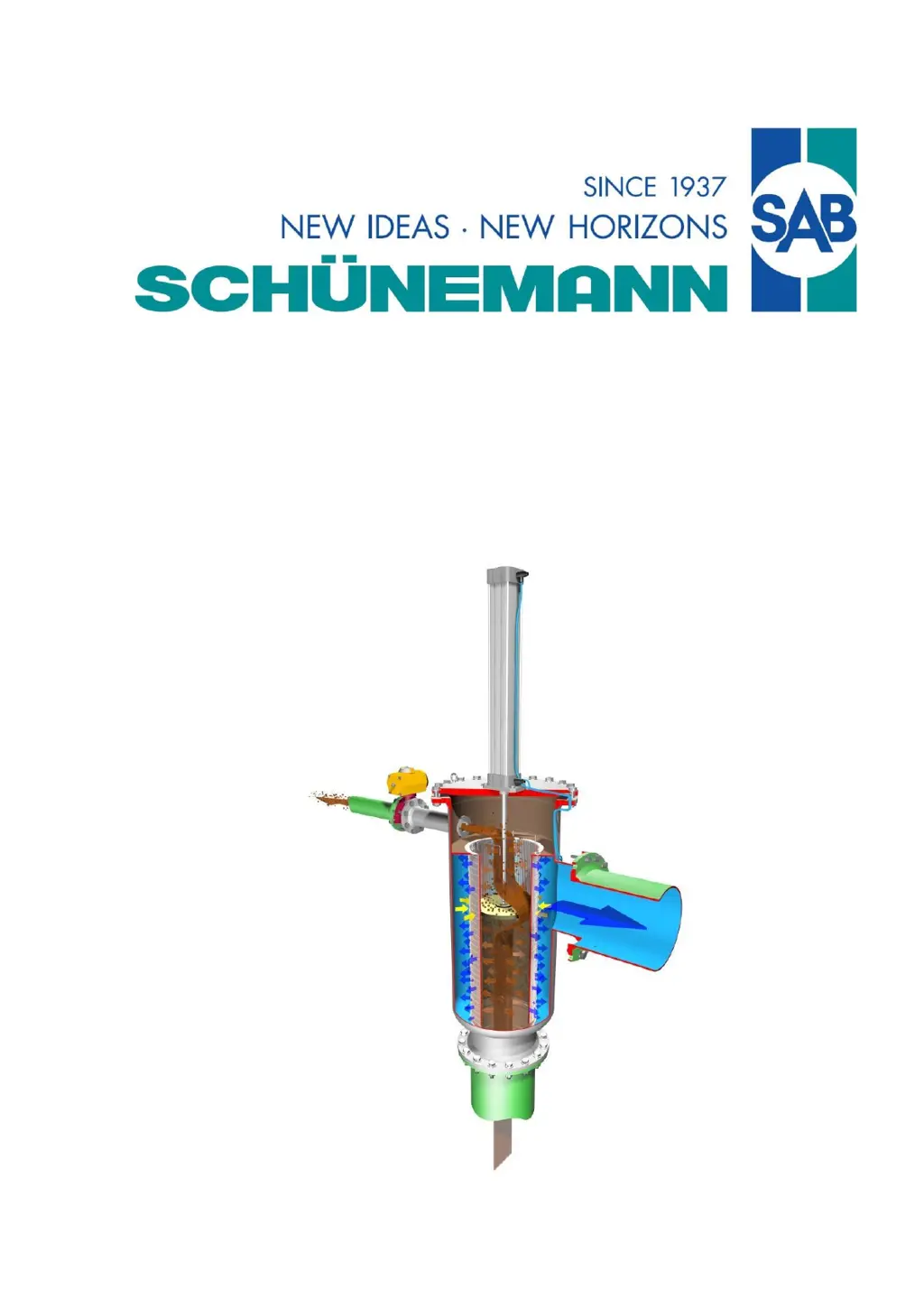
Automatic Backflush Filter F450
Translation of the original instructions

Table of Contents

Questions and Answers

  • R
    Robert WilsonAug 27, 2025
    What to do if there is an option valve error in SAB Water Filtration System?
    • J
      Jeffrey PaceAug 27, 2025
      If you're experiencing an option valve error with your SAB Water Filtration System, here are a few things to check: * Flushing valve does not open or close: Check the function of the flushing valve and the compressed air supply. * Proximity switch defective or wrongly wired: Check the function of the end position switch. * Compressed air hoses exchanged: Check the compressed air hoses for the right connection. * Solenoid valve defective: Check the function of magnetic valves SV1, SV2 and replace if necessary. * Sound absorber in the solenoid valve is blocked: Dismount the sound absorber and clean it; if necessary, replace it.
  • C
    Clayton LozanoNov 4, 2025
    Why is there continuous flushing in my SAB Water Filtration System?
    • B
      Brittany GonzalesNov 4, 2025
      Continuous flushing in your SAB Water Filtration System can occur due to several reasons: * Air in the differential pressure switch: Vent the differential pressure switch using the vent screws. * A defective differential pressure switch: Check the function of the differential pressure switch. * A defective optional differential pressure transmitter: Check the function of the differential pressure transmitter. Read the active actual value in the parameter menu system/pressure threshold and compensate with the pressure threshold. * Wrongly connected contacts: Check the wiring. * Disconnected contacts in the control system/DDS: Check the wiring for a correct fit. * A soiled DDS line: Disassemble and clean the DDS lines. * A mislaid back flushing line: Ensure the back flushing l...
  • J
    Jesse JonesNov 11, 2025
    What to do if my SAB Water Filtration System has a stroke error?
    • C
      Cathy HaasNov 11, 2025
      A stroke error in your SAB Water Filtration System could stem from several factors: * Throttle valves at the cylinder are closed: Open the throttle valves until the running time aligns with the manual's specifications. * The stroke time isn't correctly set in the control system (control time): Set time T3 in the control system according to the manual. * The stroke time isn't correctly set in the control system (running time too long): Open the throttle valves until the running time aligns with the manual's specifications. * The system pressure of compressed air is too low, or the flow rate is too high: Ensure the internal compressed air pressure is at 87 psi (6 kg/cm2g) / special 50.7-116 psi (3.5-8 kg/cm2g). Low air pressure can affect the cylinder's running time. * The orifice...
  • M
    Maria WalterNov 19, 2025
    Why is my SAB Water Filtration System not cleaning well?
    • T
      Tommy WilsonNov 19, 2025
      If your SAB Water Filtration System isn't cleaning effectively, consider these potential causes: * The cylinder-piston current time is not set correctly (current time undervalued): Check the current time length and set correctly if necessary. * Back flushing line mislaid: The back flushing line should be laid pressure-free. * Failure of control system: Possibly the current supply failed, whereby the cleaning did not take place in the regular interval. Remove filter insert and clean it with high pressure cleaner. * Differential pressure switch defective: See "continuous flushing" in this table. * Actual operating parameters (characteristic line of pump, flow rate, pressure etc.) have changed: Let check the geometry of flushing disc/orifice by the manufacturer, let change if neces...

Summary

Scope of Operation Manual

Structure and Use of the Operation Manual

Describes the manual's structure and how to use it.

Safety Guidelines and Precautions

Safety Symbols Explained

Explains the meaning of safety symbols used in the manual.

Basic Safety Instructions

Provides essential safety guidelines for operating the filter.

General Accident Prevention Rules

General accident prevention rules for the filter.

Assembly and Disassembly Safety

Safety rules for assembling and disassembling the filter.

Transport and Location Safety

Safety precautions related to transporting and locating the filter.

Electrical System Safety

Safety instructions for the electrical components of the filter.

Compressed Air System Safety

Safety guidelines for the compressed air system.

Safety at Setting Out of Operation

Safety measures when taking the filter out of operation.

Maintenance and Repair Safety

Safety rules for maintenance and repair activities.

Filter Operation Guidelines

Instructions for operating the filter.

Filter Description and Functionality

General Filter Description

Provides an overview of the automatic backflush filter F450.

Description of Operational Functions

Explains the filter's normal operation and flushing phases.

Control of the Automatic Backflush Filter

Describes how the filter is controlled and monitored.

General Data and Specifications

Signs and Name Plates

Information about the signs and name plates on the filter.

Sound Emission Levels

Details the sound emission levels of the filter.

Installation and Initial Setup

Before Installation Requirements

Requirements and considerations before installing the filter.

Filter Unpacking Procedure

Instructions for safely unpacking the filter.

Filter Installation Guide

Guidance on mounting and installing the filter.

Steps for Setting into Operation

Procedures to follow before the filter is put into operation.

Filter Setting into Operation

Steps for the initial startup and operation of the filter.

Switch on control with power, pre-flushing check

Checks control, first flushing phase and pre-flushing.

Pneumatic Cylinder Timing Adjustment

Adjusts pneumatic cylinder timing for second flushing and filtration.

Flushing Termination Check

Verifies the correct completion of the flushing process.

Flushing Interval T1 Adjustment

Adjusts the flushing interval T1 via the electronic control.

Optional: Lead Time T4 and Valve Control T5

Optional settings for lead time and flushing valve control.

Time and Date Adjustment

Instructions for adjusting the time and date settings.

Operating Parameter Settings

Details recommended operating parameters for the filter.

Service and Operation of the Filter

Controlling the Automatic Backflush Filter

Explains how the filter is controlled via the electronic control unit.

Filter Maintenance Procedures

Cleaning of Strainer Insert

Step-by-step guide for cleaning the strainer insert.

Flushing Disc Inspection

Inspection and replacement of the flushing disc.

Pneumatic Cylinder Inspection

Procedures for inspecting the pneumatic cylinder.

Seal Inspection and Replacement

Information on inspecting and replacing seals.

Troubleshooting and Error Resolution

Possible Malfunctions and Remedies

Lists common malfunctions, their causes, and remedies.

Disassembly and Disposal Procedures

Filter Disassembly Steps

Steps for safely disassembling the filter unit.

General Disposal Regulations

General rules for the disposal of different components.

Technical Illustrations

Components of F450 (G 1;8)

Diagram showing the components of the F450 filter (G 1/8).

Control Unit Elements (G 1;8)

Diagram of control elements and connections for the G 1/8 unit.

Components of F450 (G 3;8)

Diagram showing the components of the F450 filter (G 3/8).

Control Unit Elements (G 3;8)

Diagram of control elements and connections for the G 3/8 unit.

Air and Water Connections Diagram

Diagram illustrating air and water connections for the filter.

SAB F450 Specifications

General IconGeneral
BrandSAB
ModelF450
CategoryWater Filtration Systems
LanguageEnglish