Playing DVD
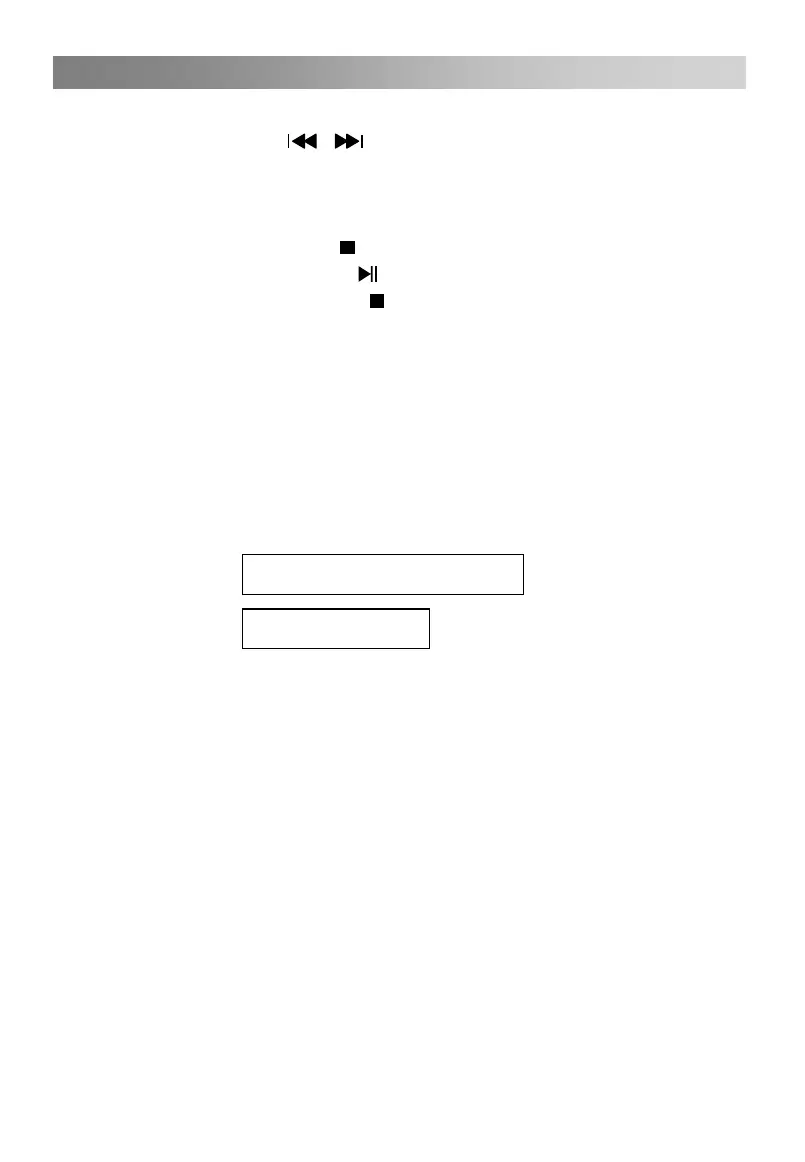
4. SKIP REVERSE/SKIP FORWARD
/
5. STOP/MEMORY PLAY
When playing, in case of pressing
button once, this machine will return back to
In playing, repeatedly press
Press
button again, the play will continue from
button, it can search the track forward or
backward quickly.
the starting menu, at this time,
the last stopping point; in case that the
button is pressed twice, this machine will
be fully stopped.
6.SUBTITLE
In the disc transcribed multi-Subtitle language,you can select the Subtitle display you
NOTE:
As to some special disc,the stop button may malfunction just because that the video CD
is set as compulsive play.In some states,the memory play malfunctions.
among Multi-Subtitle.
Subtitle
Subtitle Off
NOTE:
If the disc has no transcribed Subtitle,this function will be out of service.
After restarting-up or changing the disc,this machine will be back to the default state.
As to the different discs, the displays may differ.
Some DVD discs set the automatic display Subtitle,even if you close the Subtitle display
function,it will not disappear.
like.In playing,repeatedly press the SUBTITLE button, the Subtitle will be switched
01/08:English



 To Next Page