SaeboStim Pro
Select and Start a Program
Step 1
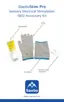
Press the Channel Key (CH) once
andiconAwillash.Then,pressthe
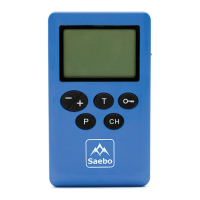
Program Key (P) to select the appropriate
treatment program. See Figures 13 &
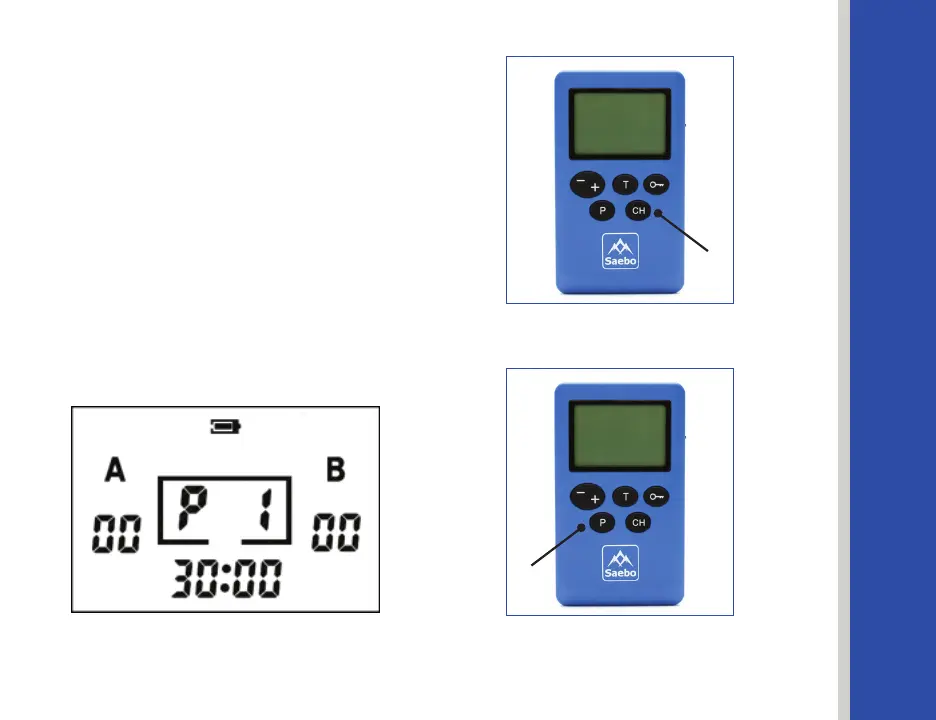
14. Displayed on the screen will be “P”
followed by the number corresponding
with the Program (i.e., P1 ).
See Figure 15.
To view the 14 preset Programs, go to
page 42 for more information.
Figure 15
Figure 13
Figure 14
Channel Key
Program Key
29


 To Next Page