-
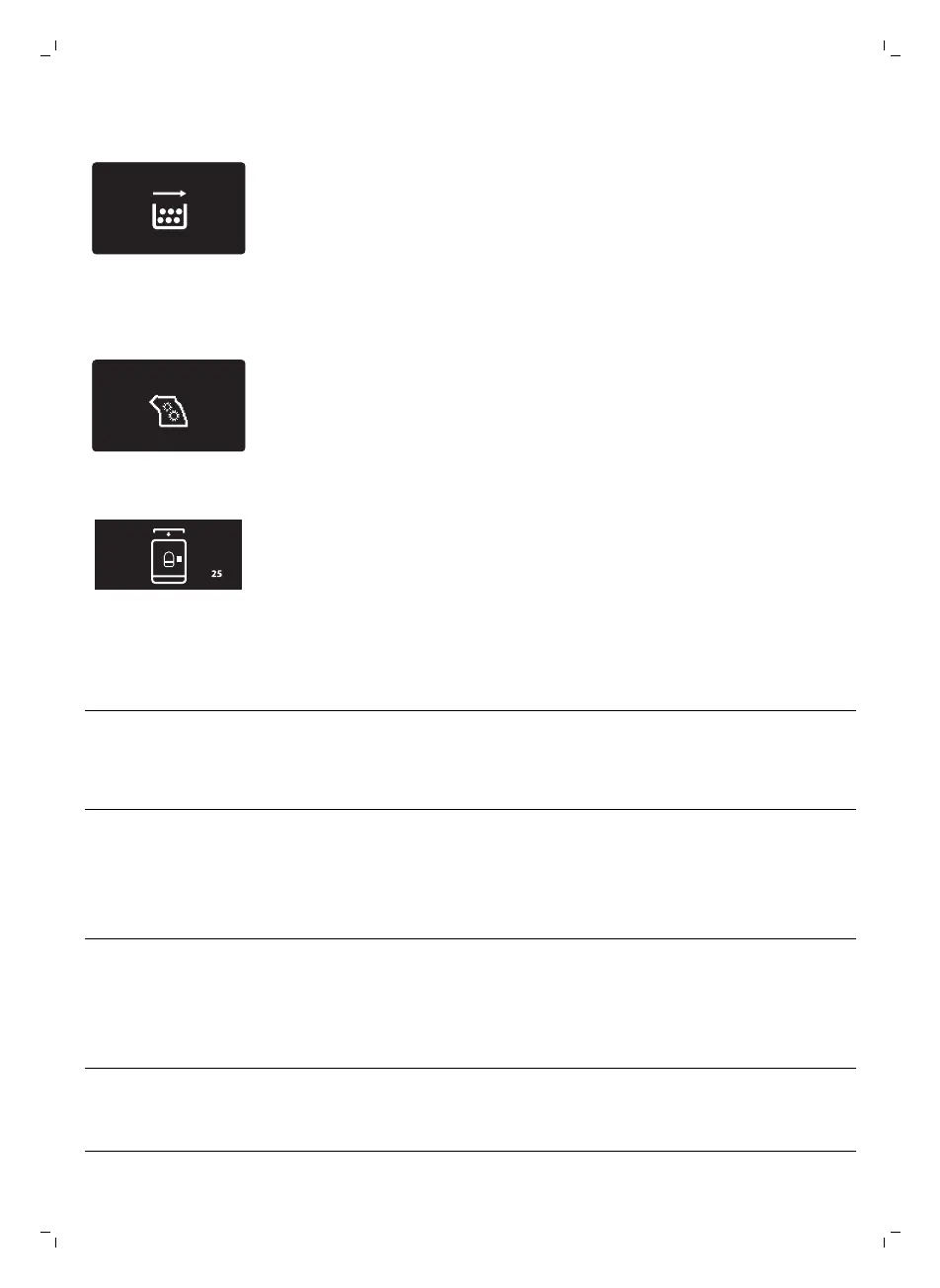
Remove the coffee grounds container and empty it.
-
There is too much powder in the brew group. Clean the brew group.
-
If an error code is triggered, check the section 'Meaning of error codes' to
see what the code on the display means and what you can do. The
machine cannot be used when this icon is on the display.
-
You forgot to place the lid on the pre-ground coffee compartment. If you
do not place it back within 30 seconds the display will return to the main
menu and the brewing cycle will be stopped.
Meaning of error codes
Error code
Problem Cause Possible solution
1 Coffee grinder blocked Coffee exit duct
clogged
Clean the coffee exit
duct thoroughly with
the handle of the
multifunctional tool or a
spoon handle.
3 - 4 The brew group cannot
be removed.
The brew group is not
positioned correctly.
Close the maintenance
door. Switch the
machine off and back
on again. Wait for the
‘machine ready’ icon on
the display and then
remove the brew group.
5 Water circuit problem There is air in the water
circuit.
Remove and place back
the water tank a couple
of times. Make sure you
insert it into the
machine properly.
Check if the water tank
compartment is clean.
Other error codes Switch the machine off
and switch it back on
again after 30 seconds.
Try this 2 or 3 times.
19
English


 To Next Page
 Loading...