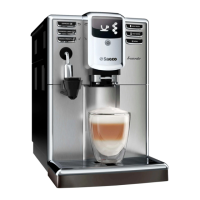
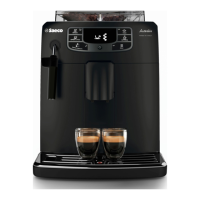
28 Classic milk frother
The display
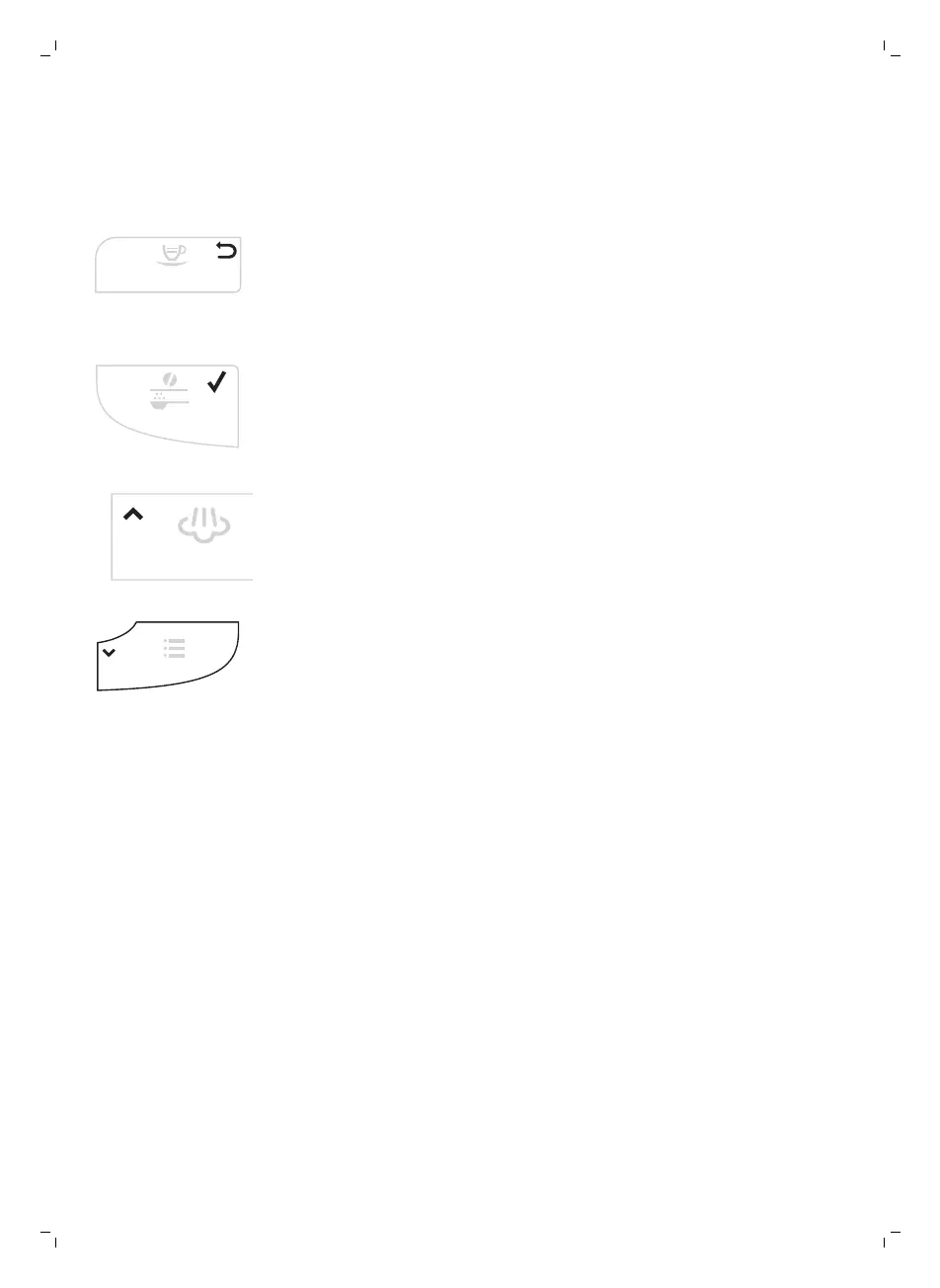
Some buttons can be used to navigate through the menus:
-
ESPRESSO button = ESC button: you can press this button to return to
the main menu.The ESC button takes you back one level.You may have
to press the ESC button. several times to get back to the main menu.
-
AROMA STRENGTH button = OK button: you can press this button to
select, confirm or stop a function.
-
STEAM button = UP button: press this button to scroll up through the
display menu
-
MENU button = DOWN button: press this button to scroll down through
the display menu.
First installation
1 Slide the drip tray with drip tray cover into the machine.
2 Remove the water tank.
3 Fill the water tank to the MAX level with fresh water.
4 Fill the coffee bean hopper with coffee beans.
5 Insert the small plug into the socket located on the back of the machine.
Insert the mains plug into the wall socket.
6 Attach the classic milk frother to the hot water/steam dispensing spout.
7 Place a container under the classic milk frother.
8 Press the STANDBY button to switch on the machine.
9 Press the OK button to start the automatic circuit priming cycle.
8
English


 To Next Page
 Loading...