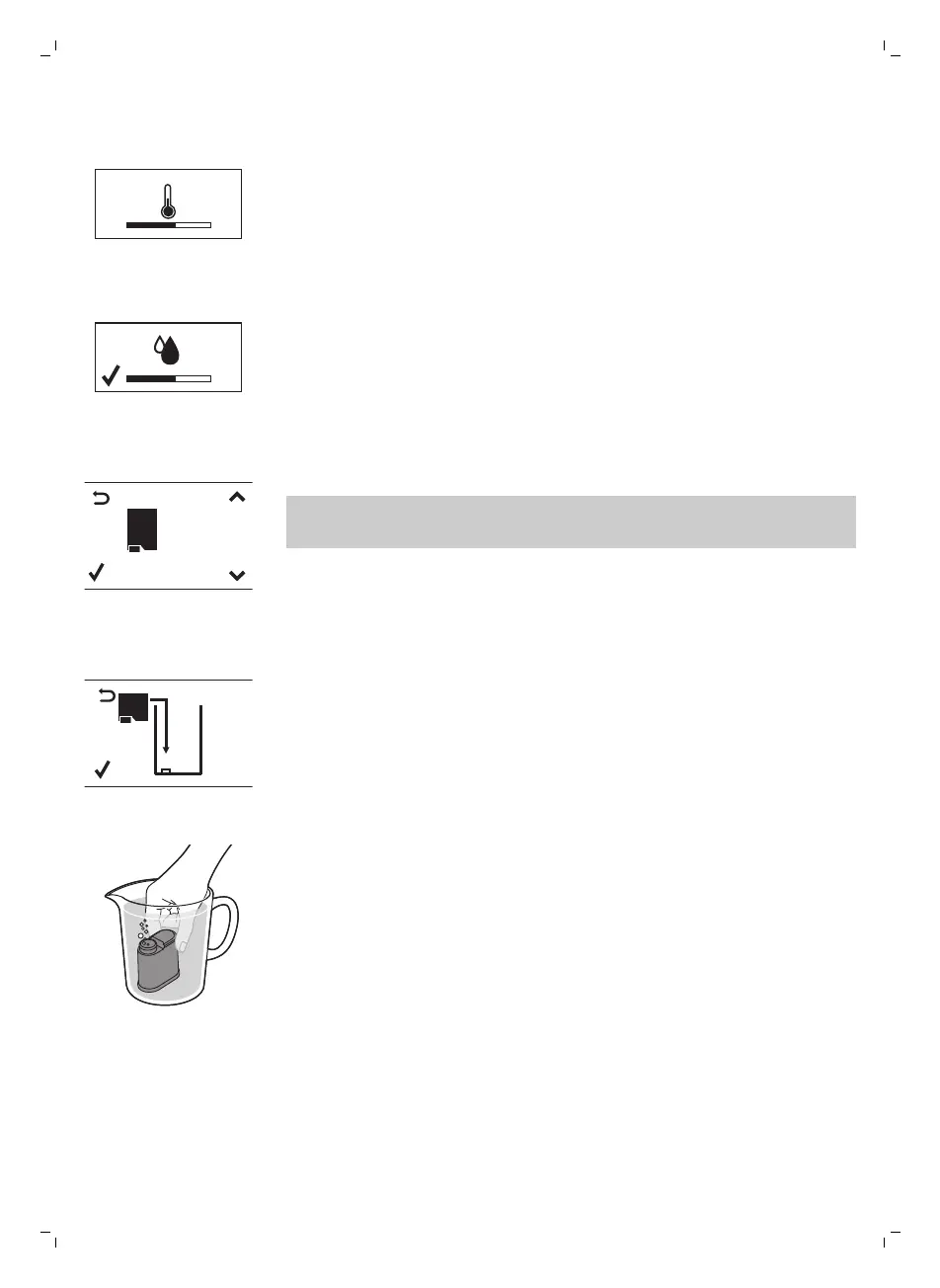
10 The display shows the following icon to indicate that the machine is
heating up.
-
The machine performs an automatic rinsing cycle.
AQUA
CL EA N
AQUACLEAN
FILTER?
11 The display shows the following icon to indicate you have to install the
AquaClean filter.
If you want to install the AquaClean filter afterwards, press the ESC
button and continue with the manual rinsing cycle. For installation, see
chapter ‘AquaClean filter’.
12 Press the OK button. The display shows the following icon.
13 Remove the AquaClean filter from its packaging. Shake the filter for about
5 seconds.
14 Immerse the filter upside down in a jug with cold water and wait until no
more air bubbles come out.
9
English


 To Next Page
 Loading...