English
7
22
7.3 Coffee bean supply
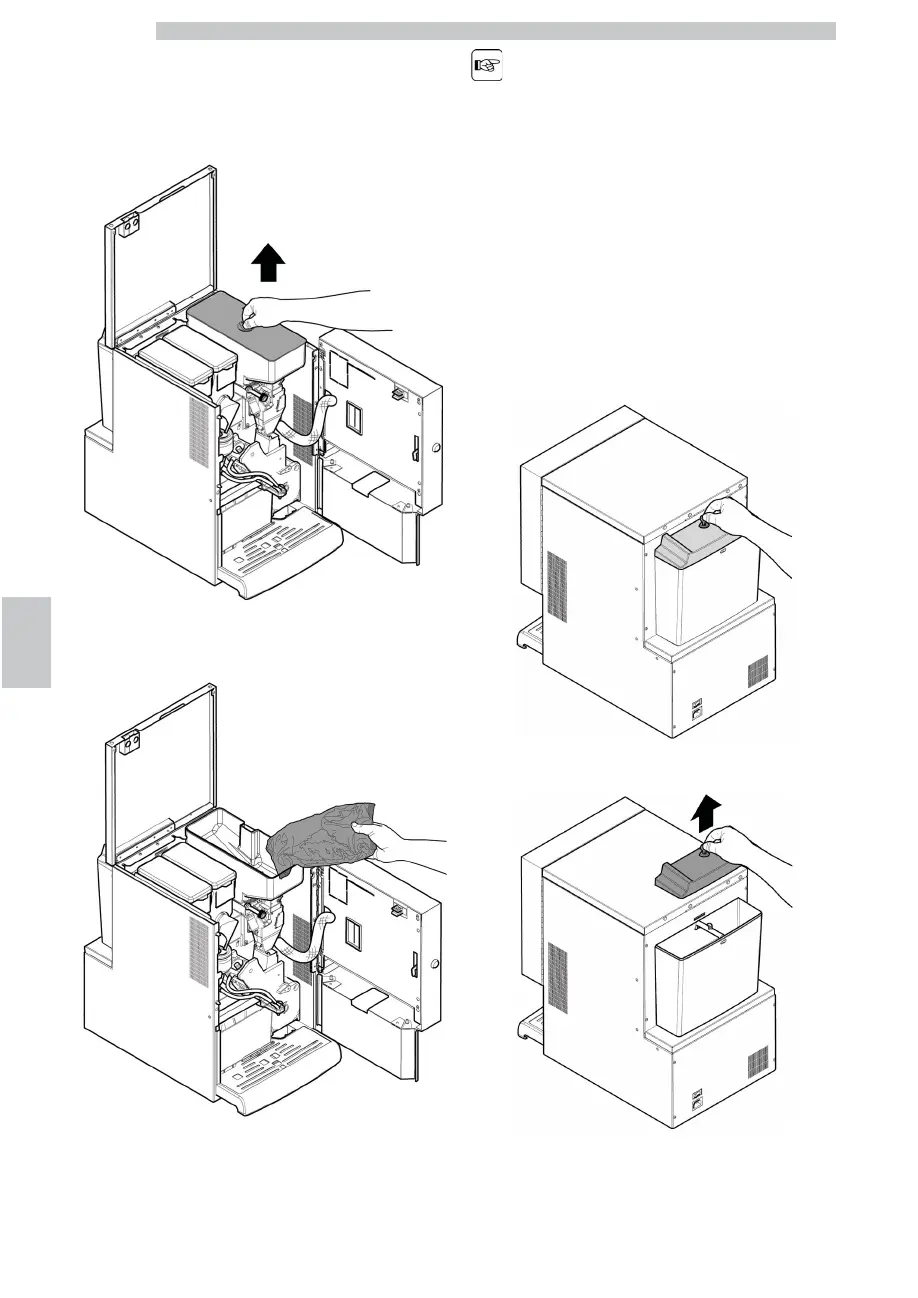
Open the vending machine front door. Open the top door.
Remove the container cover.
Put coffee beans into the container.
Replace the cover on the container.
If the message “NO MORE
COFFEE” is displayed, refill
the vending machine, turn
it off and then on again.
7.4 Filling the water tank
Rotate the special key inside the lock of the water tank lid.
Remove the lid with lock.











 To Next Page