English
8
43
8.3 Maintenance menu
The structure of the maintenance menu is indicated in
section “Structure of the Maintenance Menu”.
The section “Description of Messages in the Maintenance
Menu” describes all the entries in the maintenance menu.
8.3.1 Access to the maintenance
menu
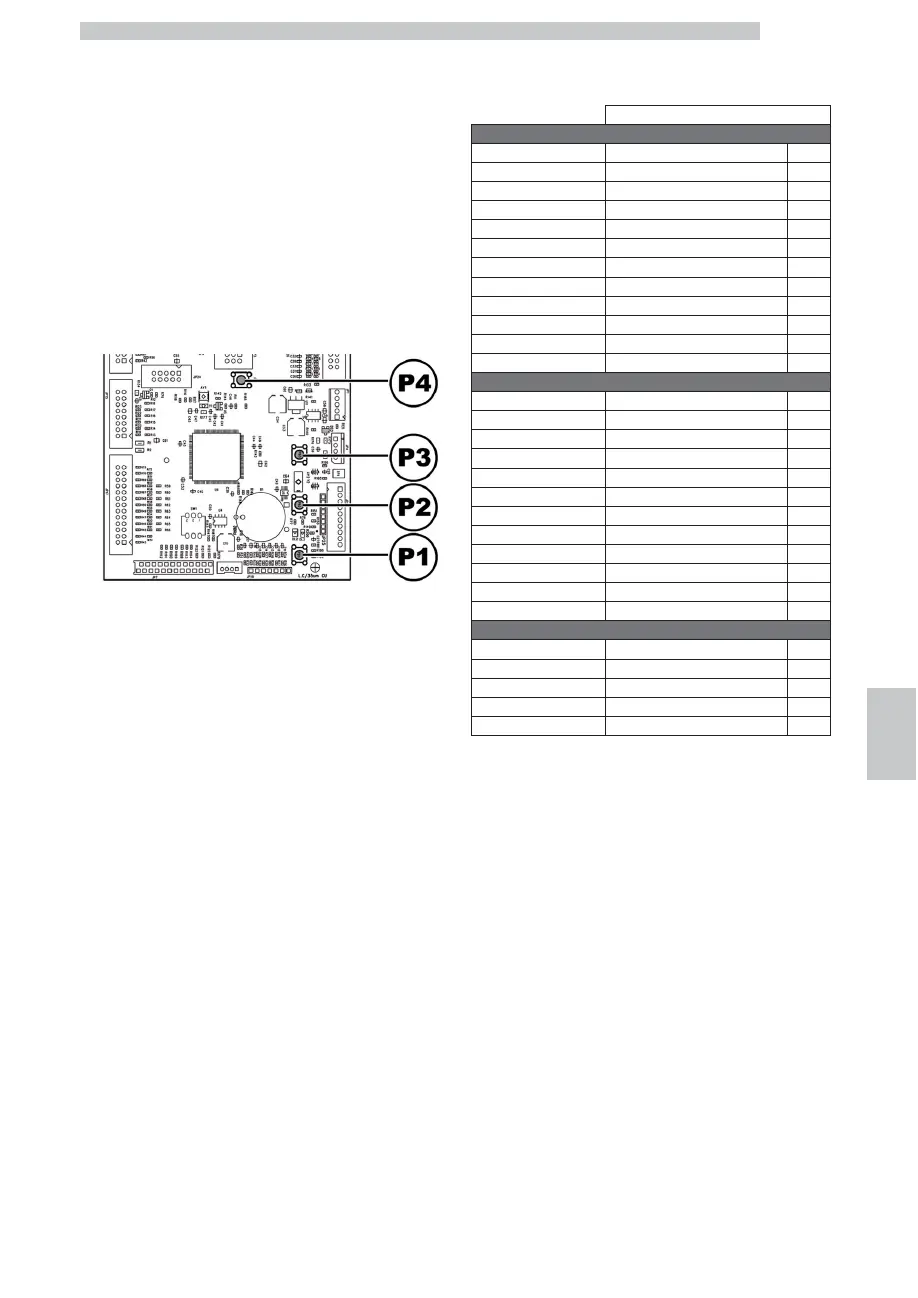
Open the door, disable the safety device (see section
“Safety Devices”) and press the P2 key to enter the
maintenance menu.
To exit the maintenance menu and return to the standard
operation of the vending machine:
• Press the CANCEL button repeatedly until "EXIT ?"
appears. Select YES and press ENTER;
• remove the key from the safety switch in order to turn off
the vending machine;
• close the door and wait for the self-configuration process
to end.
8.3.2 Structure of the maintenance
menu
ITEM NO.
MENU ITEM
1. MAINTENANCE
1.1. Error log
1.2. Rinsing time
1.3. Water Filter *
1.3.1. Last replacement *
1.3.2. Remaining qty *
1.3.3. Filter reset *
1.4. Calibrations
1.4.1. Coffee dosing unit
1.4.2. Brew Group Calib.
1.5. Cool Down Boiler
1.6. Drain boiler
1.7. Boiler filling
2. STATISTICS
2.1. Total sales
2.2. Overpay
2.3. Card-In
2.4. Card-Out
2.5. Total coins
2.6. Total banknotes
2.7. Counters
2.8. Free
2.9. Beverage test
2.10. VM Code
2.11. Slave sales
2.12. Reset
3. USB KEY functions
3.1. Write on USB KEY
3.1.1. Parameters writing
3.1.2. Counters writing
3.1.3. Write Param.+Count.
3.2. Read from USB KEY
(*) = Visible only if complete menus are enabled.











 To Next Page