English
7
86
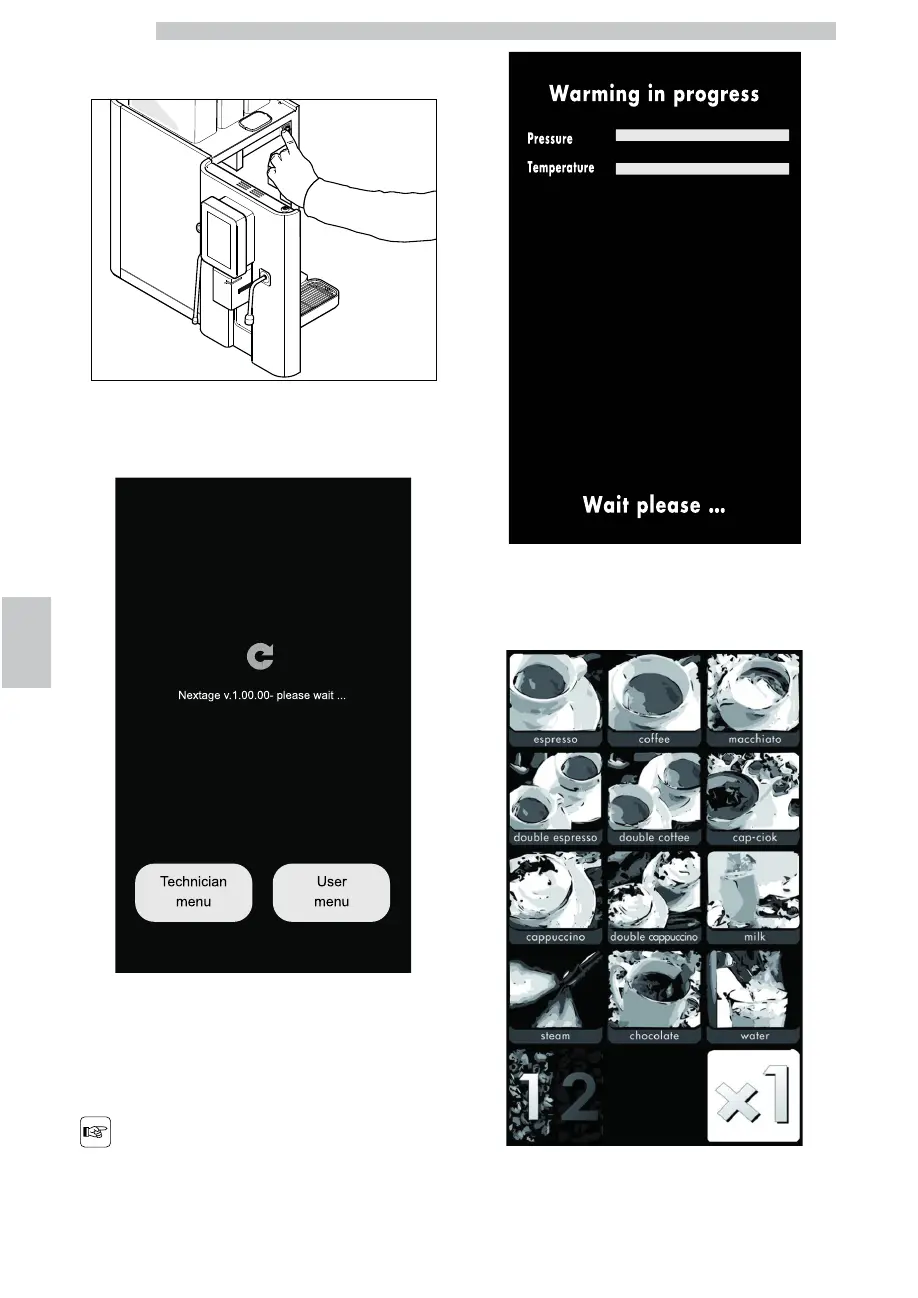
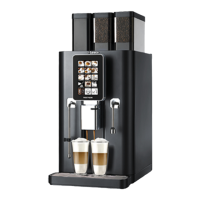
Open the door and switch on the machine by means of
the power button.
Close the door.
The following screen is displayed on the control panel.
Wait for a few seconds without touching the control
panel.
When the switch-on phase is complete, the following
beverage selection screen is displayed on the control panel.
Wait until the machine is
ready.
At the end of the warm-up phase the machine carries out
the "Machine ready" cycle.
At this point the icons of the beverages will be enabled.


 To Next Page