English
8
88
8 MAINTENANCE MENU
This section contains
instructions on how to set
and change the
maintenance parameters of
the appliance.
Therefore it is necessary to
carefully read it and to
understand the exact
sequence of operations
before performing them.
8.1 Maintenance menu
The structure of the maintenance menu is indicated in
section "Structure of the Maintenance Menu".
The section "Description of Messages in the Maintenance
Menu" describes all the options in the maintenance menu.
8.1.1 Access to the Maintenance Menu
Follow the instructions listed below in order to enter the
maintenance menu.
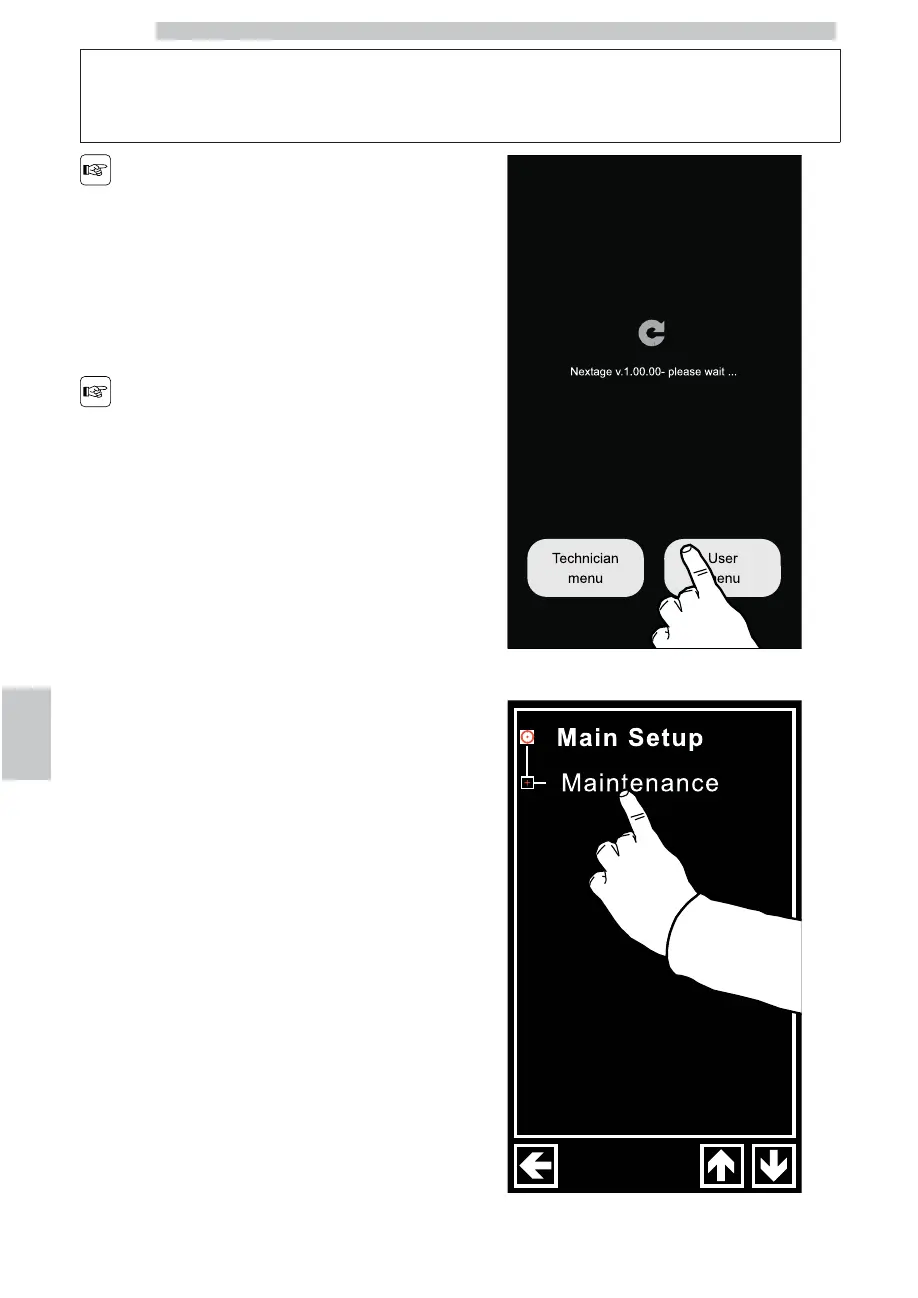
Switch on the machine as instructed in the "First Appliance
Start Up" section, wait for the start-up screen to appear
and then press the "Customer menu" button.
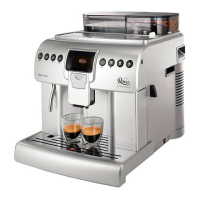
Press the "Maintenance" writing.


 To Next Page