M.HIST.0138.23 R1 Page 12 of 28 October, 06
th
2020
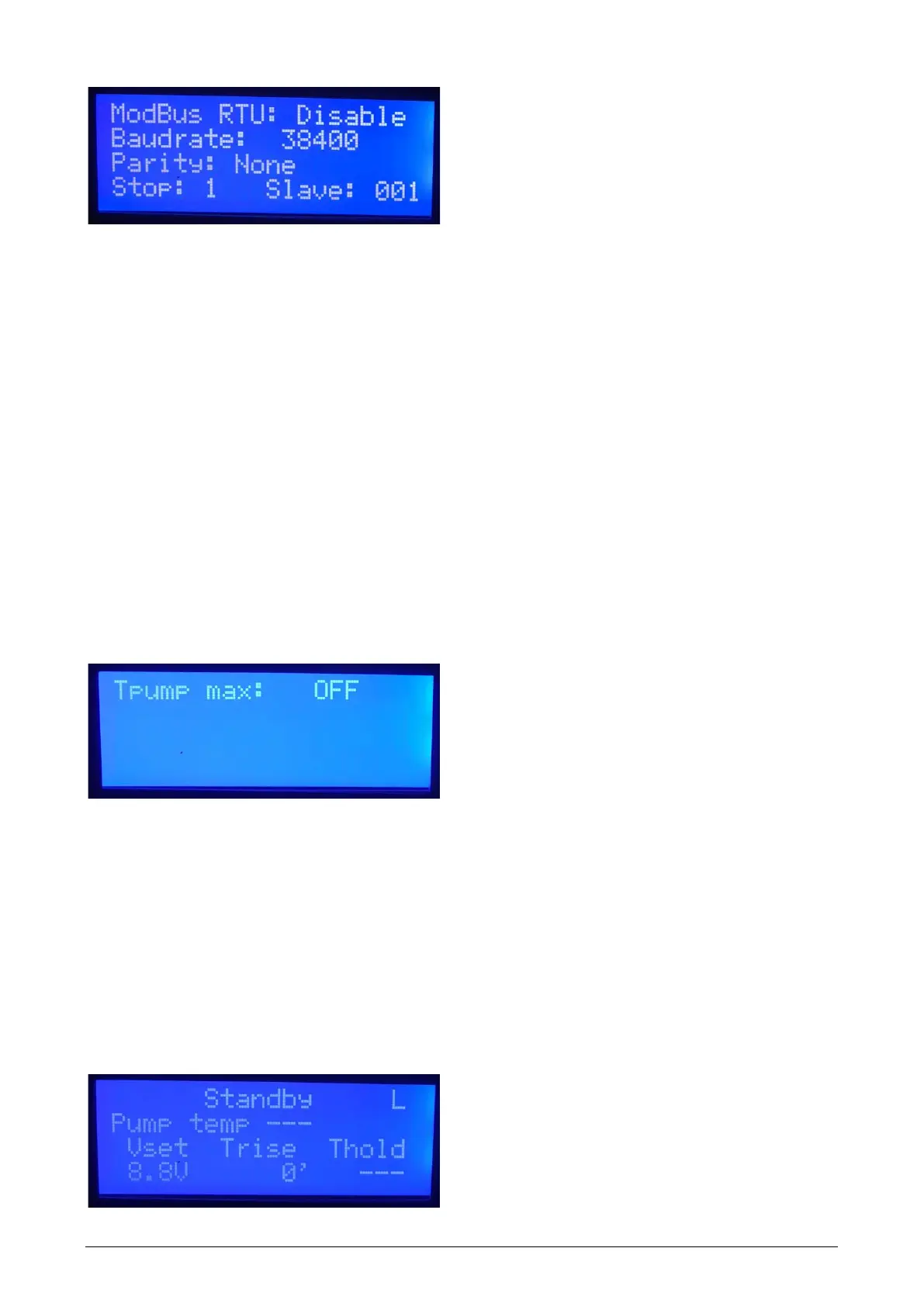
Third page shows Modbus RTU parameters for Modbus over RS232 (DB9 plug).
A short pressing on MENU/ENTER activates editing of the first field and moves to the next field,
arrow keys change parameter values. After editing the last parameter (Slave) the next pressing on
MENU/ENTER ends editing.
The following parameters are available:
Enable/Disable: Enable/Disable the Modbus over RS232
Baudrate is the serial port speed in bit/s
Parity is the parity bit configuration of RS232
Stop is the stop bit configuration of RS232
Slave is the slave ID of the instrument.
4.3. Maximum Allowed Pump Temperature
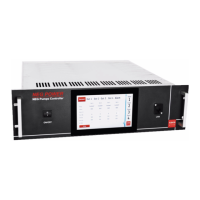
Fourth page is the additional protection parameter for the customer who wishes to use it.
By setting Tpump max, the maximum pump temperature is defined above which the instrument stops
supplying power to the pump.
By default it is not set (OFF).
4.4. Logging



 To Next Page