W www.saferoads.com.au
T 1800 060 672
E sales@saferoads.com.au
June 2020
Page 64
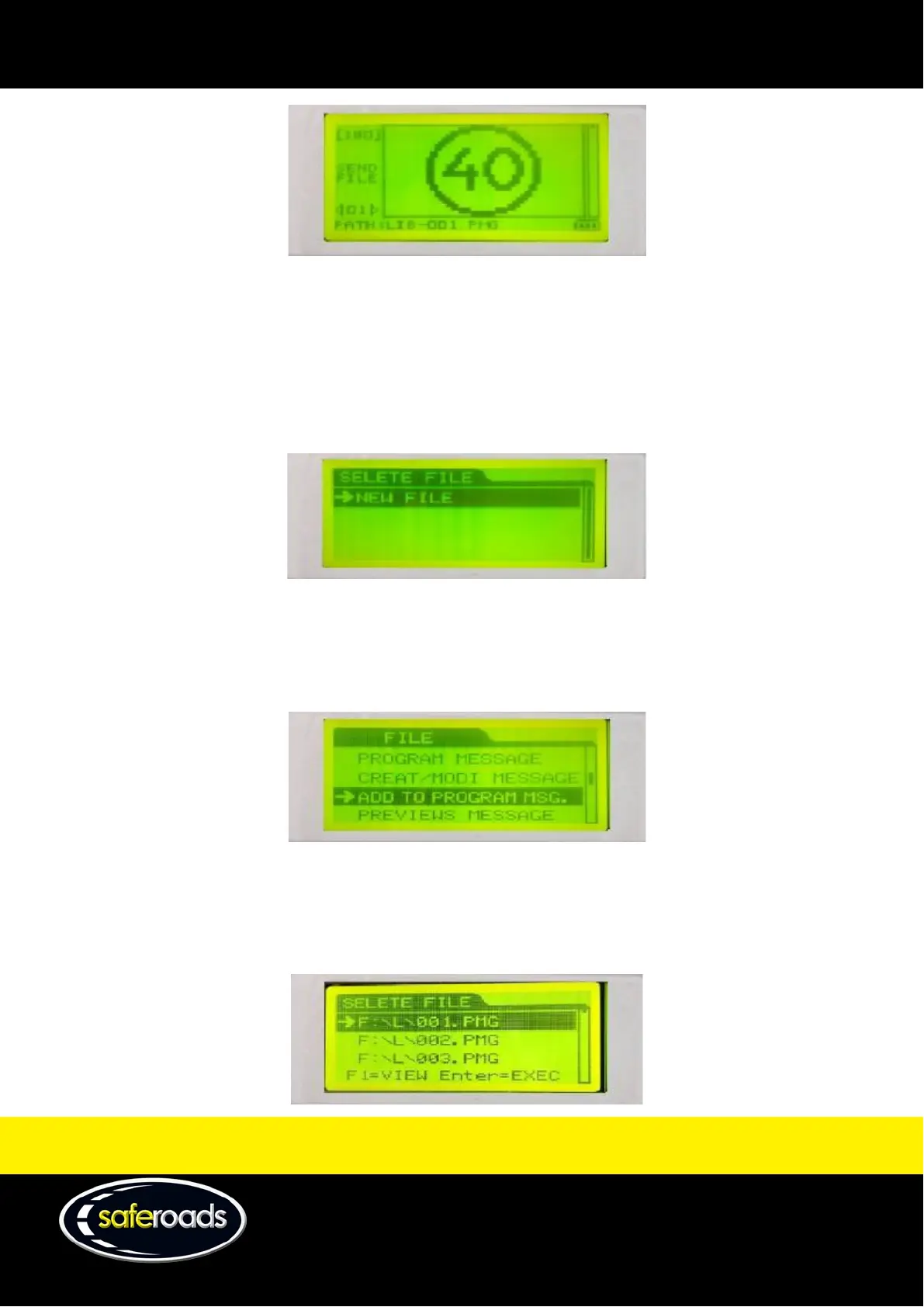
Figure 88
Create/Modify Message
The create/modify message option will take the user to a new screen where they can create a ‘New File’.
Note: See the Create a New VMS File section located on page 73 for detailed instructions on how to use this
feature.
Figure 89
Add to Program Msg
The add to program message will add the selected frame to current message on the VMS display. This feature is
used to join multiple built-in library pictures.
Figure 90
Preview Message
The preview message option allows the user to preview the built-in library files based on their name. (e.g.
F:\L\001.PMG will display 001 [40km sign]).
Figure 91



 To Next Page