W www.saferoads.com.au
T 1800 060 672
E sales@saferoads.com.au
June 2020
Page 74
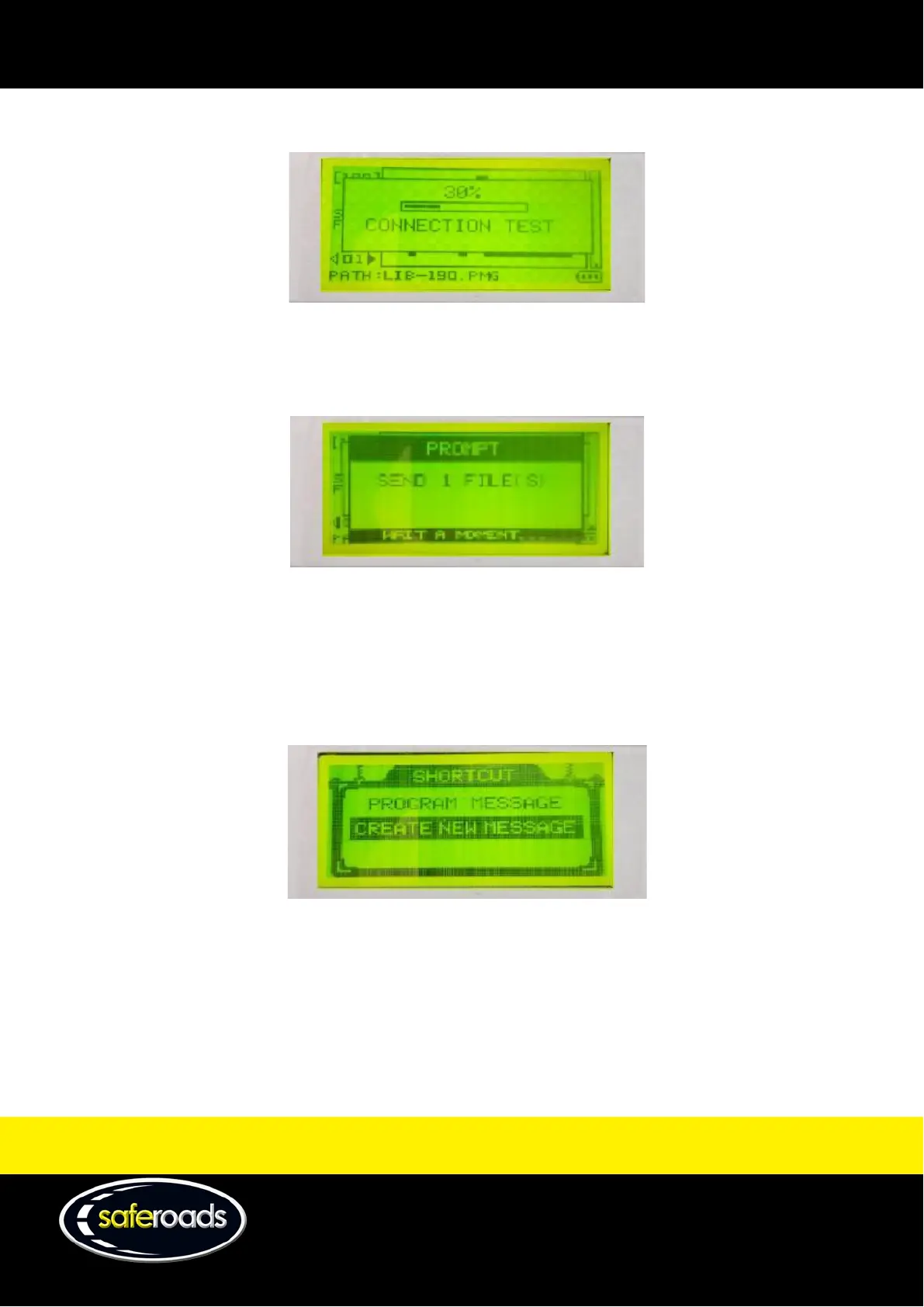
b. Push send to immediately send the file to the VMS display.
Figure 120
6. After the message manager completes a series of tests, the VMS display will change to the selected file.
Figure 121
Create a New VMS File
To create a new VMS file, complete the following steps:
1. Power on the message manager as per the power on section.
2. Push the down arrow key to highlight ‘Create New Message’.
Figure 122



 To Next Page