W www.saferoads.com.au
T 1800 060 672
E sales@saferoads.com.au
June 2020
Page 63
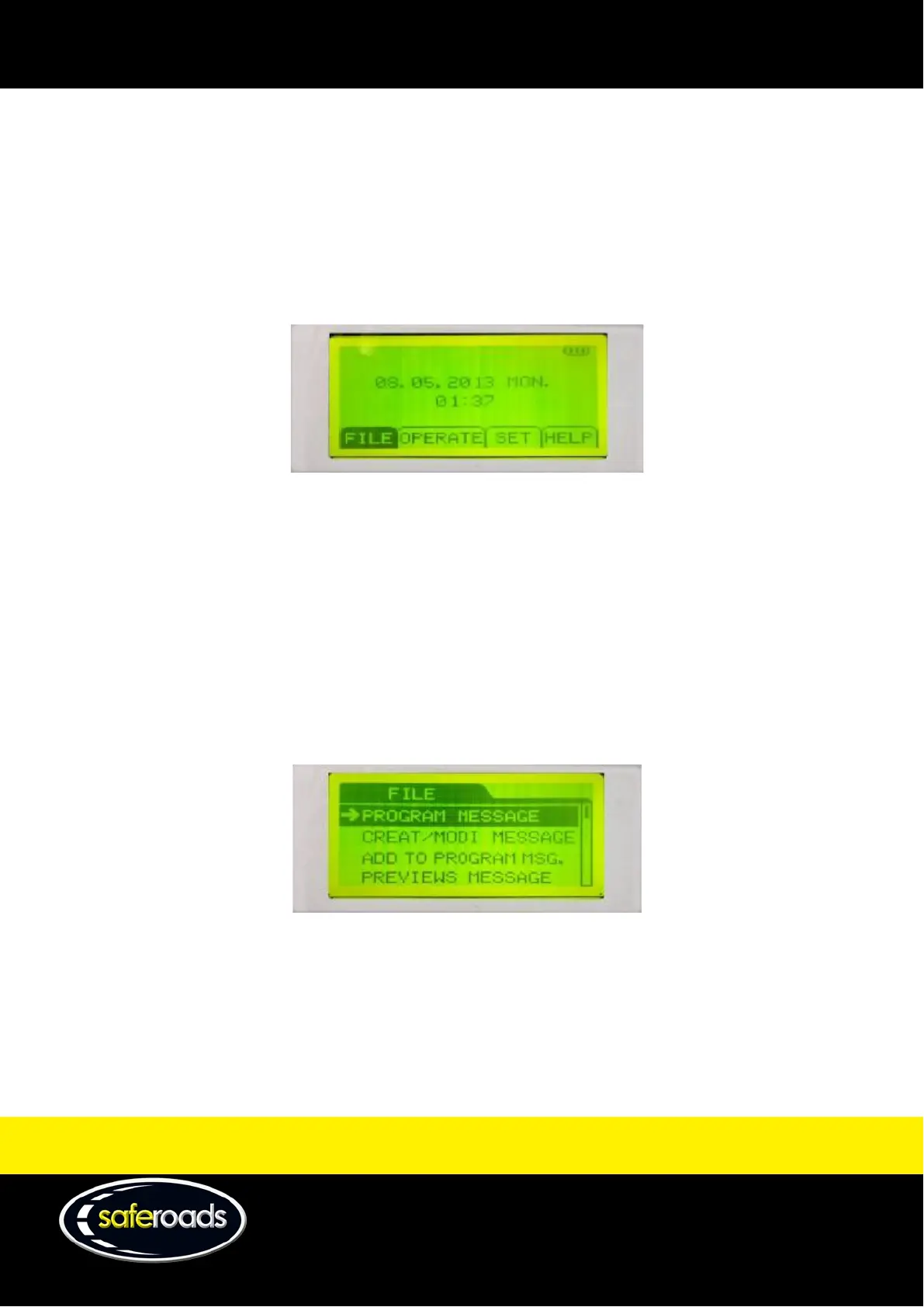
Menu Options
In the main menu, there are four different options:
1. File - manage files including built-in library and new files.
2. Operate – manage details about the current file and VMS display.
3. Set – configure the message manager settings.
4. Help – basic descriptions of the keys used on the message manager.
Figure 86
File Menu
The file menu has six selectable options:
1. Program Message
2. Creat/Modi Message
3. Add to Program Msg.
4. Previews Message
5. Delete File
6. Back
Figure 87
Program Message
Push enter with this option highlighted to go to the built-in library list where pre-programmed VMS files can be
sent to the VMS display.
Note: See the Send Built-in Library File to The VMS Display section on page 71 for detailed instructions on how to
use this feature.



 To Next Page