W www.saferoads.com.au
T 1800 060 672
E sales@saferoads.com.au
June 2020
Page 75
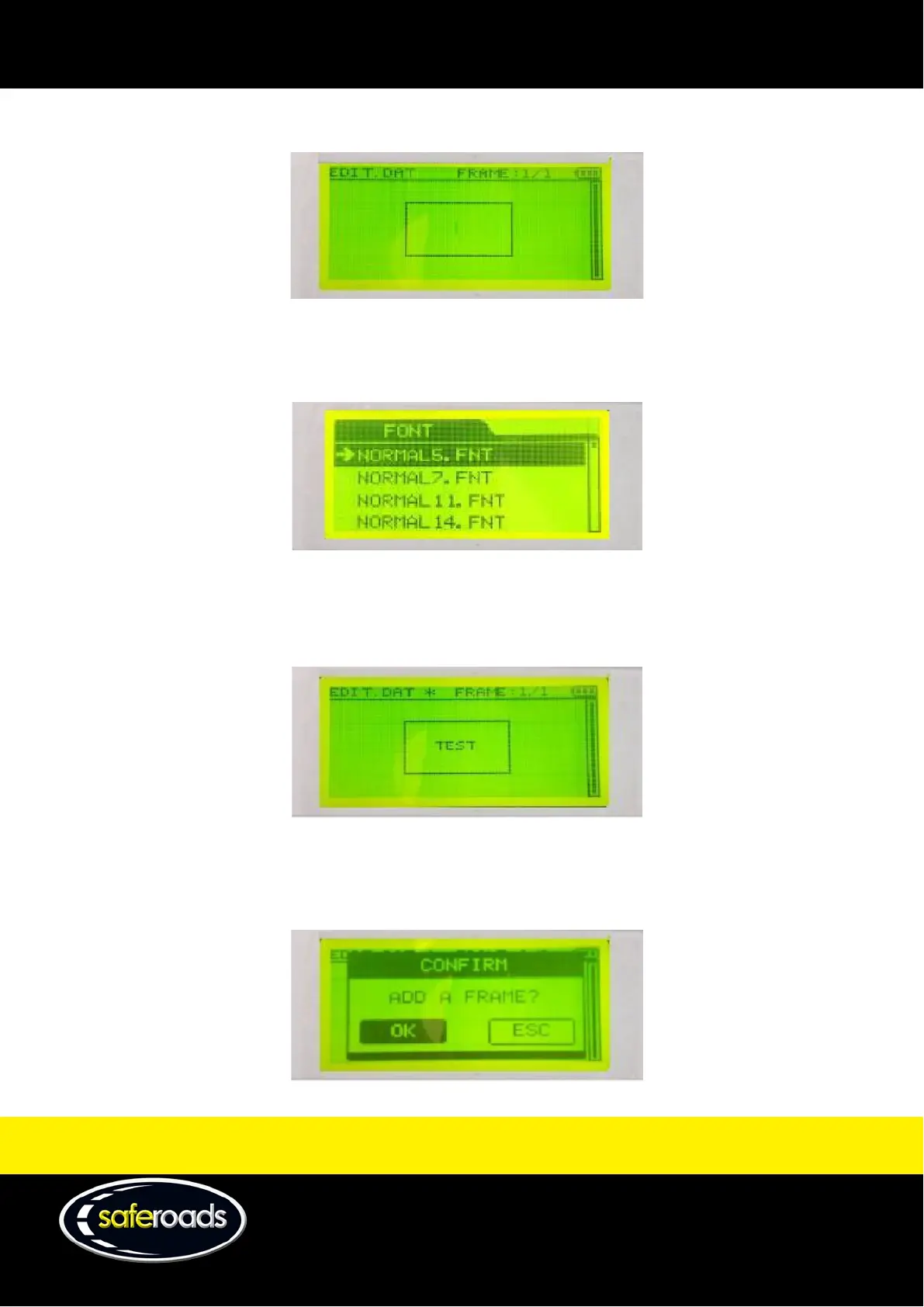
3. Push ‘Enter’ to display a blank frame.
Figure 123
4. Before entering any text, ensure the correct font size is selected.
Push ‘Font’ to select the desired font size.
Figure 124
5. Use the number keys to select the desired characters to create the frame.
Note: See button description for the list of the function of each key.
Figure 125
6. Push ‘Enter’ on the following keys to obtain the desired result:
a. Enter = New frame
Figure 126



 To Next Page