EasyManua.ls Logo

Saferoads Zone 2 VMS - Message Manager Sign Functions; Sign Config.; Sign Test

Default Icon
78 pages
Print Icon
To Next Page IconTo Next Page
To Previous Page IconTo Previous Page
Loading...
W www.saferoads.com.au
T 1800 060 672
E sales@saferoads.com.au
Australian Version 3.1
June 2020
Page 67
Sign Config
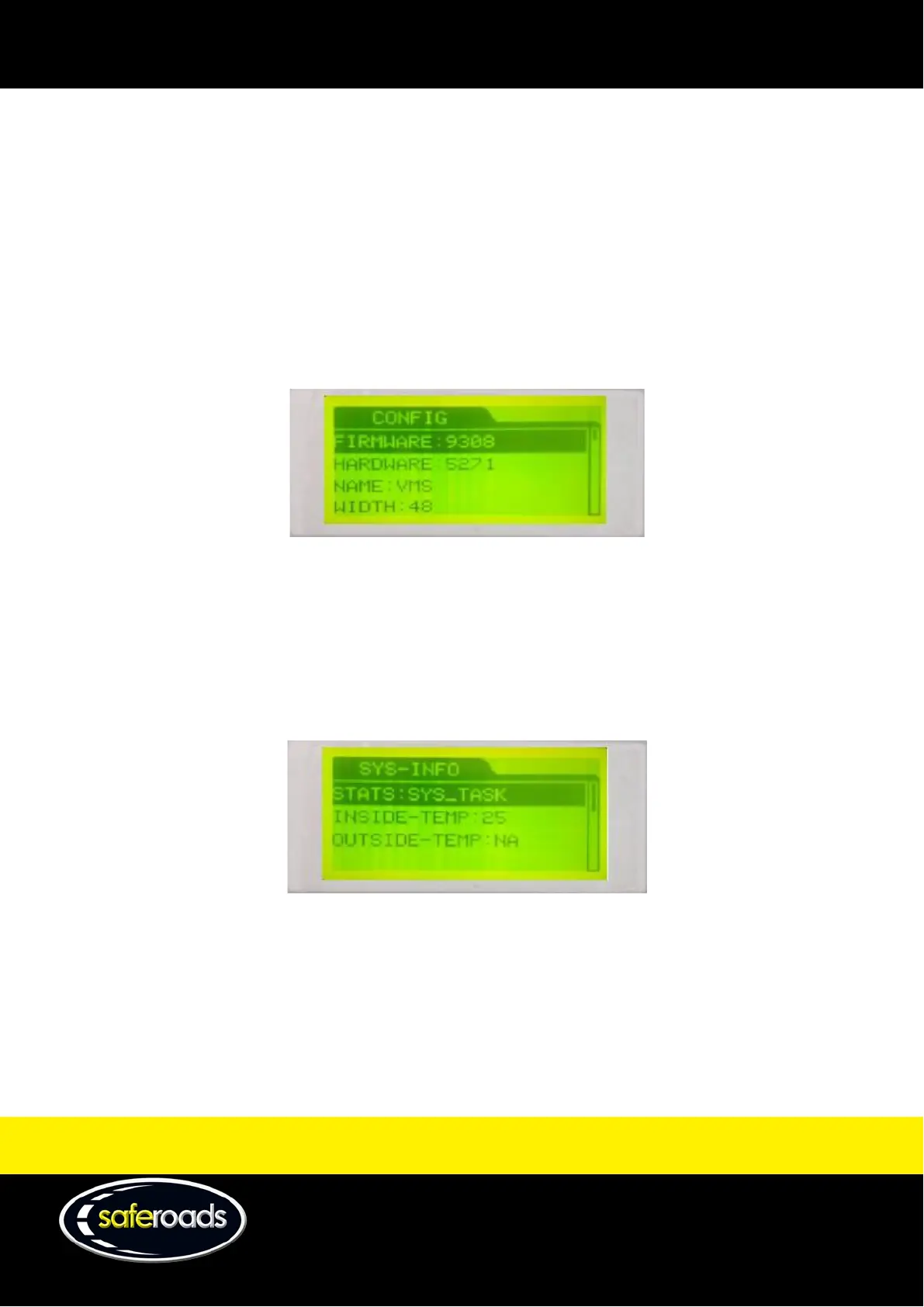
The sign configuration option allows the user to view the following information from the CPU:
Firmware
Hardware
Name
Width
Height
IP address
GGUU settings
Figure 98
Sign Information
The sign information option allows the user to view the following information from the CPU:
Stats
Inside temperature
Outside temperature
Figure 99
Sign Test
The sign test option allows the user to complete three individual tests on the VMS display. Check the horizontal
and vertical alignment and ensure all LEDs are working by selecting ‘All On’.

Table of Contents