W www.saferoads.com.au
T 1800 060 672
E sales@saferoads.com.au
June 2020
Page 70
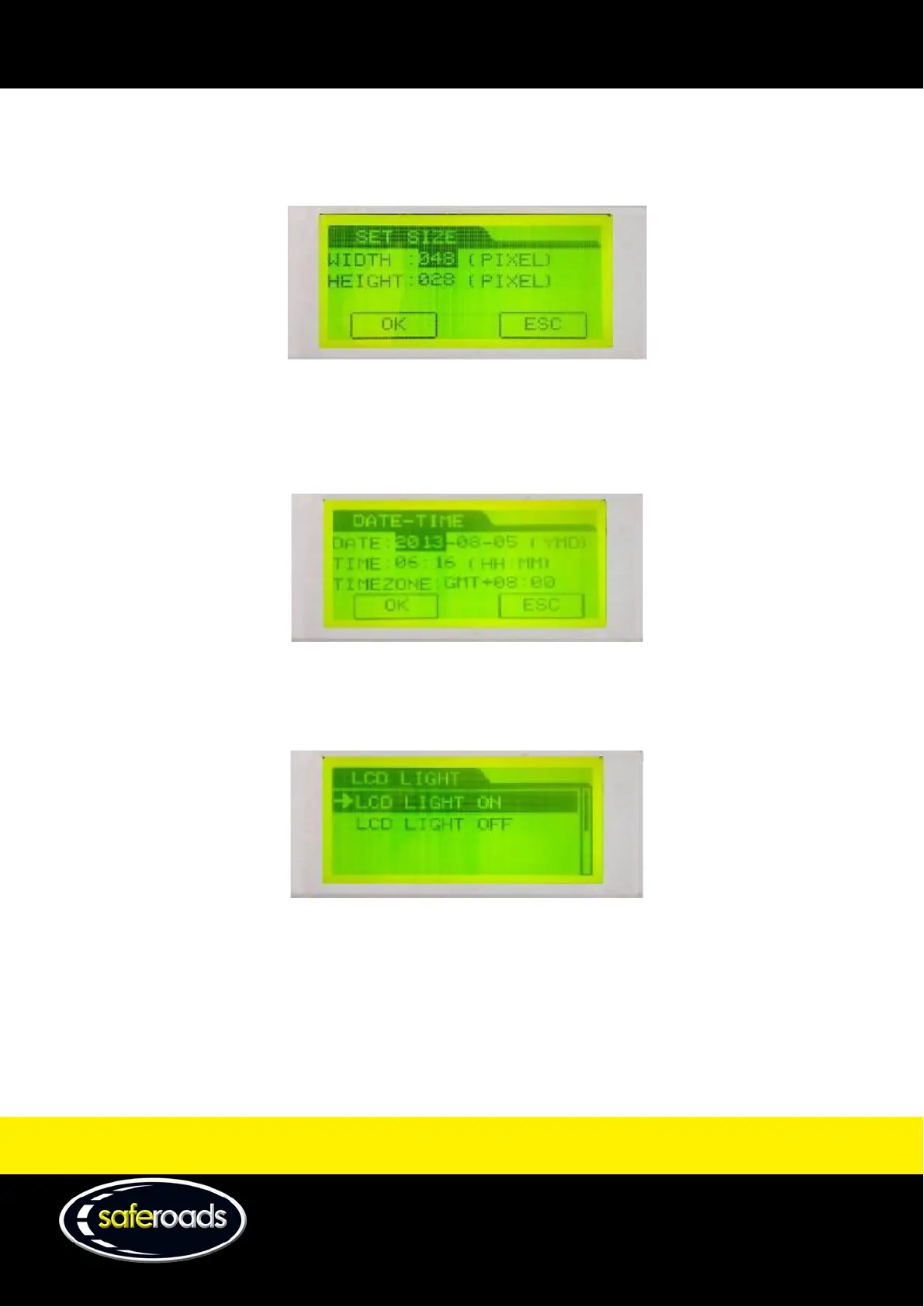
Config Sign
The configure sign option allows the user to change the size of the sign based on the number of pixels.
Note: This option should not be tampered with unless advised by a technical staff member.
Figure 107
Set Date and Time
The set date and time option allows the user to change the date, time and time zone relative to where the user is
located.
Figure 108
LCD Set
The LCD set option allows the user to either turn on or off the backlight on the message manager display.
Figure 109
Display Format
The display format option allows the user to enable or disable the zoom feature when scrolling through the
built-in library.



 To Next Page