- 9 -
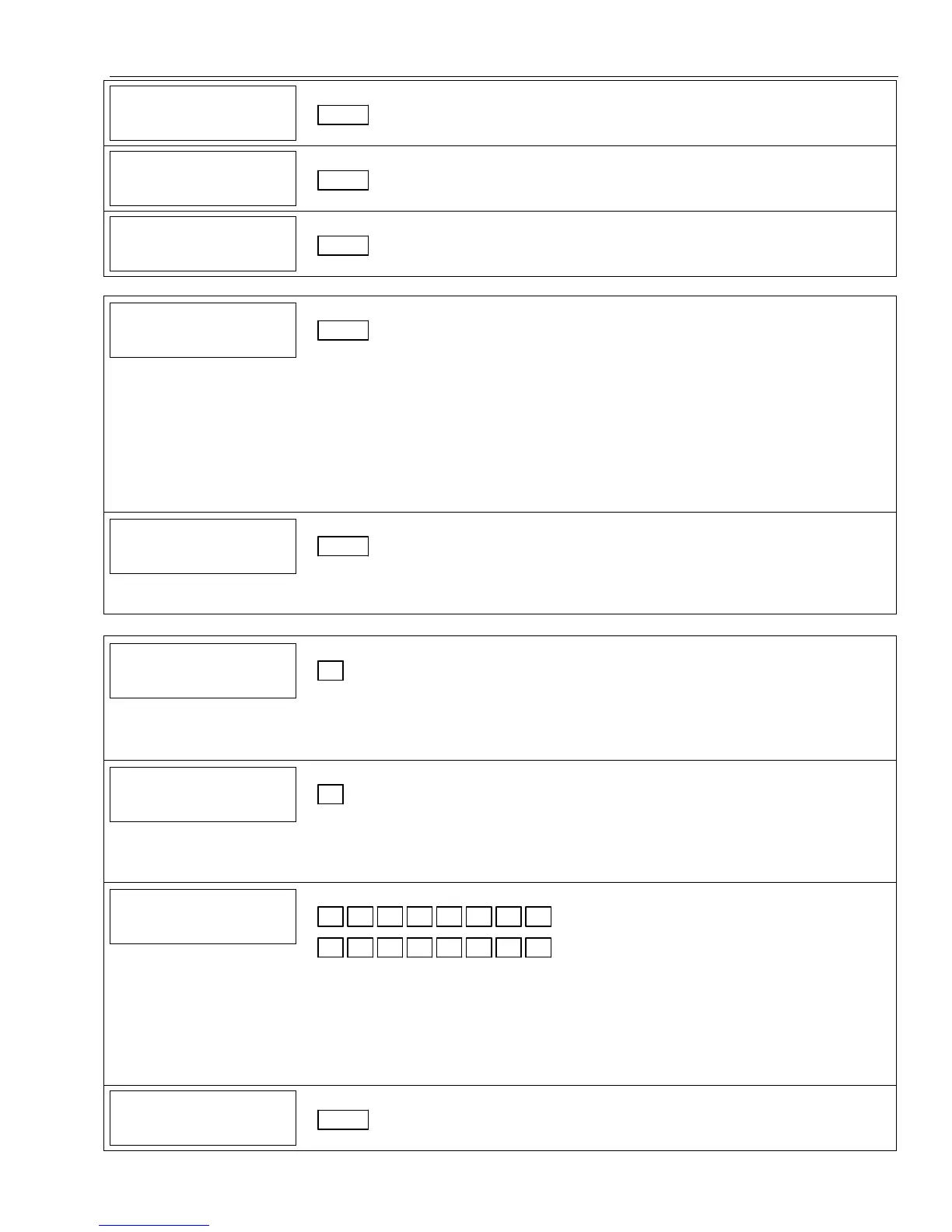
Data Field Display Function& Programming Options [ ] = Programmed Table 1 Default Values
74
7474
74
LO
LO LO
LO
BAT
BATBAT
BAT
RES
RES RES
RES
REP
REP REP
REP
Low Bat Restore Report Code
|
[1,0]
75
7575
75
RF
RFRF
RF
LOBAT
LOBAT LOBAT
LOBAT
R
RR
RES
ESES
ES
REP
REP REP
REP
RF Transmitter Low Battery Restore Report Code
|
[1,0]
76
7676
76
TEST
TEST TEST
TEST
RES
RES RES
RES
REPORT
REPORTREPORT
REPORT
Test Restore Report Code
|
[1,0]
DYNAMIC SIGNALING FIELD (✻77)
77
7777
77
DYNAMIC SIG OPTS
DYNAMIC SIG OPTSDYNAMIC SIG OPTS
DYNAMIC SIG OPTS
Dynamic Signaling Options
| [0, 0]
1st Entry (delay before switch CS reporting path)
0 = Redundant
reporting on dialer
and LRR/IP device
1 = 15 seconds
2 = 30 seconds
3 = 45 seconds
4 = 60 seconds
5 = 75 seconds
6 = 90 seconds
7 = 105 seconds
8 = 120 seconds
9 = 135 seconds
#10 = 150 seconds
#11 = 165 seconds
#12 = 180 seconds
#13 = 195 seconds
#14 = 210 seconds
#15 = 225 seconds
2nd Entry
0 = Primary Dialer
Preferred Channel
1 = LRR/IP
Preferred Channel
2 = LRR/IP
reporting only
7
77
78
88
8
PROG TONE GEN TM
PROG TONE GEN TMPROG TONE GEN TM
PROG TONE GEN TM
Programmable Tone Generation Time
| [0, 0]
00 = Disabled
01-09 = 100-900 ms
10-99 = 1.0 – 9.9 secs
OUTPUT AND SYSTEM SETUP (✻80, ✻81, ✻83–✻85) See Procedures later in this manual.
86
8686
86
MULTI
MULTIMULTI
MULTI-
--
-MODE
MODE MODE
MODE
EMAIL
EMAILEMAIL
EMAIL
Multi-Mode (E-Mail Notification) (RIS is always enabled)
[0]
0 = Disable multi-mode devices (RIS enabled)
1 = Enable multi-mode device address #6 only (RIS enabled)
2 = Enable multi-mode device address #7 only (RIS enabled)
3 = Enable multi-mode addresses (RIS enabled)
87
8787
87
AUX
AUX AUX
AUX
FUNC
FUNCFUNC
FUNC
1BTN
1BTN 1BTN
1BTN
PG
PG PG
PG
Aux Function/ 1-Button Paging
[0]
0 = Aux key performs defined function (macro);
1 = Aux key sends message to pager or voice message to follow me system phone no.
If 1, you must also select an option 6-9 in field ✻49 for the pager or 10-13 for the follow me
system announcement.
88
8888
88
PAGER CHARACTERS
PAGER CHARACTERSPAGER CHARACTERS
PAGER CHARACTERS
Pager Characters
Up to 16 digits can be entered that will appear in front of the 7-digit pager message sent by
the control. Refer to the Installation Instructions (fields ✻87, ✻88 and ✻49) for full
descriptions of the paging feature. You do not need to fill all 16 digits (press [✻] to
advance to next field).
To clear entries, enter ✻88✻. To enter “✻” = [#] + [11]; To enter “#” = [#] + 12]; To
enter 2-second pause = [#] + [13] (some pagers require an additional delay [pause] in
order to receive the entire message)
89
8989
89
EVNT
EVNT EVNT
EVNT
LOG
LOG LOG
LOG
80%
80% 80%
80%
REP
REPREP
REP
Event Log 80% Full Report Code
|
[0,0]


 To Next Page