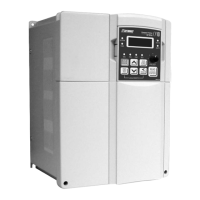
SH6- HEATER CONTROLLER SERIES
- Check DIP Switch selected is installed and is the correct
value. Note failure to do this can result in damage to the
controller.
- Set REF INP to ZERO
- Apply power to the drive.
- Check POWER ON LED and PHASE ROT LED on PC550
are ON.
- Press start button.
- Check RUN LED on PC550 is on.
- Check that the drive can be stopped by pressing the
stop button.
- Check RUN LED on PC550 will extinguish.
- Restart the drive.
- Slowly increase REF INP (Max 10V).
- Adjust ACCEL pot to give desired ramp time.
- Measure the current drawn by the load with a clip on
ammeter.
- Adjust MAX CURR pot clockwise until the desired
current limit setting is reached.
- Check that the elements are drawing desired current
once acceleration is complete and there is a 10VDC
reference.
- The controller is now set for operation.



 To Next Page