EasyManua.ls Logo

Sage II - Alignment Diagnostic; Test Description; Operation

Sage II
115 pages
Print Icon
To Next Page IconTo Next Page
To Previous Page IconTo Previous Page
Loading...
SAGE
II SERVTCE
MANUAL
[1.0]
CYCLER
TEST
SERIAL TEST
XI.O5 SERIAL
TEST
:
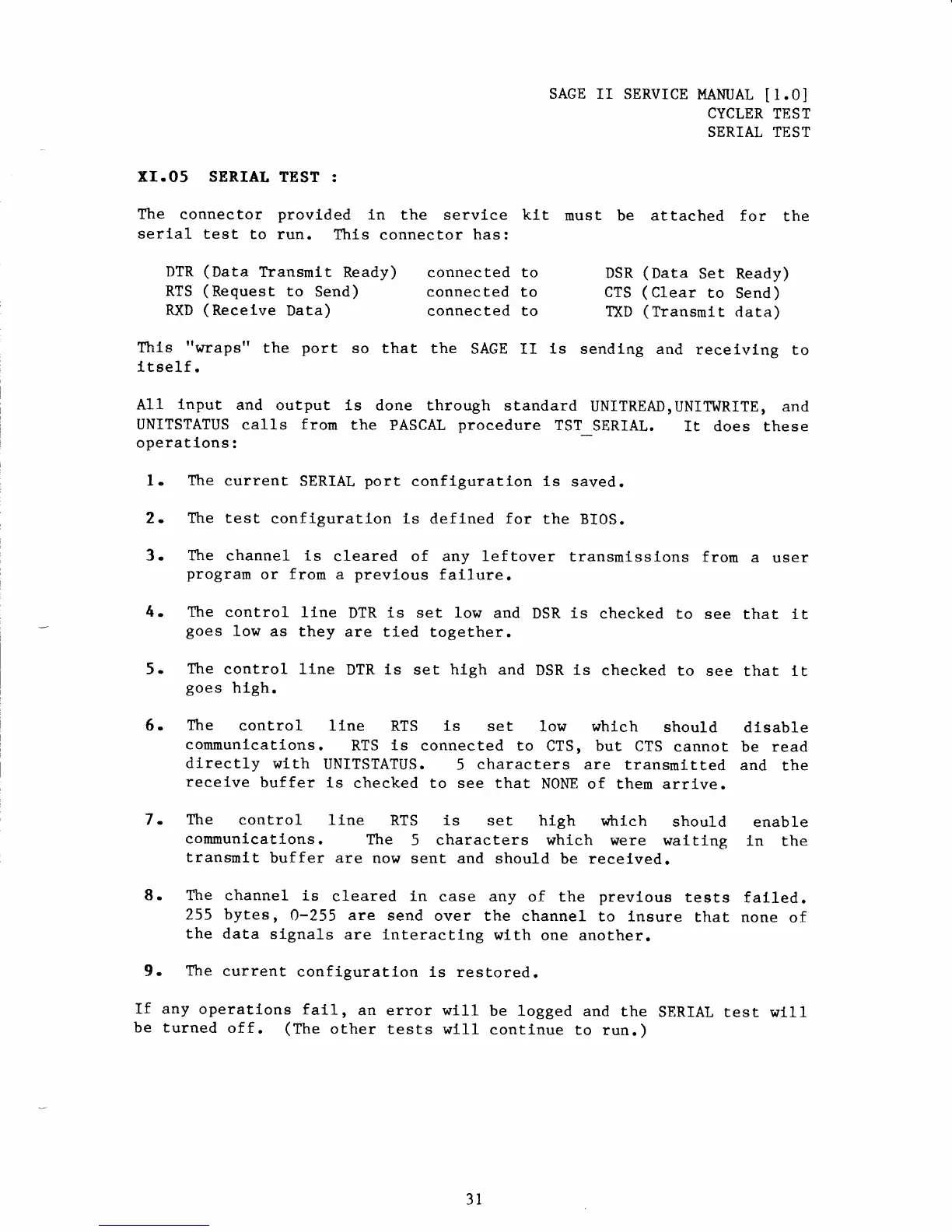
The connector
provlded
ln the
service
ktt
must
be attached for
the
serlal test
to run.
This
connector
has:
DTR
(Data
Transmit
Ready)
connected to
DSR
(Data
Set Ready)
RTS
(Request
to
Send)
connected to
CTS
(Clear
to
Send)
RXD
(Recelve
Data)
connected to
TXD
(Transrnlt
data)
This
"wraps"
the
port
so
that the
SAGE
II
ls
sendlng
and
receivlng
to
ltself.
A11
lnput
and
output is
done through
standard
UNITREAD,
UNIT'I^IRITE,
and
UNITSTATUS
cal1s from
the
PASCAL
procedure
TST
SERIAL.
It does
these
operatlons:
1.
The
current
SERIAL
port
configuration is
saved.
2.
The test
configuratlon is
deflned
for
the
BI0S.
3.
The
channel is
cleared of any leftover
transmlssions
from
a
user
program
or
from
a
previous
failure.
4. The
control
line
DTR
is set low
and
DSR
is
checked
to
see
that
it
goes
low
as they
are tied
together.
5.
The
control
llne
DTR
is
set
hlgh
and
DSR
is
checked
to
see
thar
tt
goes
hlgh.
6.
The
control llne
RTS ls
set low whlch
should
dlsable
communlcatlons.
RTS
ls
connected
to
CTS,
but
CTS
cannot
be
read
dlrectly
wlth
UNITSTATUS.
5
characters
are
transmitted
and
the
recelve
buffer
ls
checked to see
that
NONE of them
arrLve.
7.
The
control
line
RTS is set high
which
should
enable
communications.
The
5
characters which
were waiting
in
the
transmlt
buffer are
now
sent and
should
be recelved.
8.
The
channel
ls
cleared in
case any
of the
prevlous
teets
falled.
255 bytes,
0-255 are
send over the
channel
to lnsure
Lhat
none
of
the
data
slgnals
are
l-nteracting
with
one another.
9.
The
current
configuratlon
ls
restored.
If any
operations
fal1r
8o
error
will
be
logged
and the
SERIAL
test w111
be turned
off.
(The
other tests
wtll
continue to
run.)
3l