EasyManua.ls Logo

Sage II - Subsystem Modifications; Micropolis Disk Mods; Micropolis Disk Setup; Mitsubishi Disk Mods

Sage II
115 pages
Print Icon
To Next Page IconTo Next Page
To Previous Page IconTo Previous Page
Loading...
sAcE rI
SERVTCE
MANUAL
[1.0J
ALIGNMENT DIAGNOSTIC
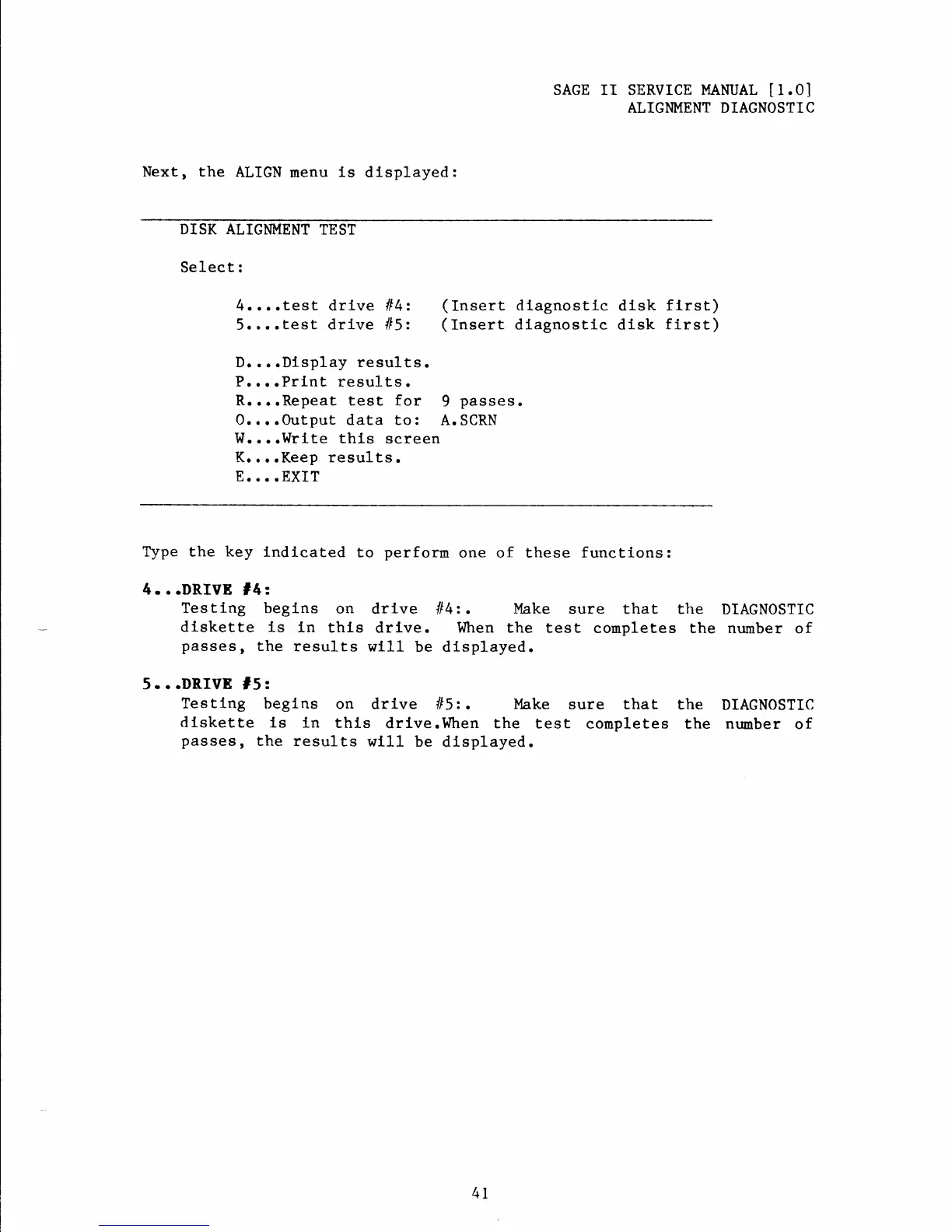
Next, the
ALIGN
menu
is
dlsplayed:
DISK ALIGNMENT
TEST
Select:
4....test drive
lt4:
(Insert
dlagnostlc dlsk ftrst)
5....Eest
drive
ll5:
(Insert
dlagnostlc dtsk
first)
D....Dlsplay
results.
P,...Print results.
R....Repeat
test
for
9
passes.
0. .
.
.Output data to:
A. SCRN
W..
..Wrl-te
this
screen
K....Keep results.
E....EXIT
Type the key
lndicated
to
perform
one of these
functions:
4 . .
.DRIVE
14
z
Testing
begins
on drive
ll4:.
I'lake
sure that the
DIAGNOSTIC
dlskette
is ln
thls
drlve. When the test
completes
the nurnber of
passes,
the results
will
be dLsplayed.
5...DRTVE
f5:
Teetlng
beglns
on drive
ll5l-.
Make
sure
that the
DIAGN0STIC
diskette ls
ln
this
drlve.When the
test conpletes
the
ntrmber
of
passes,
the
results
wtl1
be displayed.
4T