Sagemcom F@st 5260
Chapter 2:
Getting Started
4.
At the bottom right side of the window, click Apply.
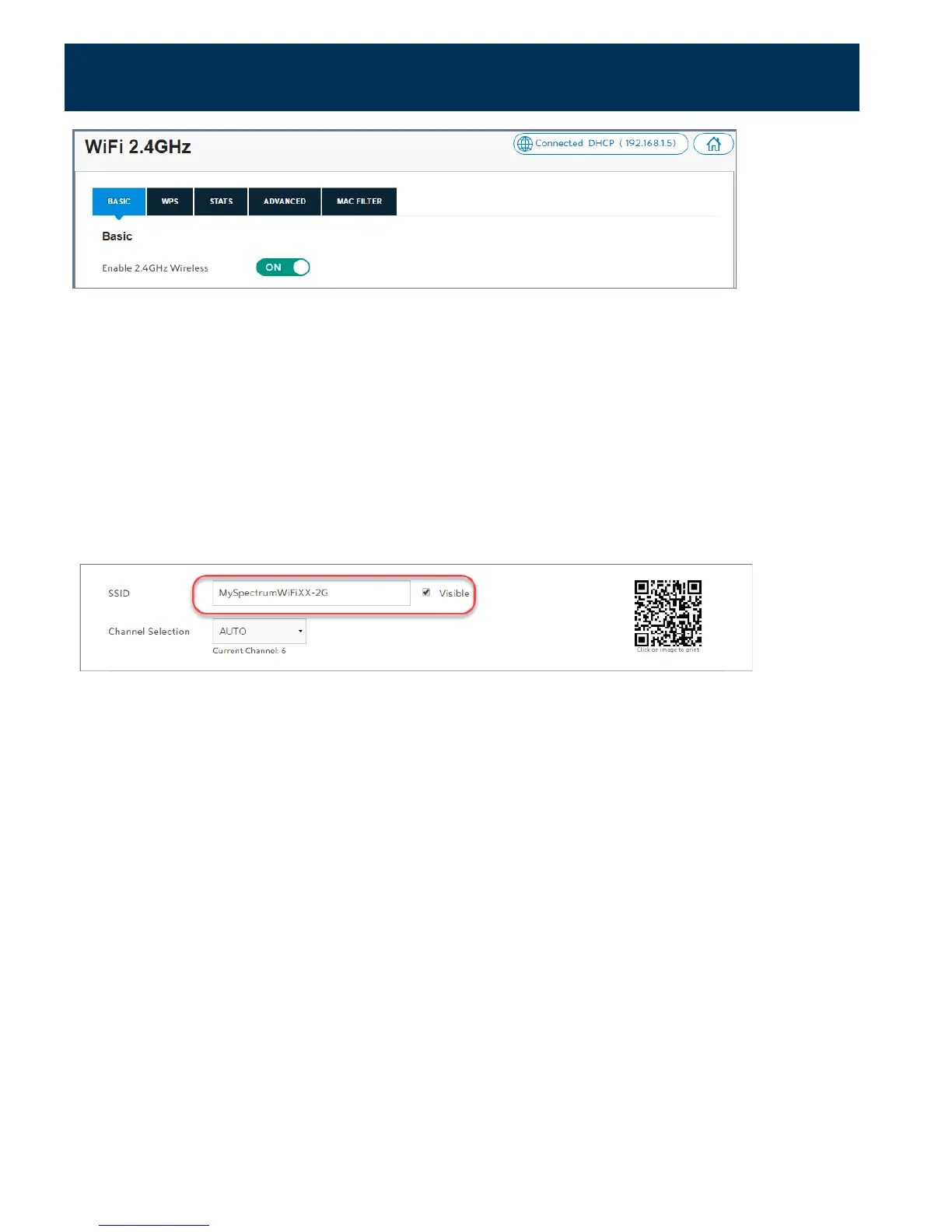
Change your SSID and stop broadcasting your SSID
You can change your network name (SSID), and broadcast the name or keep it hidden.
Broadcasting your network name allows you to more easily detect and identify your Wi-Fi
network. By default, SSID broadcast is enabled. To change your network name:
1.
Log in to the web GUI.
2.
Click on the network to be configured.
3.
Select the Basic tab. In the Basic section, enter the new network name in the SSID field.
4.
If you want to stop broadcasting your network name, unselect the Visible box.
5.
At the bottom right side of the window, click Apply.
18



 To Next Page