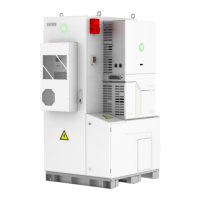
6.3 Commissioning
Start up:
(1) Connect the AC circuit breaker
(2) Connect the DC circuit breaker between inverter and battery (if applicable)
(3) Turn ON the battery (if applicable)
(4) Turn ON the DC switch on the inverter
(5) Install the communication module into the inverter
(6) Setup the initial setting for inverter on eSAJ Home
(7) Observe the LED indicators on the inverter to ensure the inverter is running properly
6.4 eSAJ APP Connection
6.4.1 Account Login
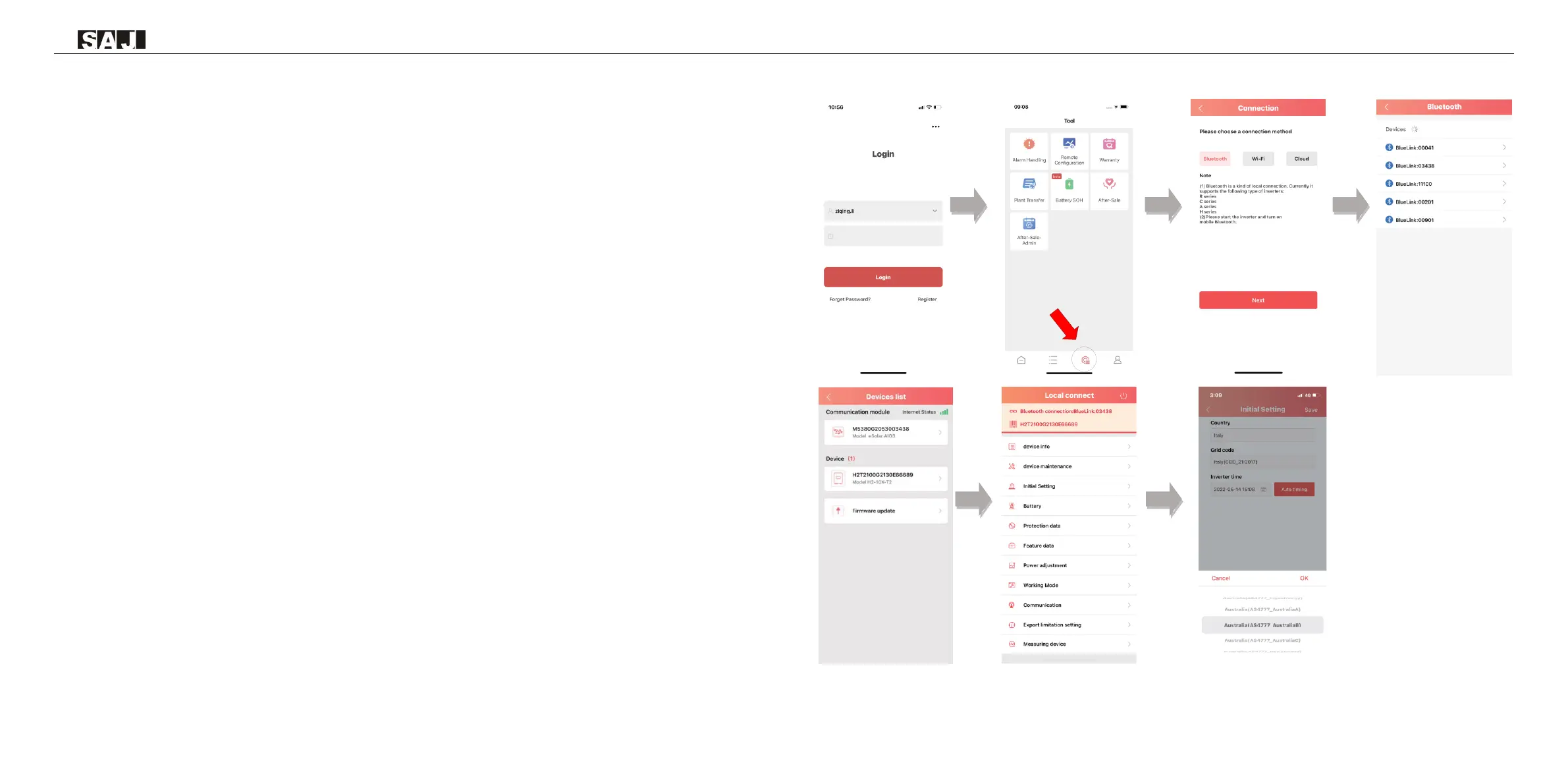
Step 1: Log in to eSAJ Home, if you do not have an account, please register first.
Step 2: Go to the “Tool” interface and select “Remote Configuration”
Step 3: Click on “Bluetooth” and activate the Bluetooth function on your phone, then click on “Next”
Step 4: Choose your inverter according to your inverter SN’s tail numbers
Step 5: Click on the inverter to enter inverter setting
Step 6: Select the corresponding country and grid code for



 To Next Page
 Loading...