6.2.3 Account Login
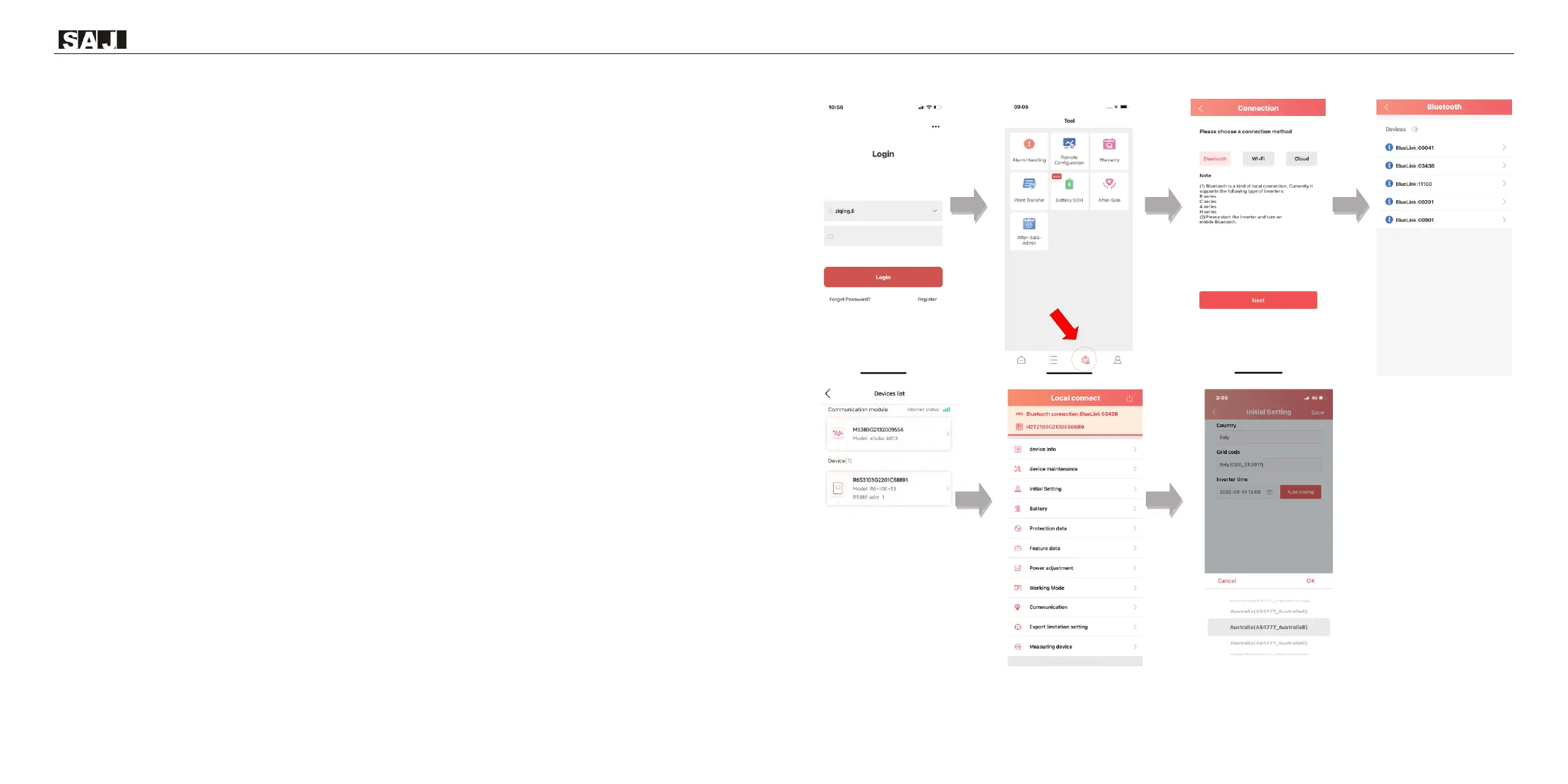
Step 1: Log in to eSAJ Home, if you do not have an account, please register first.
Step 2: Go to the “Tool” interface and select “Remote Configuration”
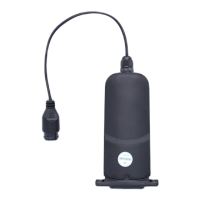
Step 3: Click on “Bluetooth” and activate the Bluetooth function on your phone, then click on “Next”
Step 4: Choose your inverter according to your inverter SN’s tail numbers
Step 5: Click on the inverter to enter inverter setting
Step 6: Select the corresponding country and grid code for



 To Next Page
 Loading...