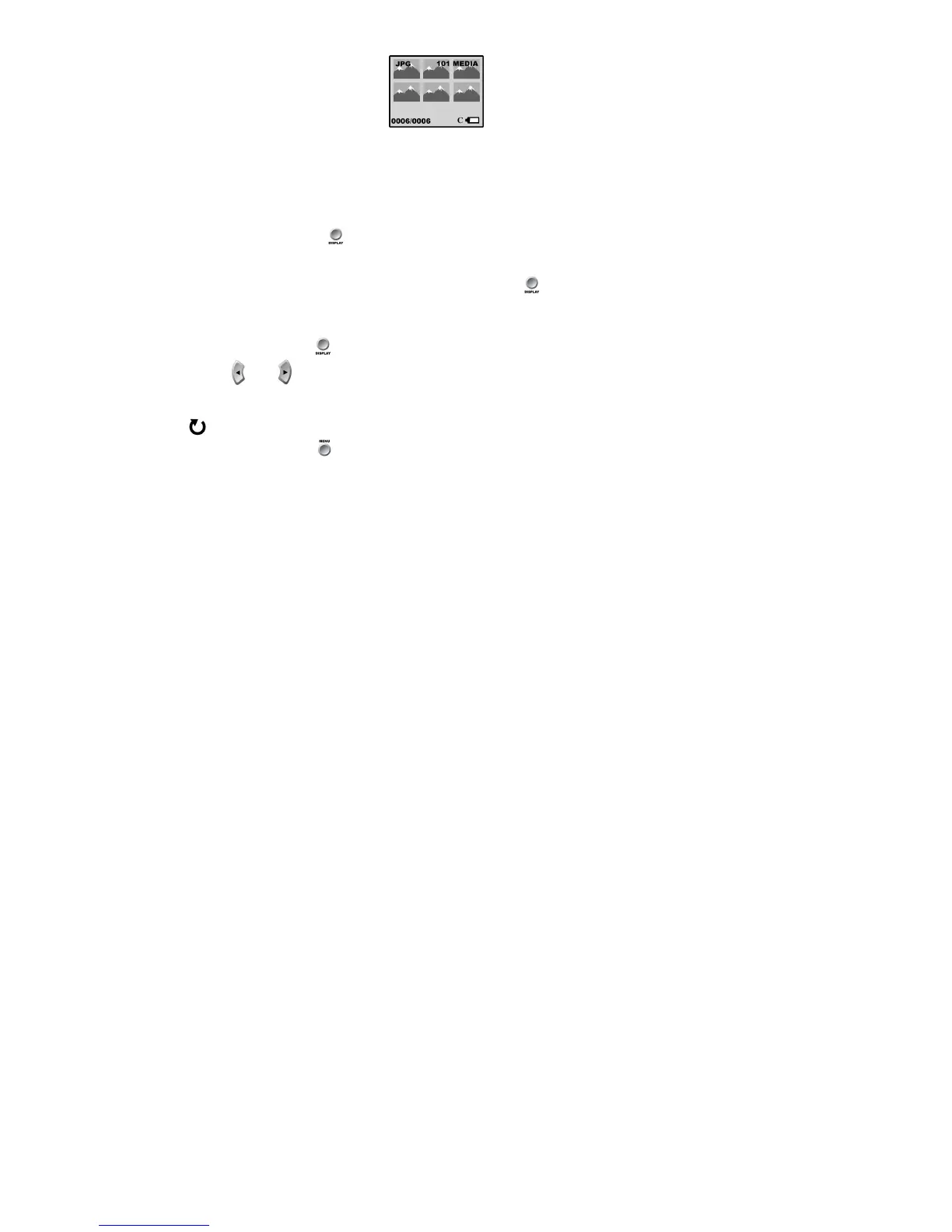
Thumbnails display.
When a file is selected, the number of the file you have selected will be displayed out of a total number of files in
memory (e.g. 0018/0025).
Thumbnails Display:
1. Press the Display button till you see your images displayed as thumbnails.
2. Use the navigation arrows to browse the media files in your camera. A selected file will be highlighted by a white
border. The type of media will be displayed, AVI for a video or JPG for a photo.
3. To see a full screen display of the file, press the display button .
Note: You cannot manipulate files from the thumbnails view
Single Image Display:
Press the Display button until you see the full screen display.
Use the and navigation arrows to browse the files in your camera.
Rotate
:
1. Press the menu button .



 To Next Page