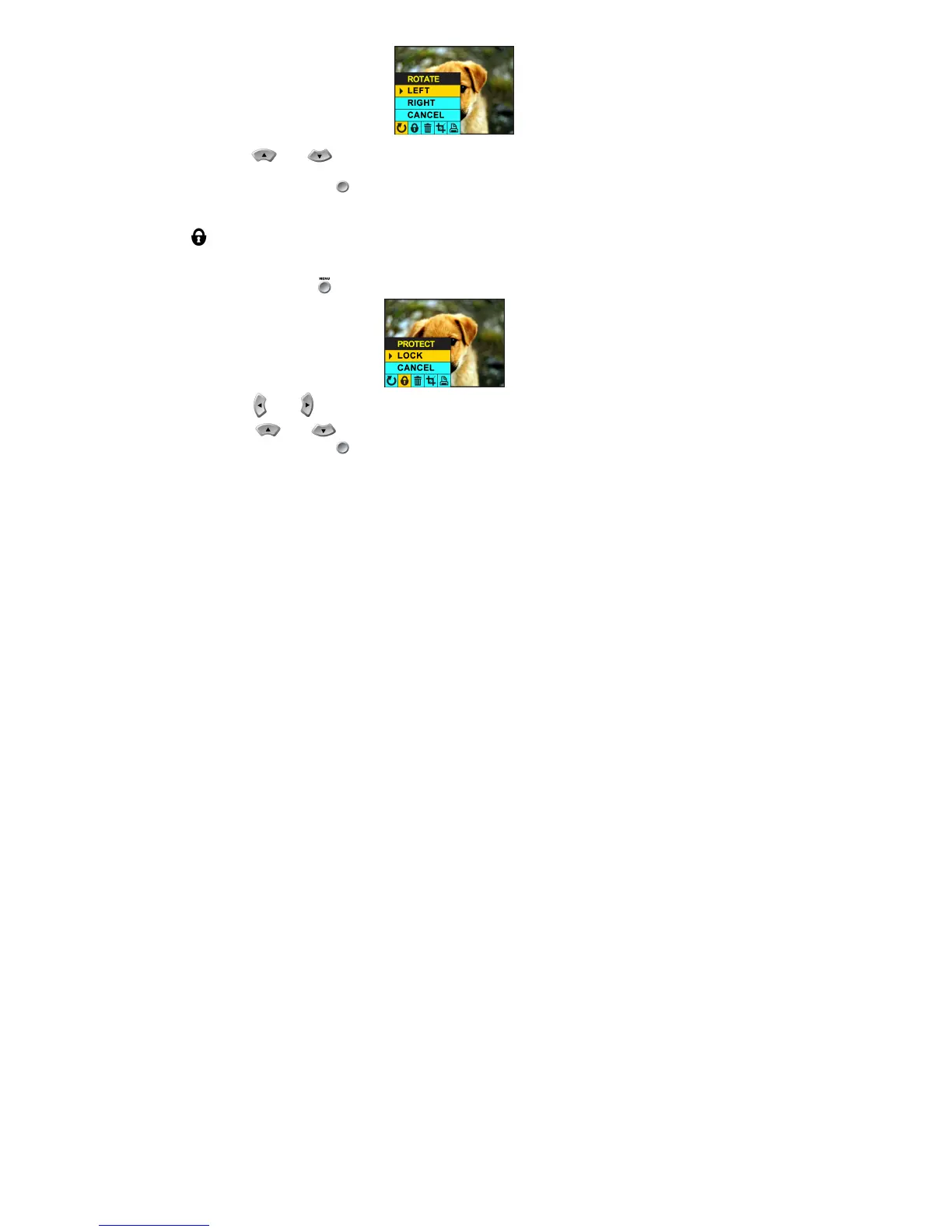
2.Using the and navigation buttons, select LEFT to rotate the photo 90 degrees to the left or RIGHT
to rotate the photo 90 degrees to the right or CANCEL.
3. Press the OK/Enter button to confirm your selection.
Protect
:
You can protect your photos/videos from accidental deletion selecting to “lock” them.
1. Press the menu button .
2. Press the and navigation buttons until you have selected the Protect menu.
3. Using the and navigation buttons, select LOCK to protect the file or CANCEL to unlock it.
4. Press the OK/Enter button to confirm your selection.



 To Next Page