A lock icon will appear on the LCD screen if you have selected to protect the file. (Note: Formatting a memory
card will delete protected data too).
Delete:
Delete unwanted photos and videos at any time to free up memory. You can delete one image or video clip at a
time or delete all the unprotected photos and videos that are currently recorded on the memory card at once.
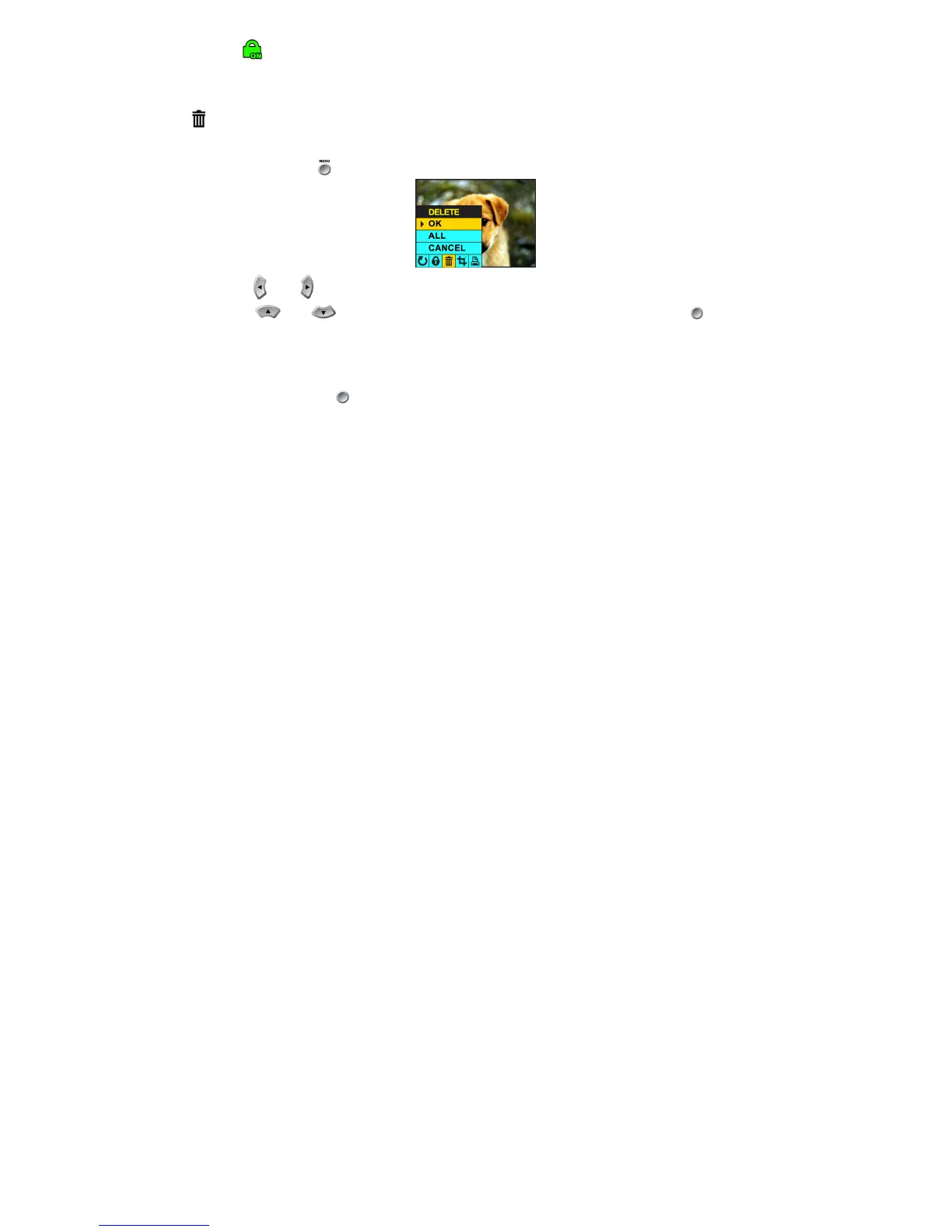
1. Press the menu button .
2. Press the and navigation buttons until you have selected the Delete menu.
3. Using the and navigation buttons, select a function and press the OK/Enter button to confirm
your selection.
OK: Delete the image currently selected. The image displayed in the LCD monitor will be erased. You can use the
repeat this procedure for each image you wish to erase
ALL: Delete all unprotected still Images.
CANCEL: Choose cancel to exit the menu without making changes.
4. Press the OK/Enter button to confirm your selection.



 To Next Page