Crop:
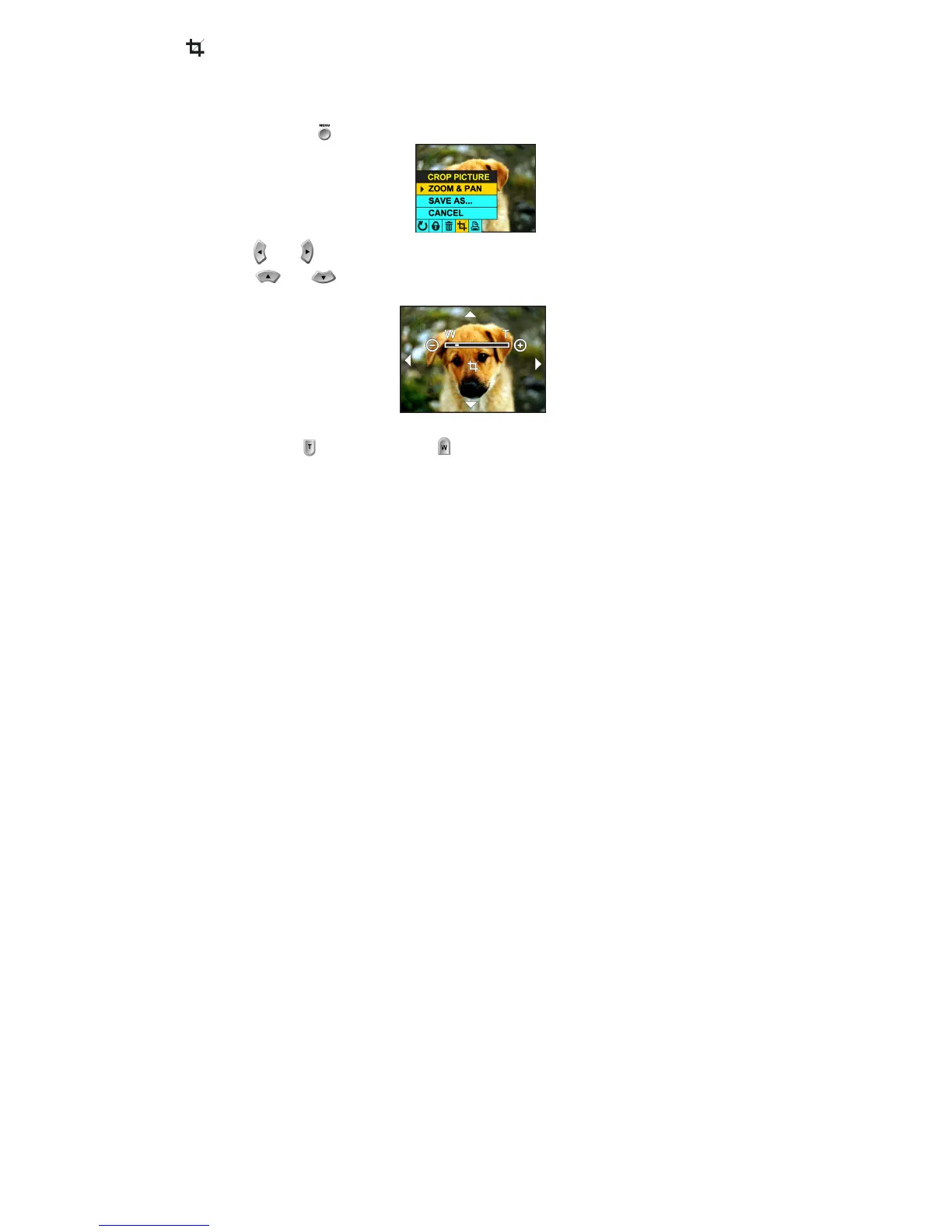
Crop your photos to show only a specific portion of an image or to highlight certain focal points. The Crop feature
lets you zoom in on an image and then save that part of the image as a new photo.
1. Press the menu button .
2. Press the and navigation buttons until you have selected the Crop menu.
3. Using the and navigation buttons, select a function.
a. ZOOM & PAN:
i.
Press to zoom in and press to zoom out.



 To Next Page