18
2
EN
Number Function
User interface language selection.
User interface theme selection.
Child protection lock settings.
Screen brightness and dimming settings.
Sound settings.
B1
B2
B3
B4
B5
B1
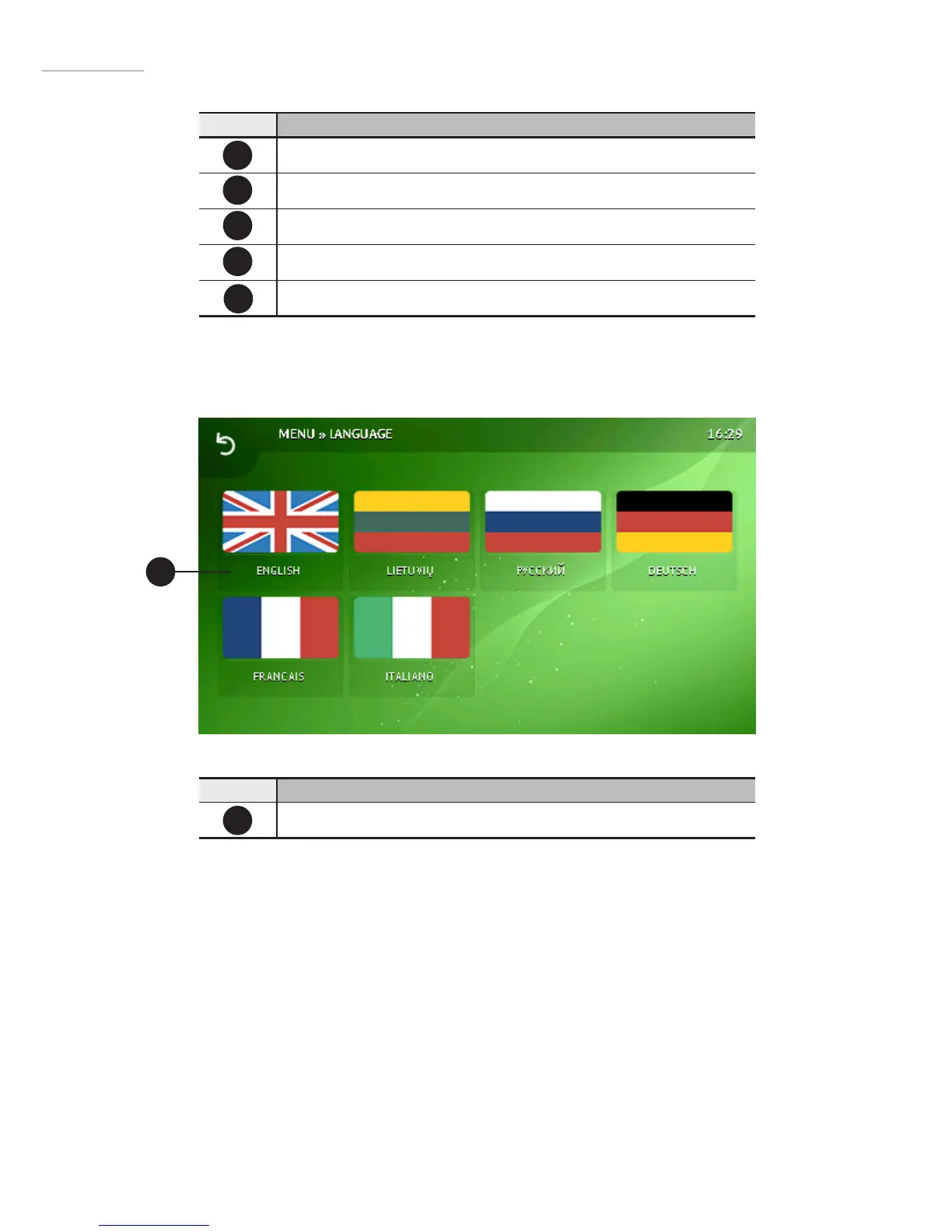
2.15.1Languageselection
Number Function
Buttons to select the language for user interface
B1


 To Next Page