OSD Menu
10
OSD Menu
NAME: Select the channel, press RED button on the remote control to change the name of
the channel.
(Use button to name, and press OK button to confirm)
DELETE: Press GREEN key to delete current channel.
FAV: Press FAV key to set your favorable channel.
INSERT: Select a channel you want to insert,
press YELLOW button, then select the position,
press GREEN button to insert, or you could
press RED button to cancel the option.
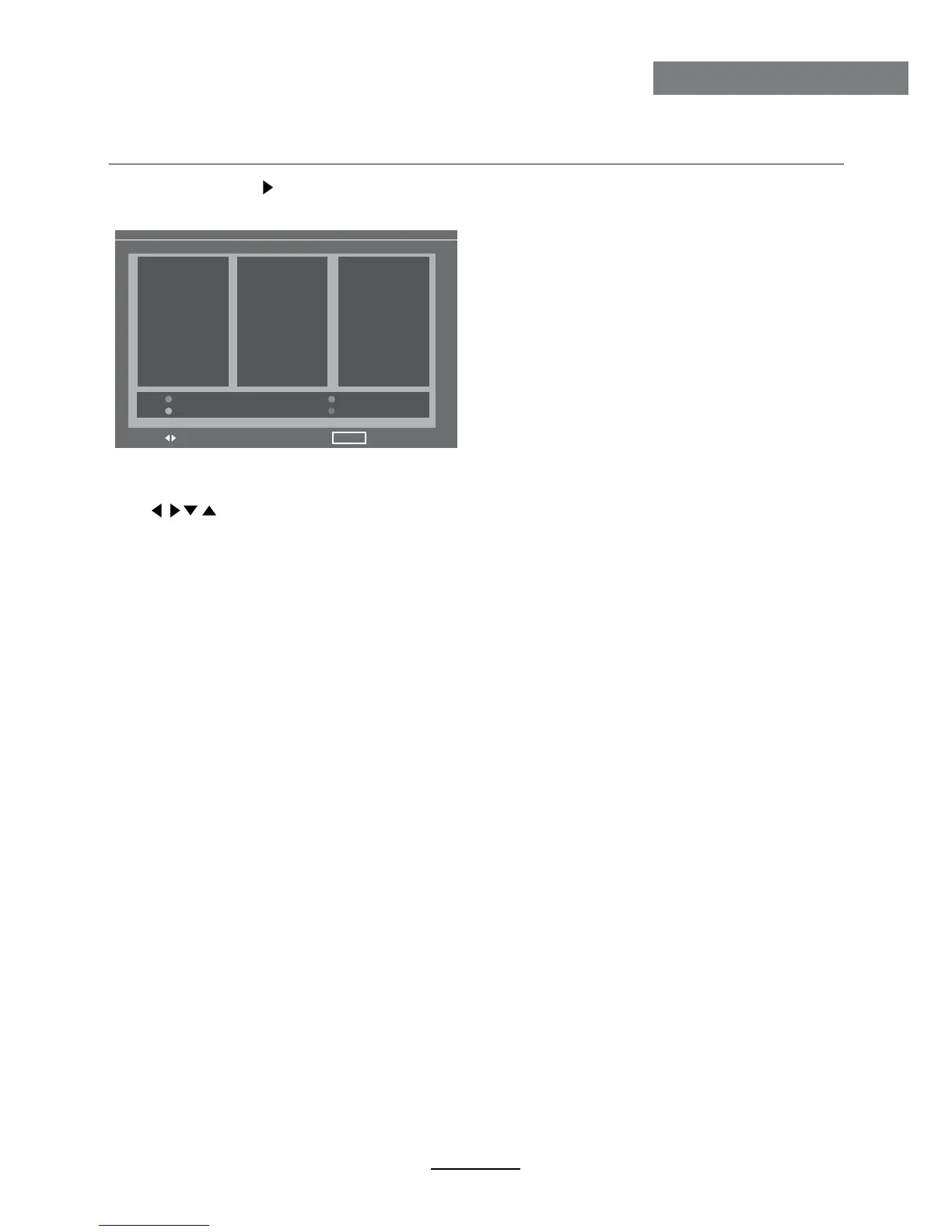
Program Edit: Press button to enter the submenu as the following picture.
Program Edit menu for TV
MOVE
PROGRAM EDIT
MENU EXIT
01
02
03
04
05
06
07
08
09
10
11
12
13
14
15
16
17
18
19
20
21
22
23
24
25
26
27
28
29
30
NAME
INSERT
DELETE
FAV






 To Next Page