4
USER MANUAL - XS4 CODE LOCKER-ENG-04-22
2.2. Free Assignment PIN Codes
Free assignment PIN code mode allows users to use any available locker just by using any
PIN code to capture the locker and use the same PIN code to open and release the locker.
Open and close by any 4 to 8 digits code. The code is erased every time the lock is opened,
making it available for a new user. Free Locker Mode must be enabled to use this function,
check ‘Conguration’ on page 11 section of this manual. Timed PIN codes are disabled when
Free Locker Mode is enabled.
1
#
0 0
1
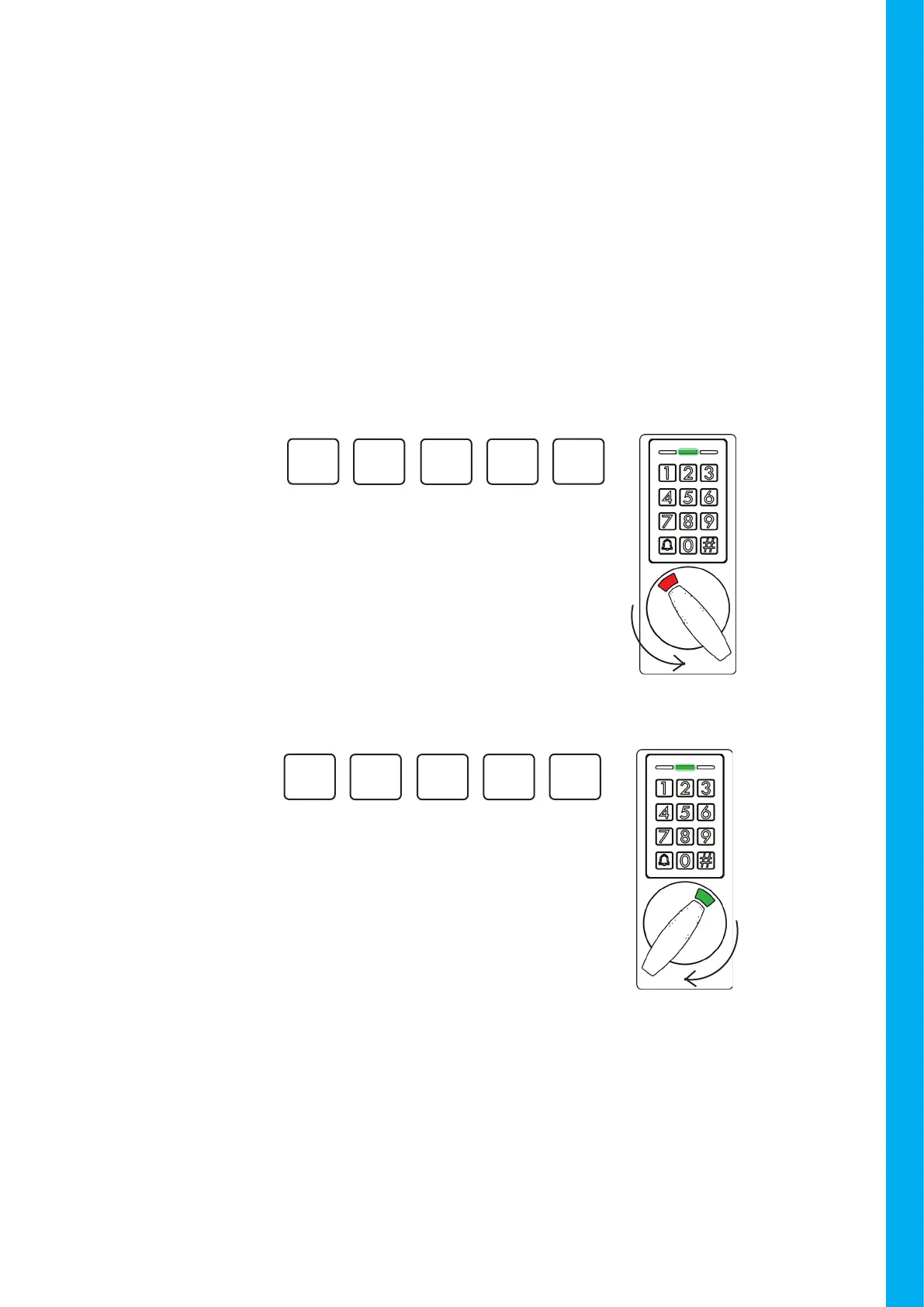
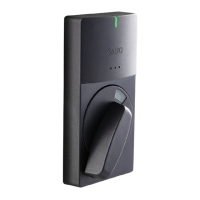
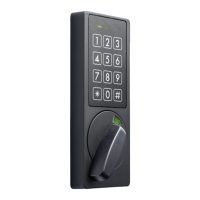
Upon insert the same PIN used to
close the locker, conrmation will
sound and the Green LED will light up.
The locker is ready to be open.
Turn the knob to the right.
OPEN
Example:
1
#
0 0
1
When the lock is open, upon insert a
custom PIN code, conrmation beep
will sound and the Green LED will light
up. The locker is ready to be closed.
Turn the knob to the left.
CLOSE
Example:


 To Next Page