5
USER MANUAL - XS4 CODE LOCKER-ENG-04-22
USER MANUAL - XS4 CODE LOCKER-ENG-04-22
2.3. Timed PIN Codes
Open and close the lock with a 6 to 8 digits autogenerated timed code. When generating the
code, you will dene the period of time in which the code will be active.
NOTE: Timed PIN codes can only be enabled when Free Locker Mode is not active.
There are 2 different types of timed PIN codes that can be generated with a high security
algorithm (8 digits) or a standardised security algorithm (6 or 7 digits). These are:
2. Hour PIN code
Generated to grant access for 1, 2, 3 or 4 hours from the user dened start time.
2.3.1 Conguring Timed PIN Codes
If you want to congure the XS4 Code Locker manually, you will need to congurate both the
time, date and seed code to activate the timed PIN codes function. Please see the “Time and
Date conguration” and “Seed Code” sections on page 12 of this manual.
All required congurations are automatically performed if the device is congured with the
Web-Application instead of congured manually.
Timed PIN codes can be congured and generated on the Web Application and be shared via
mail or SMS. Check the Web Application manual for more details about timed PIN code genera-
tion.
1. Period PIN code
Grants access for a determined priode of time in days. The period can be from 1 to 28 days.
Period 0 grants access to the remaining hours at the current day up to 23:59.
0
#
0 0
0
1111
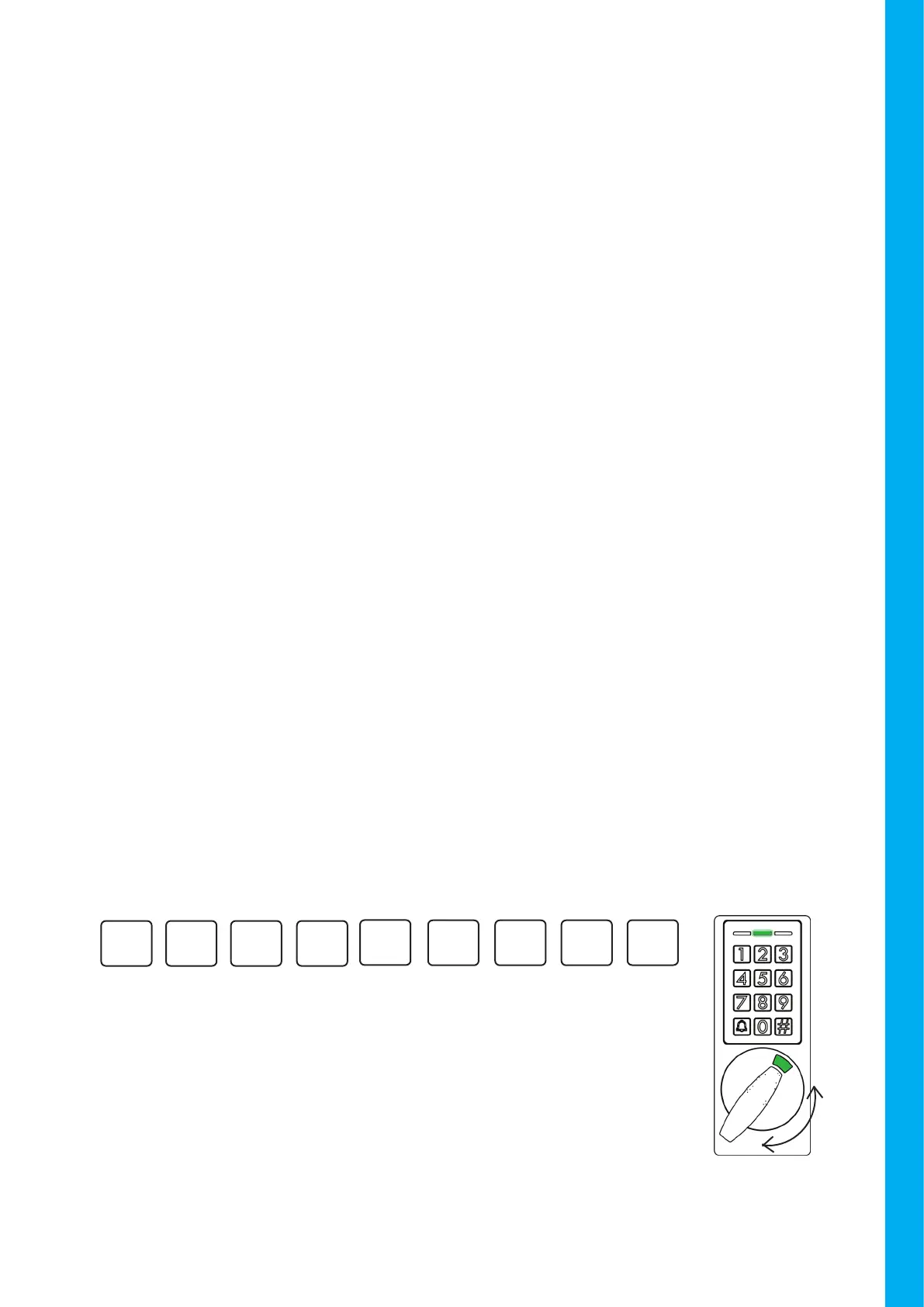
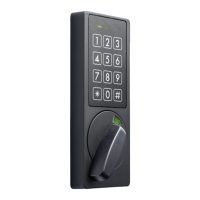
Upon inserting a valid PIN code, a conrmation beep will sound
and the green LED will light up.
The locker is ready to be open or closed.
Turn the knob to the left or the right.
OPEN and CLOSE
Example:


 To Next Page